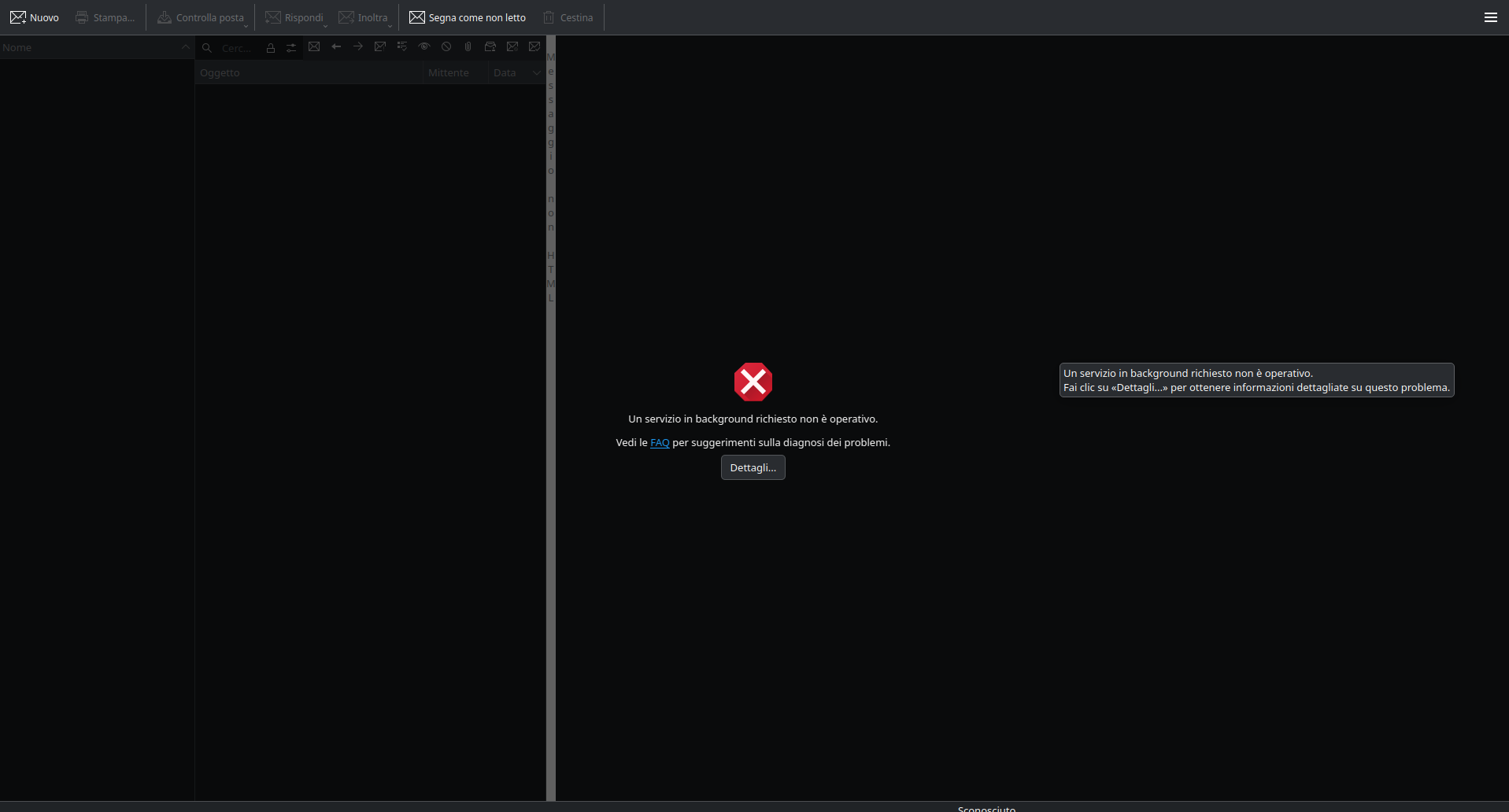
These days I find myself unable to use PIM applications: it seems like some “Process in background is not available”
Clicking on the “FAQ” link or the “Details” button shows nothing.
Where could I start troubleshooting this?
Operating System: Fedora Linux 42
KDE Plasma Version: 6.4.3
KDE Frameworks Version: 6.16.0
Qt Version: 6.9.1
Kernel Version: 6.15.8-200.fc42.x86_64 (64-bit)
Graphics Platform: Wayland
Processors: 16 × AMD Ryzen 7 5700U with Radeon Graphics
Memory: 16 GiB of RAM (13.5 GiB usable)
Graphics Processor: AMD Radeon Graphics
Manufacturer: LENOVO
Product Name: 21A4
System Version: ThinkBook 15 G3 ACL
> akonadictl status
This should indicate the state of the Akonadi Control and Server.
You can further investigate by taking a look at the systemd Journal for your user processes –
> journalctl --user -b 0
1 Like
Turns out I uninstalled mariadb and I had to reinstall it, do the mysql_configuration and properly connect Akonadi to it (maybe this last step was already done with the existing configuration).
I suppose there cannot be any warning when trying to remove mariadb because it’s not really a dependency of Akonadi; or is it?
I’ll file an issue for the non-responsive buttons.
 > rpm --query --whatrequires mysql
akonadi-server-23.08.5-bp156.1.2.x86_64
 >
 > rpm --query --provides mariadb
config(mariadb) = 10.11.11-150600.4.10.1
libdaemon_example.so()(64bit)
mariadb = 10.11.11-150600.4.10.1
mariadb(x86-64) = 10.11.11-150600.4.10.1
mariadb-debug = 10.11.11
mariadb-debug-version = 10.11.11
mariadb-server = 10.11.11
mysql = 10.11.11
mysql-debug = 10.11.11
mysql-server = 10.11.11
 >
I would check the package dependencies of your distro … 
In Fedora 42 mariadb was already available and it provided what was needed to run Akonadi, but I unistalled it without encountering any barrier. Do you mean that I should check dependencies before uninstalling packages?
With Linux, the issue is not whether or not any particular Package is available or, not.
The issue is, the Package dependencies and, whether or not the Package Manager respects those dependencies or, not …
1 Like
I add something which may be useful.
After reinstalling everything and getting Akonadi running again, I started experiencing a tremendous slowdown of startup time, and the system in general was clunky. I run some updates since that moment, but the startup after which everything got back to normal seems to coincide with when I tried to clean the Akonadi installation a bit.
I looked at what I could do with Akonadi, as I didn’t find it with systemctl status akonadi but I remembered another command:
akonadictl -h
The status of the program didn’t show anything useful, even with the –-verbose parameter. I run the following, as suggested from the -h output:
akonadictl fsck
The process did not last much, but I think it removed the sluggishness I talked about.
also try akonadictl vacuum
if you enable the kmail plugin for “Akonadi database manager” you should see Akonadi fsck and vacuum under the KMail Tools menu… for people who don’t want to use the command line tools
What is this command for?
I cannot understand its label in -h.
vacuum=Vacuum internal storage (WARNING: needs a lot of time and disk space!)
fsck=Check (and attempt to fix) consistency of the internal storage (can take some time)
for more info see Chapter 7. KMail Troubleshooting
Yeah those are the descriptions I see with akonadictl -h.
Here is a more expressive description of the command, taken from the link you posted:
Cleans up Akonadi’s storage, or at least tries to do that.
I run it and it was very fast, we’ll see if it changes something, or we won’t but it’s a good think to do anyway. Thank you!