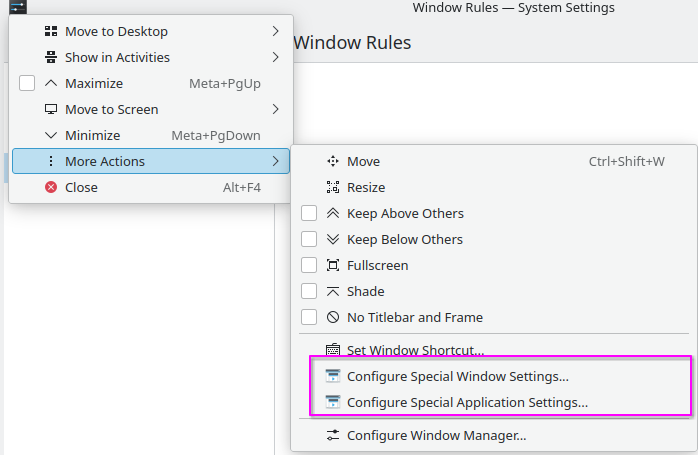
In theory, this is a great feature but I struggle to use it. I am on Fedora 42 Kde Edition
The only way it works for me is:
- Rightclick a title bar and choose “Configure Special Window Setting” fro a given window
- Add some property, I tried Size, “Maximized horizontally” and “Screen”.
- When I set them to “Apply now” and hit Apply, windows get moved/resized (both KDE aps and GTK apps).
Apart from one case, when I managed to force all my windows to Screen 0 (not sure how I did it), it does not work when I then launch thewindows no matter what I set as Apply Initially/Force etc. It also seems the rules do not get saved quite often (always?), but when I try to exactly recreate them through KCM, they do not seem to trigger.
Is this a bug? Am I doing something wrong? At what point are the actions supposed to be stored?
There are some bugs reported, but nothing so major: https://bugs.kde.org/buglist.cgi?bug_status=__open__&component=rules&list_id=3244450&product=kwin