@Duha, previously, I was using my FW16 (laptop). On my desktop, although the SIGSEGV in QtWayland::wl_seat::object reproduced 1 of the 6 times I invoked /usr/libexec/kscreenlocker_greet --testing, [1] it works otherwise!
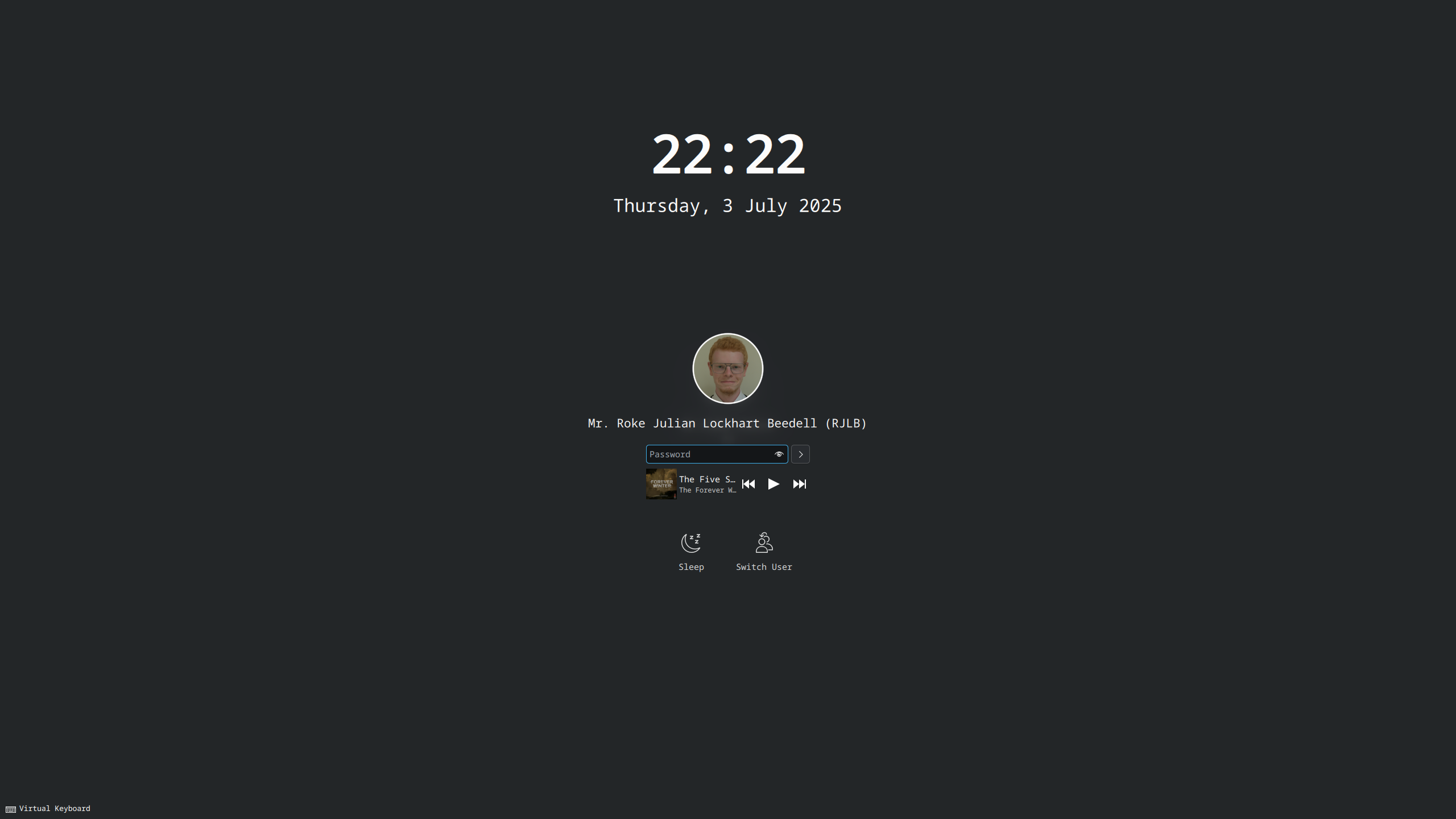
Environment
Operating System: Fedora Linux 42
KDE Plasma Version: 6.4.1
KDE Frameworks Version: 6.15.0
Qt Version: 6.9.1
Kernel Version: 6.15.4-200.fc42.x86_64 (64-bit)
Graphics Platform: Wayland
Graphics Processor 1: AMD Radeon RX 5700
Graphics Processor 2: AMD Radeon Graphics
Manufacturer: ASRock
Product Name: X670E Taichi
Output
/usr/libexec/kscreenlocker_greet --testing
org.kde.plasma.libtaskmanager: The PlasmaWindowManagement protocol hasn't activated in time. The client possibly got denied by kwin? Check kwin output.
qt.multimedia.ffmpeg: Using Qt multimedia with FFmpeg version 7.1.1 GPL version 3 or later
Failed to open VDPAU backend libvdpau_nvidia.so: cannot open shared object file: No such file or directory
Locked at 1751577742
QProcess: Destroyed while process ("/home/RokeJulianLockhart/.local/share/plasma/wallpapers/luisbocanegra.smart.video.wallpaper.reborn/contents/ui/tools/gdbus_get_signal.sh") is still running.
file:///usr/share/plasma/shells/org.kde.plasma.desktop/contents/lockscreen/LockOsd.qml:10:1: "../osd": no such directory
Unlocked
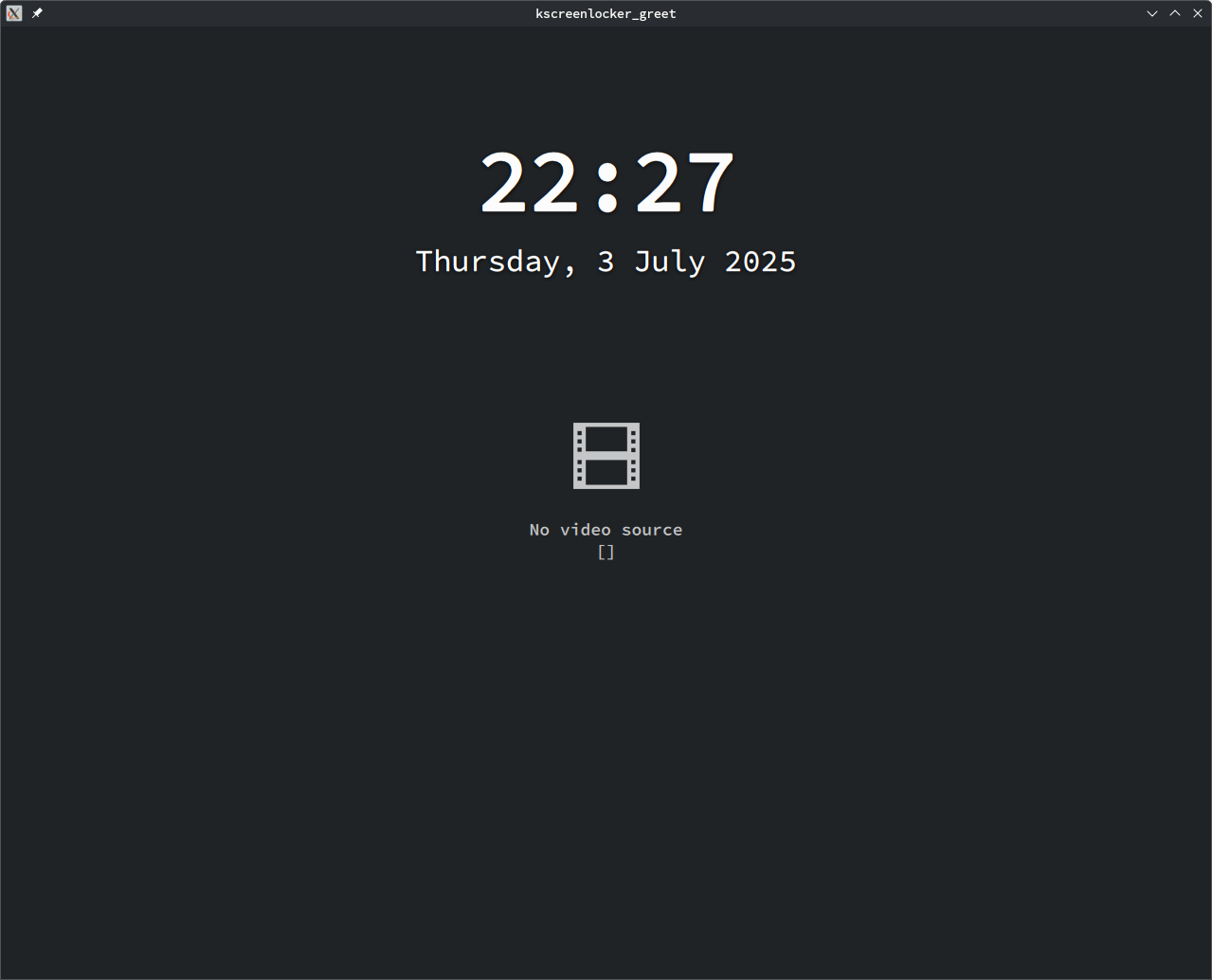
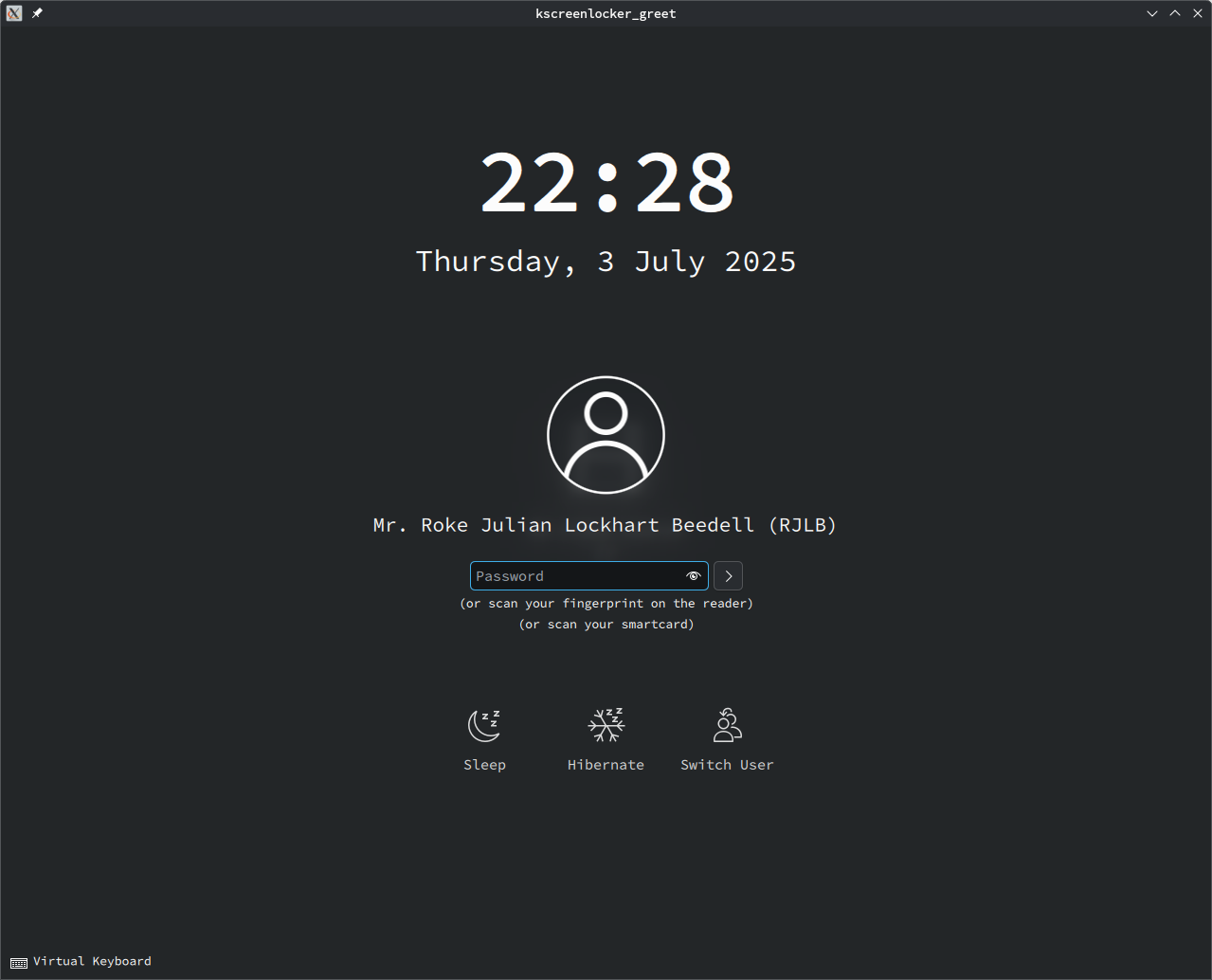
Heck, with noborderrule=2 imported from a .kwinrules via kcm_kwinrules (on XOrg 11), [2] I can even resize kscreenlocker for a good screenshot:
| Unfocused | Focused |
|---|---|
| This was easier to capture, since I don’t have to time it, like I would under Wayland. |
Environment
Operating System: openSUSE Tumbleweed 20250701
KDE Plasma Version: 6.4.1
KDE Frameworks Version: 6.15.0
Qt Version: 6.9.1
Kernel Version: 6.15.4-1-default (64-bit)
Graphics Platform: X11
Graphics Processor: llvmpipe
Manufacturer: QEMU
Product Name: Standard PC (i440FX + PIIX, 1996)
System Version: pc-i440fx-9.2
Thanks! That’s quite versatile.