Today, I pulled an microSD card out of my NIKON D3100 (an old DSLR). It’s accessed via a microSD-to-SD adapter. When I connected it to my PC, I could access its data via dolphin-24.12.2-1.fc41.x86_64 as expected, but couldn’t delete any of it:
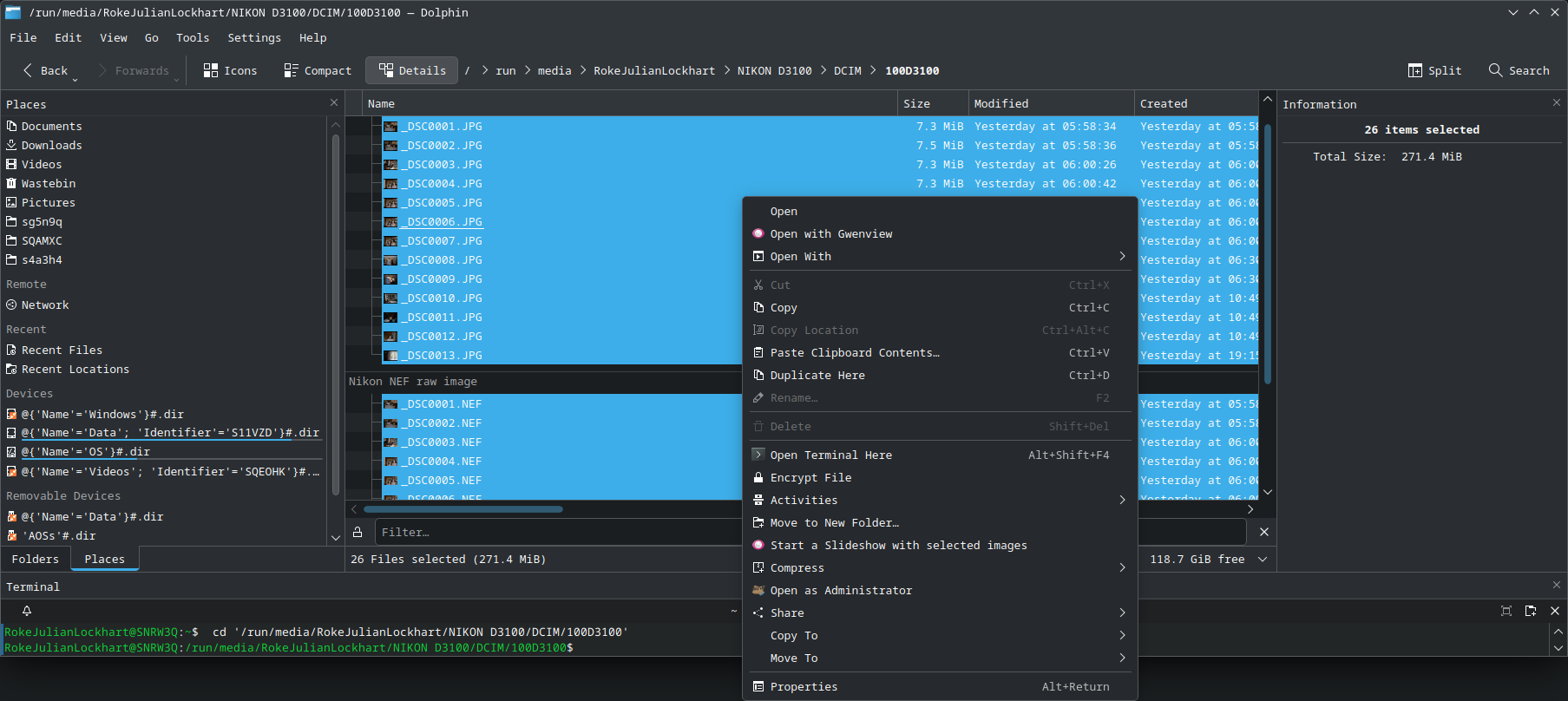
It’s not called anything weird (just “NIKON D3100”) since the camera chooses the name automatically when it’s first connected to it. It’s FAT16 too, which doesn’t support much more than ASCII.
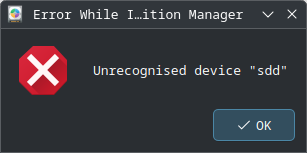
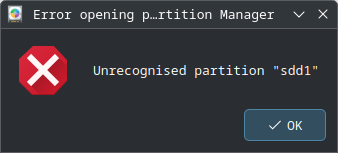
Attempting to access the drive in kde-partitionmanager-24.12.2-1.fc41.x86_64 via Dolphin’s new context menu entry for this, I saw:
-
Unrecognised device “
sdd” -
Unrecognised partition “
sdd1”
As it stated, I couldn’t see it listed in the partitionmanager GUI either. Any ideas what could cause this…? I don’t have any.