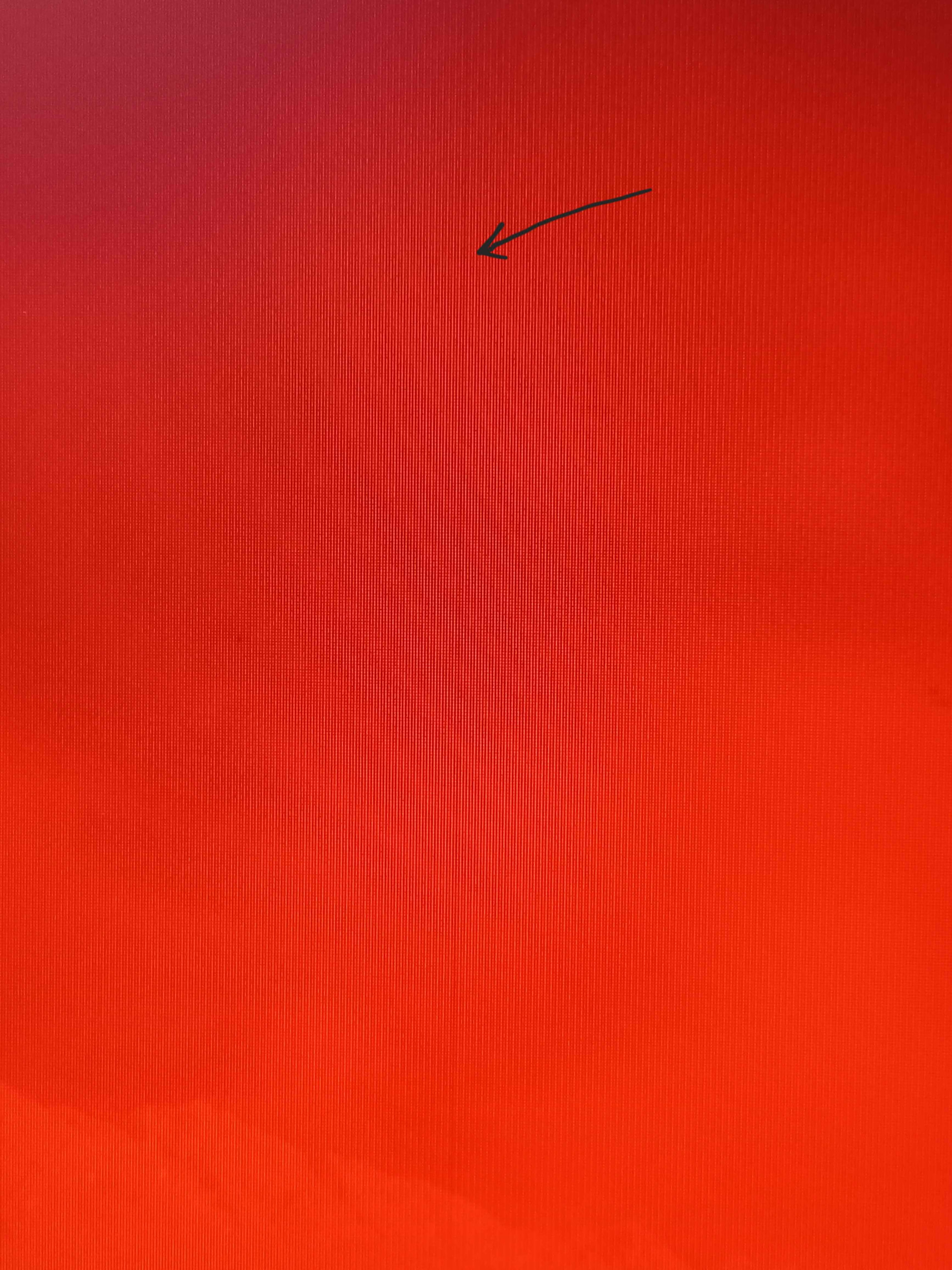
Sorry but this is the best pic I could take, but there’s a slightly different color of red making a line from top to bottom on my monitor there.
I use CachyOS, have AMD GPU and Samsung QHD IPS monitor set to 120hz with Freesync turned on from the monitor setting. The monitor is connected with DP cable.
When the adaptive sync is set to auto or always from kde display setting and I play a game, a couple of vertical lines would be visible. The lines would sometimes flicker a bit between whiteish color or a darker shade of the color on the screen. They have the same distance between each other and divide my monitor to maybe 5-6 part.
It’s as if my monitor is composed of these strips like this → [ | | | ]
My first Samsung FHD monitor also got a similar problem, but instead of vertical lines, it’s the entire screen flickering.
I tried every setting in the game or changing refresh rate on display setting, but the only fix is just not turning the adaptive sync at all which made my monitor’s Freesync not working. Is it just a Linux thing and VRR isn’t really supported yet? I don’t think I have these problem when I was using Windows.