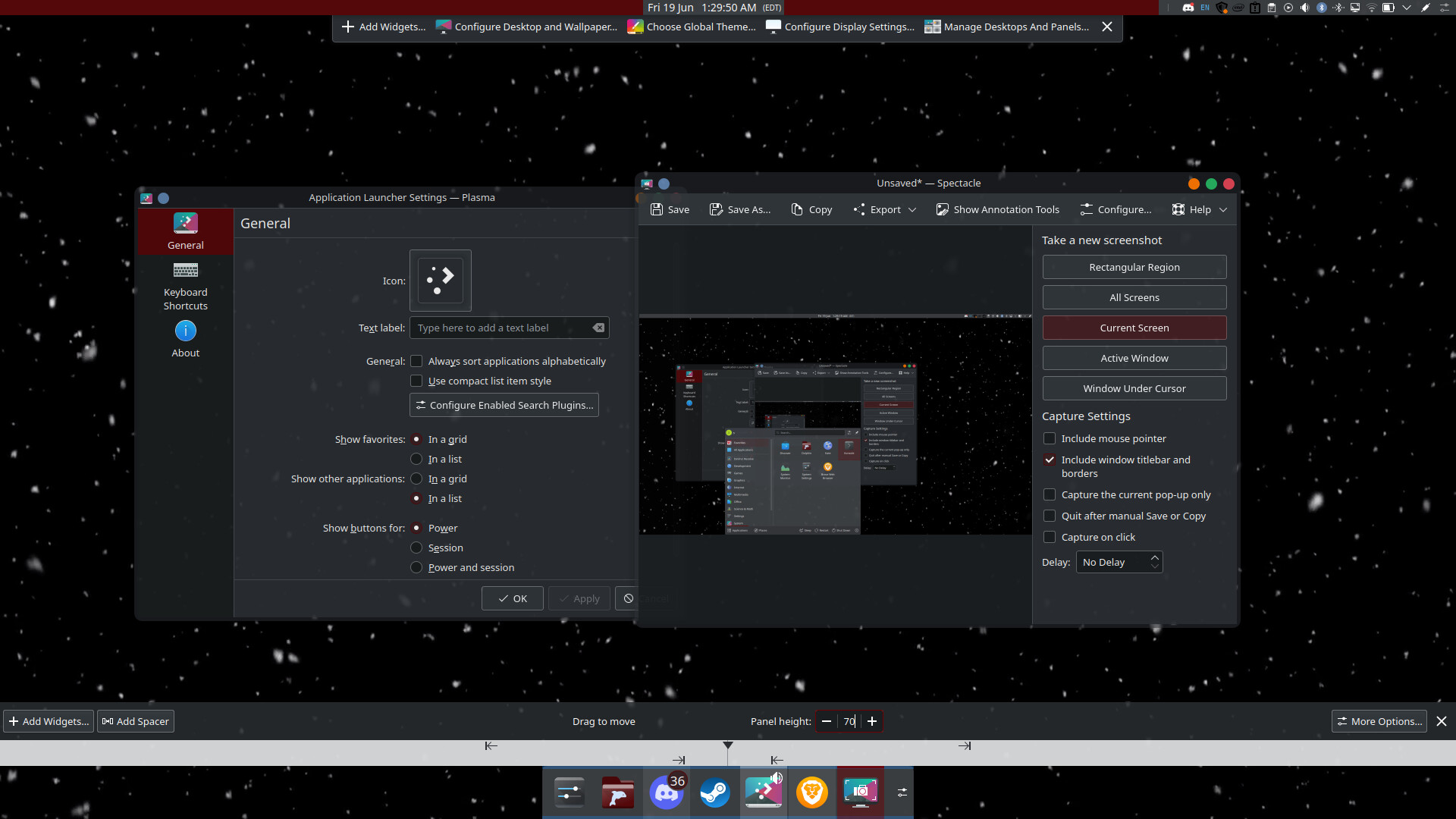
Please help, I have not been able to figure out how to move my application launched to the bottom left of my screen. It is not attached to a panel as far as I can tell. It used to be on the bottom left and all of a sudden it moved towards the middle, I do not no why. There is nothing in “Application Launcher Settings” that indicates that I can remove it or move it any way possible. It opens when I press my windows key. I am new to this and I am very confused. It also has no icon for some reason.

hi, welcome.
normally, the application launcher widget is in the same panel as the task manager, and when you click on it (or press the meta key) it will open directly above the widget.
if the widget is in the lower left corner (as it is by default) then that’s where it opens.
but it appears you have removed the widget from you panel, and that may be why the launcher seems to now have no “anchor” when you launch it using the meta key.
you could try adding another panel to the lower left corner with the application launcher in it all by itself and try clicking on it to see if the window opens anchored to that location
Thank you, I believe it worked!