Hey there,
I wanted to report what I think may be a bug, but seeing as I’m so unsure and I do make mistakes without knowing them I thought I’d come here first.
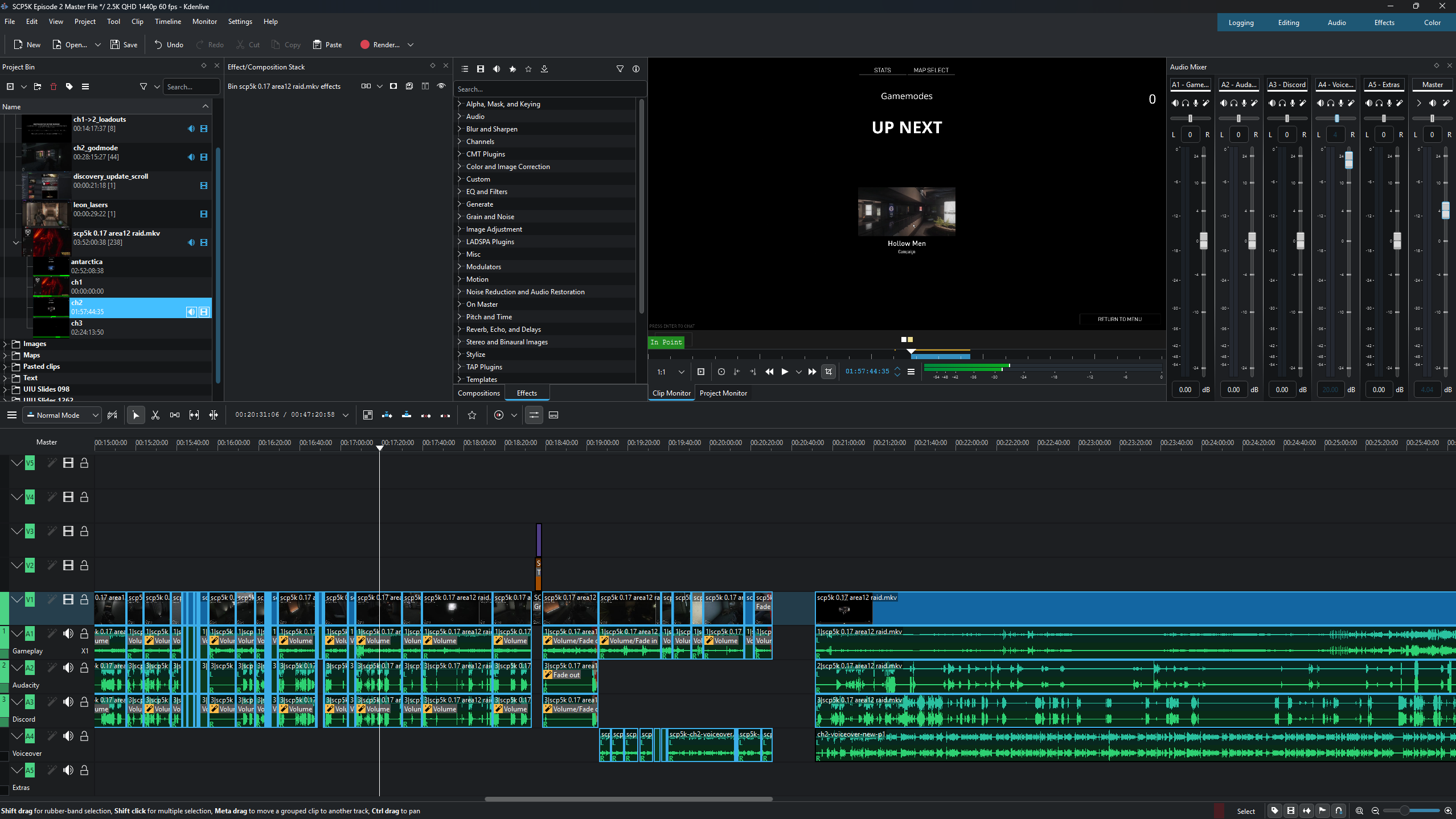
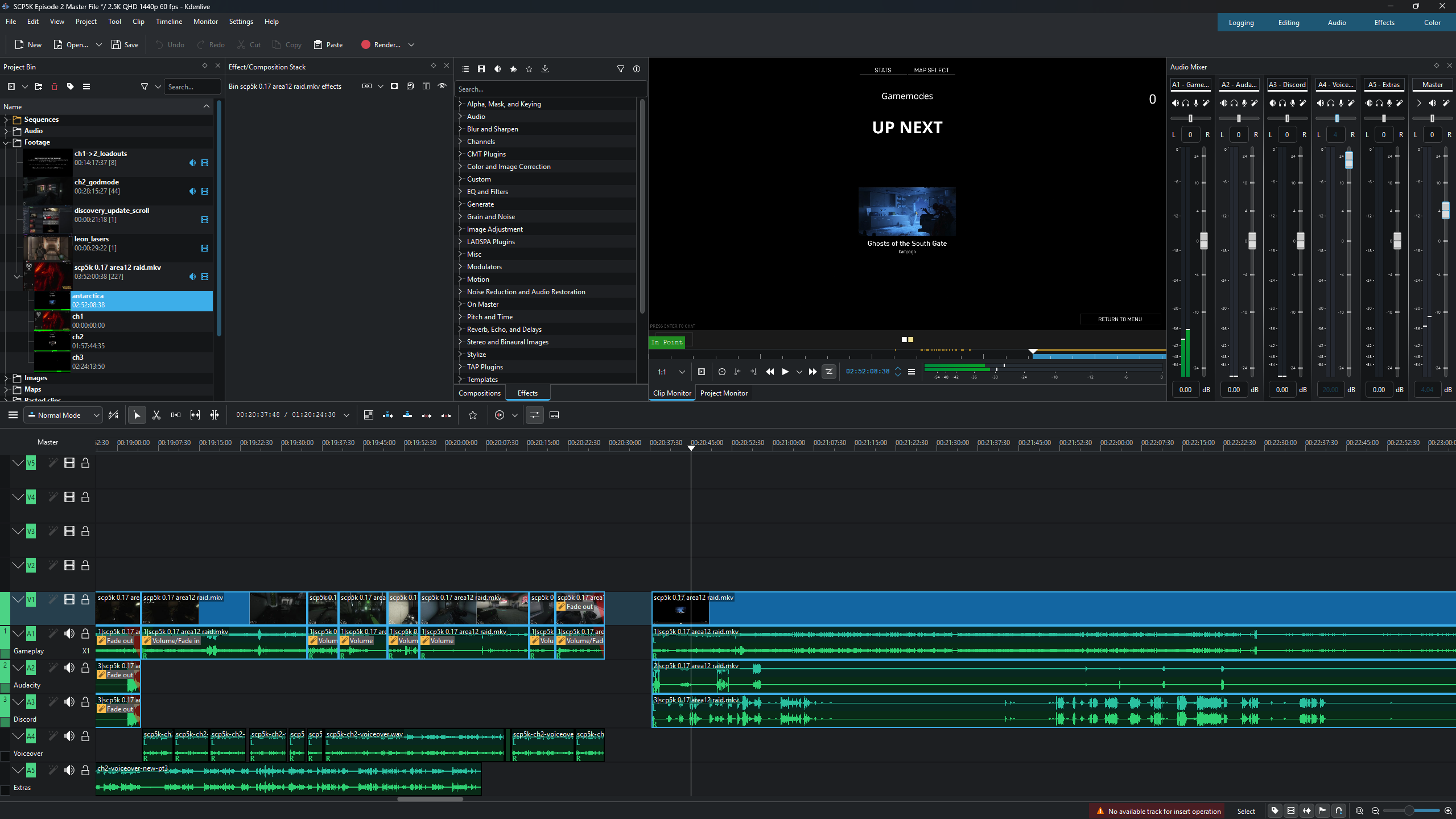
When I edit my project with the source clips in a new file, everything works as expected. All three audio streams are imported and I can edit them accordingly. When I save the file and close it, opening it either immediately after or hours later, audio stream 2 is now replaced by audio stream 3. When I put the source clip into the timeline this is now the result, with audio stream 2 always being replaced by audio stream 3. The original stream 2 is still there, as I can open a new editing file and import it or extract all audio streams into the clip bin. The stream is still there, it’s just confusing why it’s been replaced by stream 3.
When I was writing a bug report a couple hours ago the stream randomly came back, which caused me to cancel the report and continue editing. I saved it, closed it, opened it a few minutes ago and the error has occurred. Stream 2 is gone and in its place is stream 3. I’ve been waiting for about 20 minutes and nothing’s changed.
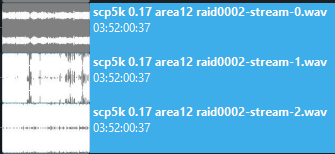
The picture below is my current timeline. Stream 2 has been replaced by 3, but you can see that 2 is still there seeing as, in the slowed down clip, 2 is in its original position. It’s there, in the source, but the rest of the timeline isn’t recognizing the stream. I went ahead and extracted the audio to confirm this and, sure enough, streams 1, 2 and 3 are all extracted. 1 is game audio, 2 is me, and 3 is Discord.
I’m not sure why this would be happening now of all times, seeing as I’ve been doing this across multiple versions and it’s been working fine until now. I was on 25.08 and the edits were going well, then this happened. I updated to 25.08.2 to see if it would fix it and no dice; the error still occurs on a newer version.

Tl;dr: Is this something that should be reported to KDE? Hopefully this is enough information. If you have any other questions please let me know!