Hi Luk,
it is under “Startup and Shutdown” in the System Settings. (You can type “Autostart” in the searchbox there or from your Application Launcher (Menu), or Krunner (default: Alt+F2) all lead there). Then you can add programs, scripts etc… System Settings/Autostart - KDE UserBase Wiki
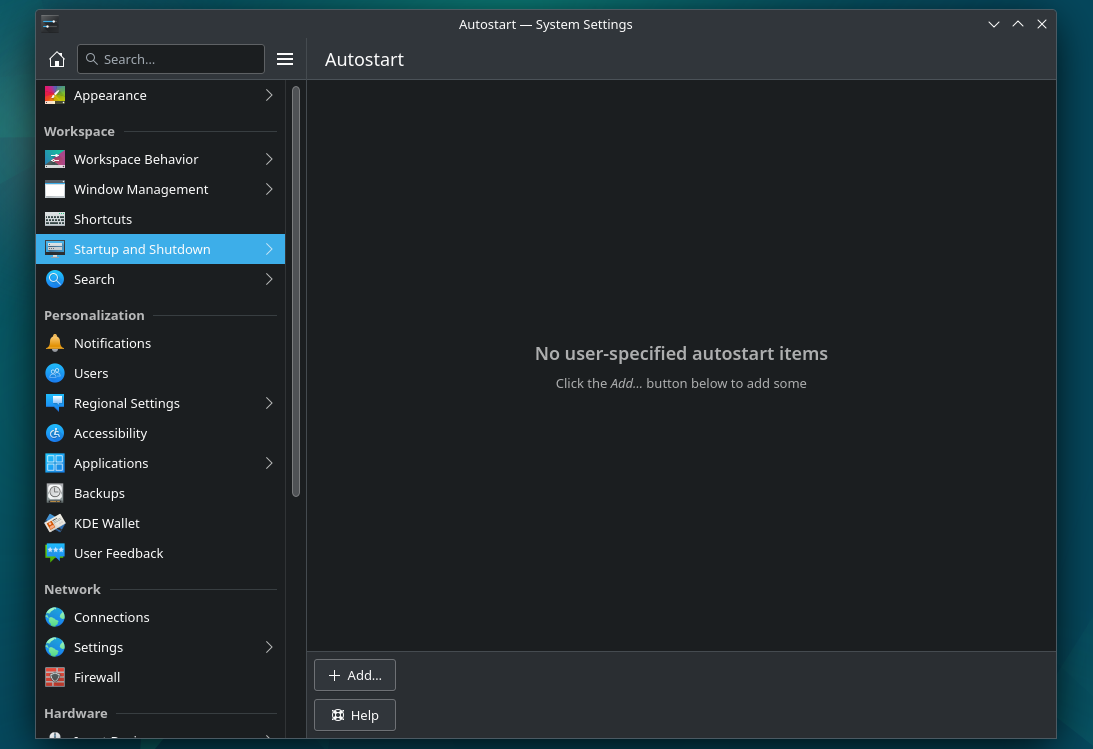
P.S. [notice:] the “Autostart” location in that view in the System Settings has changed for Plasma 6 which you will get at some point in the next months in Fedora, then it will be under System → Autostart.