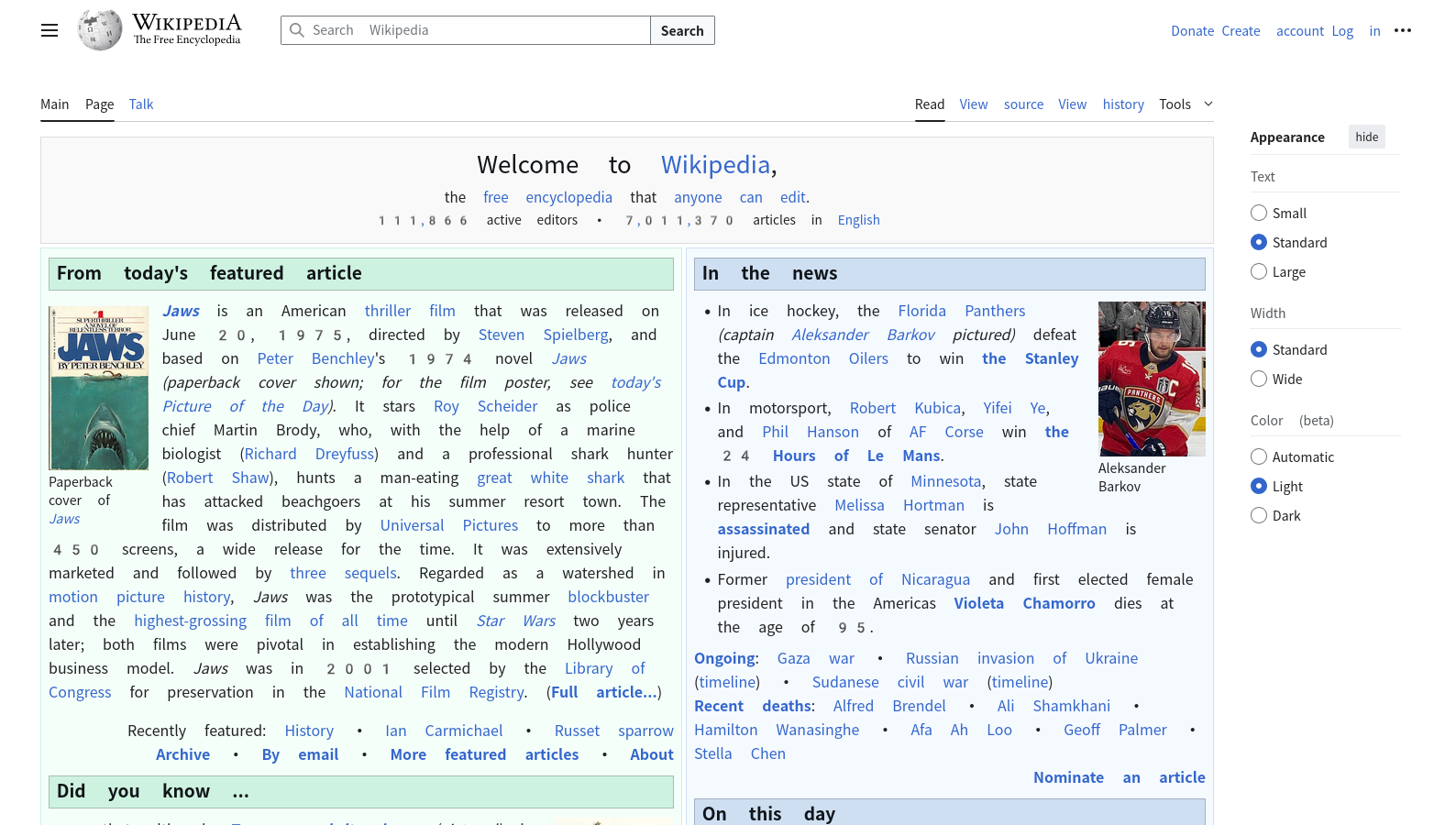
Because of issues I have experienced with snap-packaged Firefox, I have chosen to install it via APT as described here. However, since the most recent Kubuntu LTS release, doing so appears to break the default font used by Firefox: The font displayed on websites that don’t provide their own has wider spaces and gray digits with lots of space around them:
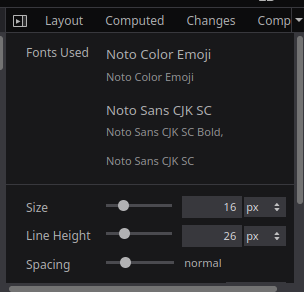
The Fonts tab of the Inspector reveals that the broken font is Noto Color Emoji:
Other users have described the same issue here and here. The solution that worked for them was to edit a configuration file. Neither of them existed on my system, so I created ~/.config/fontconfig/fonts.conf with the following contents:
<?xml version="1.0"?>
<!DOCTYPE fontconfig SYSTEM "urn:fontconfig:fonts.dtd">
<fontconfig>
<match target="pattern">
<edit name="family" mode="append_last" binding="same">
<string>Noto Color Emoji</string>
</edit>
</match>
</fontconfig>
This didn’t fix the issue, even after rebooting. Note that I corrected append_lat from this post to append_last. I’ve tried with append_lat, too, but no success.
Furthermore, I have searched the questions on here and found and tried this config, but alas, that also didn’t work.
Can someone more experienced with fontconfig help me with this?
Also, I am putting this here in case it ends up being useful to someone: In the process of dealing with this, I have looked into /etc/fonts/fonts.conf and noticed that it doesn’t load my configuration file, unlike the example given in fonts-conf(5). But I then noticed that the file /etc/fonts/conf.d/50-user.conf, which it does load, takes care of that. So my configuration file should indeed be loaded.