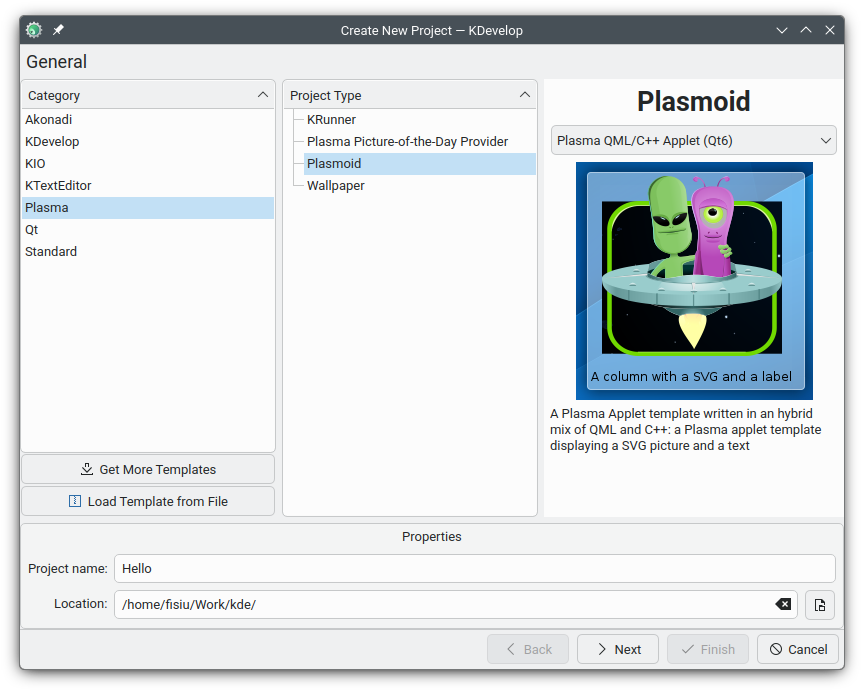
I managed this. For now, my plasmoid structure is very simple.
.
├── CMakeLists.txt
├── package
│   ├── contents
│   │   ├── config
│   │   │   ├── config.qml
│   │   │   └── main.xml
│   │   └── ui
│   │       ├── config
│   │       │   ├── General.qml
│   │       │   └── Jobs.qml
│   │       └── main.qml
│   └── metadata.json
└── src
├── CMakeLists.txt
├── rsynkbackend.cpp
└── rsynkbackend.h
Top level CMakeLists.txt:
cmake_minimum_required(VERSION 3.16)

set(PROJECT_VERSION "1.0")
project(rsynk VERSION ${PROJECT_VERSION})
set(CMAKE_EXPORT_COMPILE_COMMANDS ON)

# 1. Standard C++20 Settings
set(CMAKE_CXX_STANDARD 20)
set(CMAKE_CXX_STANDARD_REQUIRED ON)

set(QT_MIN_VERSION "6.0.0")
set(KF6_MIN_VERSION "6.0.0")

# 2. Find KDE and Qt dependencies
find_package(ECM ${KF6_MIN_VERSION} REQUIRED NO_MODULE)
set(CMAKE_MODULE_PATH ${ECM_MODULE_PATH})

include(KDEInstallDirs)
include(KDECMakeSettings)
include(KDECompilerSettings NO_POLICY_SCOPE)
include(ECMQtDeclareLoggingCategory)

include(ECMGenerateExportHeader)
include(ECMInstallIcons)
include(KDEPackageAppTemplates)
include(GenerateExportHeader)
include(CMakePackageConfigHelpers)
include(KDEClangFormat)
include(KDEGitCommitHooks)
include(ECMDeprecationSettings)
include(ECMQmlModule)
include(FeatureSummary)

find_package(Qt6 ${QT_MIN_VERSION} CONFIG REQUIRED COMPONENTS
    Core
    Quick
    Qml
)

find_package(KF6 ${KF6_MIN_VERSION} REQUIRED COMPONENTS
    Config
    CoreAddons
    # I18n
)

find_package(Plasma ${PROJECT_DEP_VERSION} REQUIRED)
find_package(PlasmaQuick ${PROJECT_DEP_VERSION} REQUIRED)


# 3. Tell CMake to go into the src folder
add_subdirectory(src)

# 4. Install the Plasma package (Metadata and QML)
plasma_install_package(package pl.fidano.rsynk)

feature_summary(WHAT ALL FATAL_ON_MISSING_REQUIRED_PACKAGES)
src/CMakeLists.txt:
ecm_add_qml_module(rsynk URI "pl.fidano.rsynk" GENERATE_PLUGIN_SOURCE)

target_sources(rsynk PRIVATE
    rsynkbackend.cpp
    rsynkbackend.h
)

target_link_libraries(rsynk PRIVATE
    Qt::Gui
    Qt::Qml
)

ecm_finalize_qml_module(rsynk DESTINATION ${KDE_INSTALL_QMLDIR})
I also moved from kdevelop to vscode. I set in my project, .vscode/settings.json:
{
    "cmake.installPrefix": "${userHome}/.local"
}
And some custom tasks to streamline developer expirience, .vscode/tasks.json:
{
	"version": "2.0.0",
	"tasks": [
		{
			"type": "cmake",
			"label": "cleanRebuild",
			"command": "cleanRebuild",
			"targets": [
				"all"
			],
			"group": "build",
		},
		{
			"type": "cmake",
			"label": "install",
			"command": "install",
			"problemMatcher": [],
		},
		{
			"type": "shell",
			"label": "fire",
			"command": [
				"plasmoidviewer",
				"-s",
				"600x600",
				"-a",
				"pl.fidano.rsynk"
			],
			"dependsOn": [
				"cleanRebuild",
				"install"
			],
			"dependsOrder": "sequence",
			"group": "build"
		}
	]
}
So hitting Ctrl+Shift+B, selecting task fire builds c++ code and then it copies built lib alongside qml part to proper directory. With this setup I can easily create system package (archlinux package example) with standard settings:
build() {
 # Configure CMake with standard Plasma 6 flags
 cmake -B build -S "${_pkgname}" \
  -DCMAKE_INSTALL_PREFIX=/usr \
  -DCMAKE_BUILD_TYPE=Release \
  -DBUILD_TESTING=OFF \
  -DQT_MAJOR_VERSION=6

  # Build the C++ backend
  cmake --build build
}

package() {
 # Install to the package directory
 DESTDIR="$pkgdir" cmake --install build
}