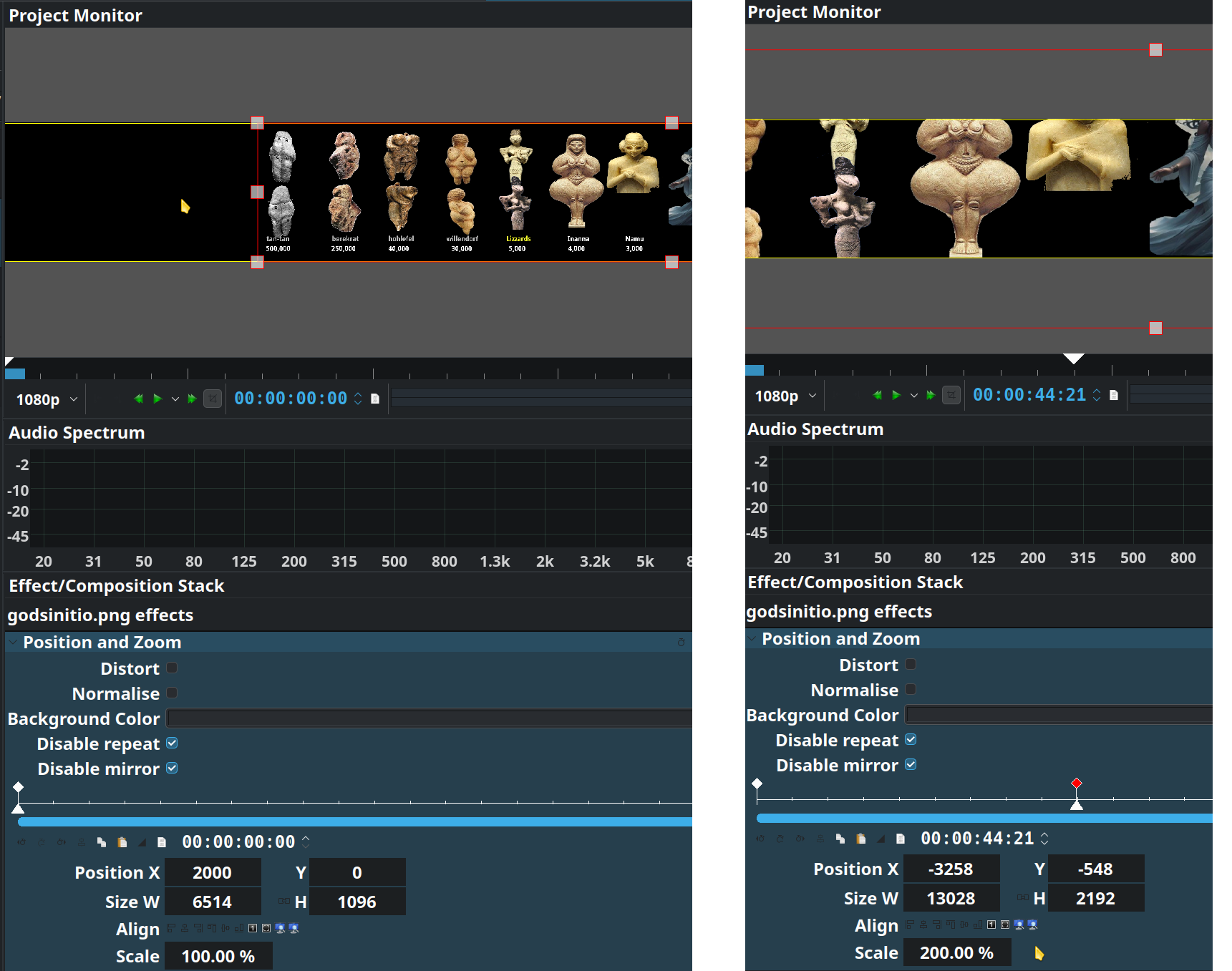
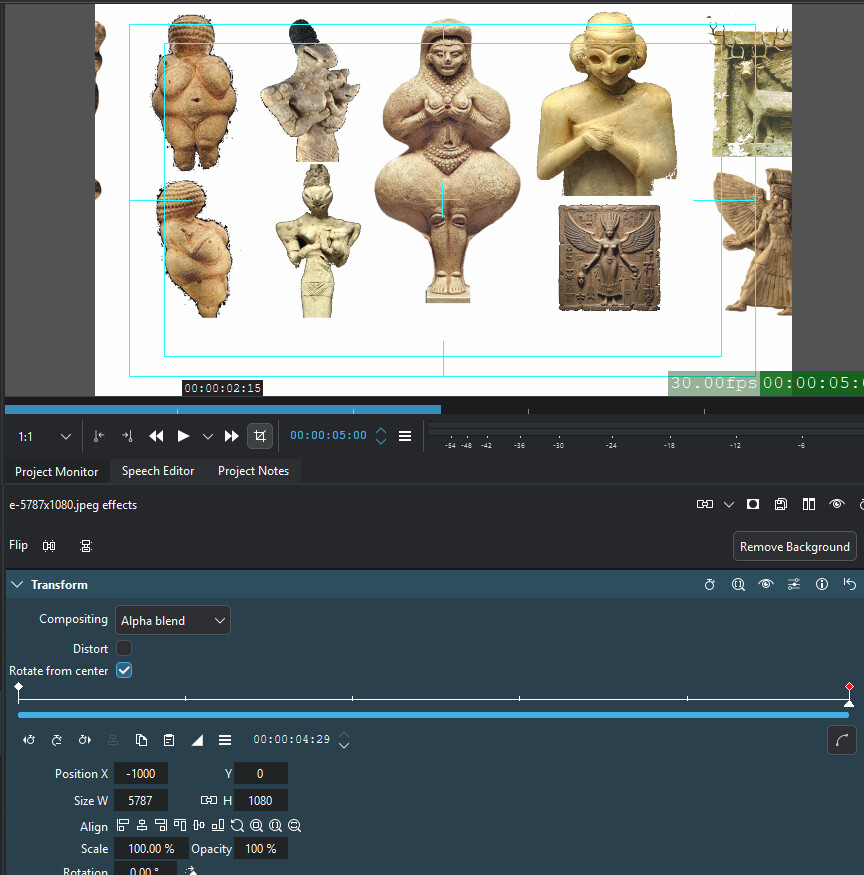
I’m trying to pan a 6443x1096 image left to right using Positiion & Zoom but only get 1/3 screen height with Scale=100% or 200%. Scaling to 200% widens the guide lines but vertically truncates the image.
I thought I had replied but I guess I haven’t. Thanks for chiming in! I’m still not getting anywhere with this, so instead of trying to explain what I’m messing up I’ll just say what it is tha I wanbt to do
The OS is Suse Tumbleweed, kdenlive-25.12.0, what are PROJECT SETTINGS? The initial difficulty of full height is fixed by selecting “Fit to height” if using “Transform“ effect.
The image is 6109*1140, I want to
1
pan it right to left for the duration of a related mp3 file of about 4 minutes, with keyframes to sync with certain positions in the audio (i.e. uneven speed).
2
start position: left edge at about 3000 i.e. middle of screen (on a 4k screen, different ifwhile on my laptop)
3
end position: right edge at about mid screen (left edge around -3000)
It shows the project dimension aka frame size. In my example this is a normal 1080p project with a frame size of 1920x1080 (16:9 aspect ratio). This determines more or less what the final video will be unless you use the rescale option during rendering.
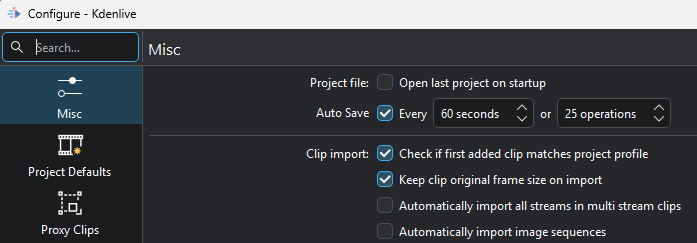
In the Kdenlive Settings turn on Keep Original Frame Size:
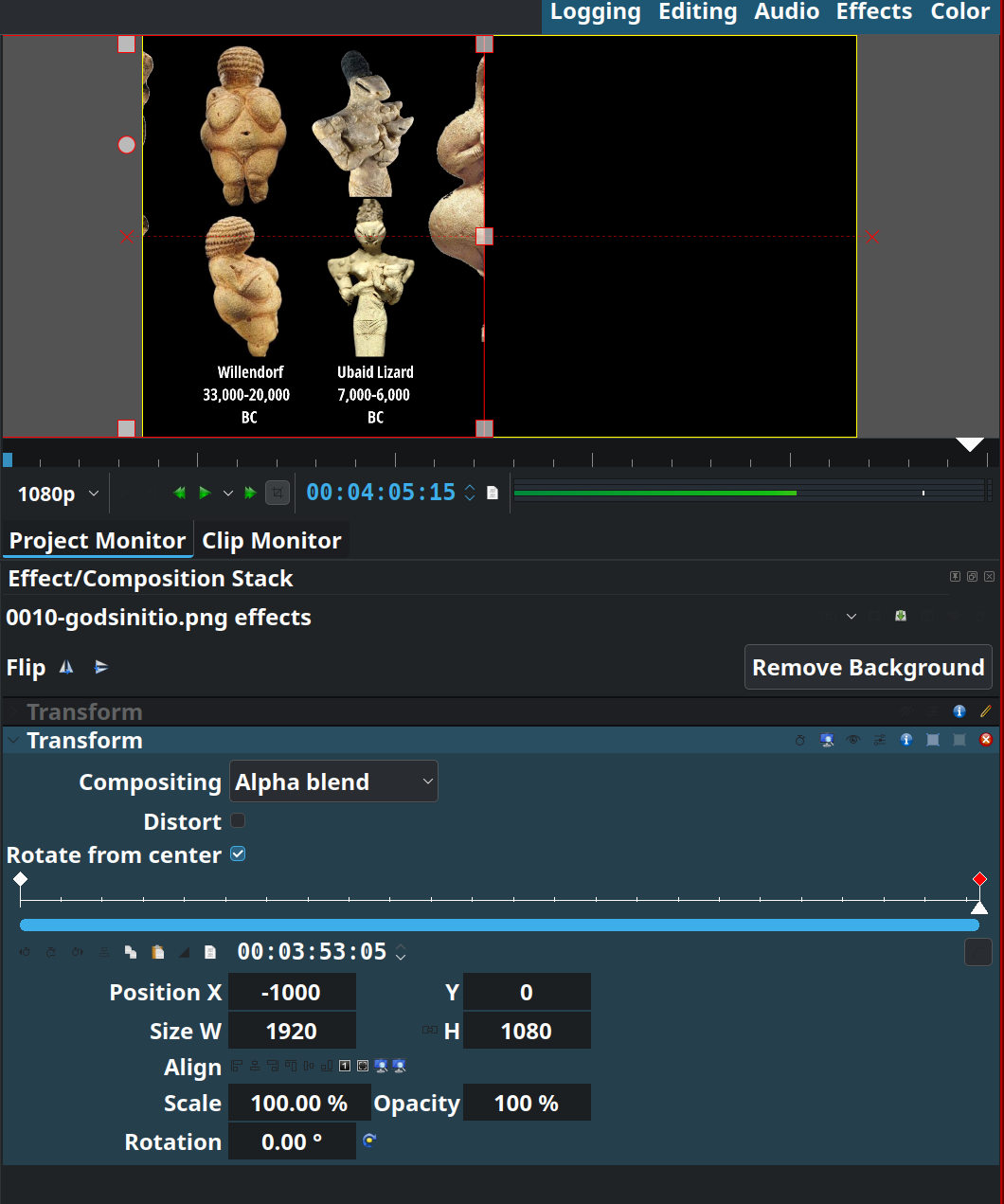
Then load the 6109x1140 image and put it on the timeline. If Kdenlive scales it to fit the project dimensions, use the Fit to Height or Adjust to original size buttons in the Transform effect:
It looks like instead of moving the image the effect is moving what was the first content in the frame instead. The right edge of the display is always what was the right edge of what fiorst fit into the 1920 frame.
Doesn’t matter if I click “Fit to width“ the right half of image never shows.
I should also change the subject to ‘unable to get full width’, or ‘unable to get ‘off-frame size’ segment to work in frame size. I tried to include a 4k .mp4 in my 1080 project and couldn’t do that either (did a manual job using ffmpeg).
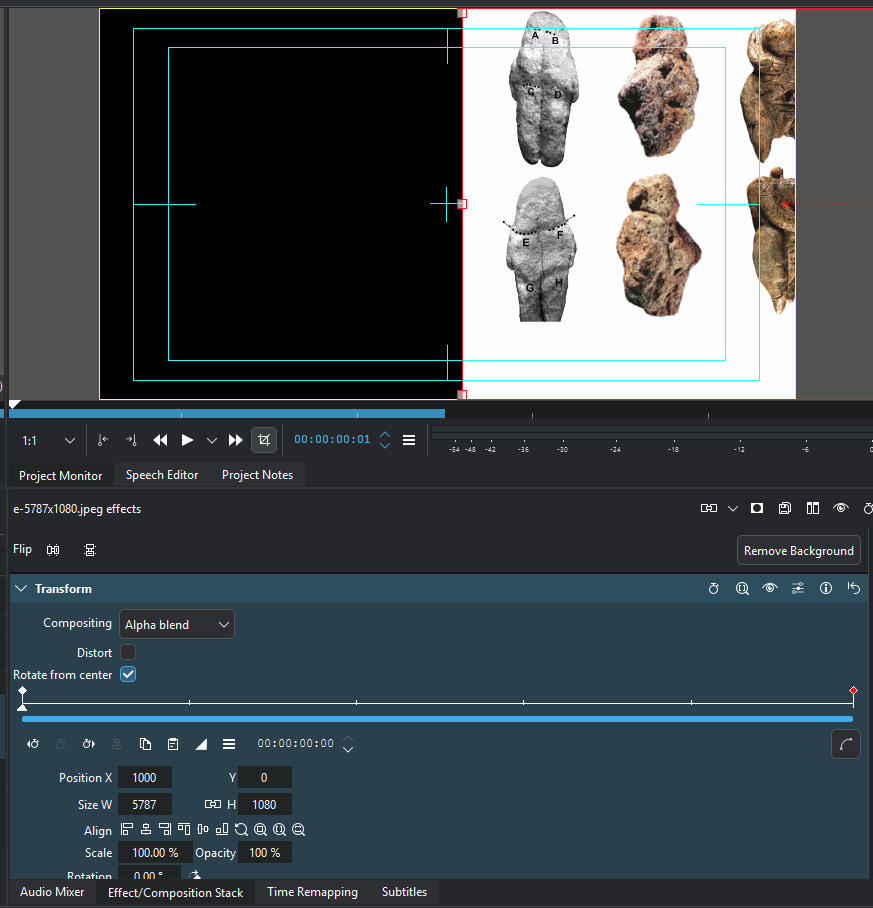
Important is to disable the built-in Transform effect on the clip in the bin or not add a Transform effect to the clip in the bin. Bring the clip into the timeline. Kdenlive may still fit the image to the project’s horizontal dimension, in which case you add a Transform effect (or use the built-in one but on the clip in the timeline!) and click on the Adjust to Original Size button. Then set you keyframes as desired.
I finally got it! It would help if input fields (like the W H Pos etc) had bubble-help saying what they were. The documentation just says “this is where all the action is” but I was thinking that those were for the display frame and kept editing the X box back to 1920. Not only is Kdenlive a huge and complex application but it’s also being developed and changing constantly. Each time I open it up after a year or so I’m completely lost.