Cannot paste items from clipboard

I’ve just installed Debian 13 on my laptop, I like the interface of KDE and selected that opening my session. I selected the x11 version.

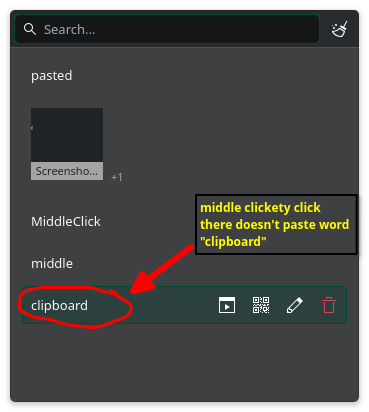
My problem is that when I press “meta + v” and open the clipboard widget when I click any item on the clipboard history doesn’t paste anything.

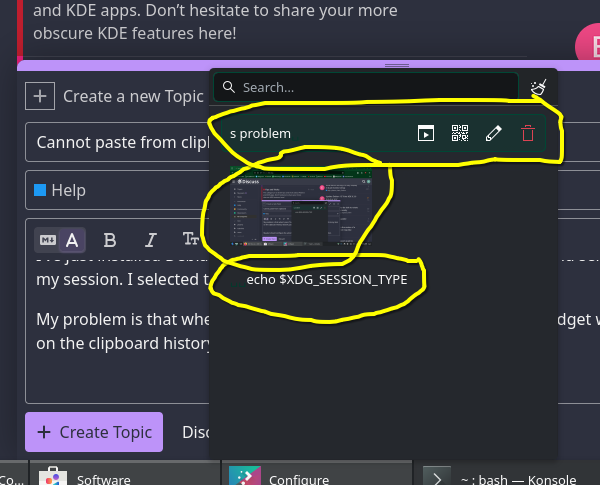
Pressing any of those items doesn’t do anything:

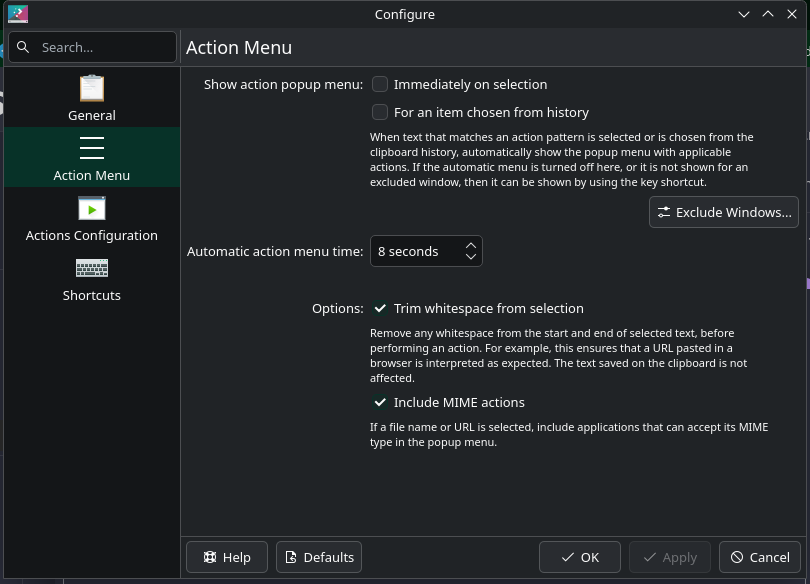
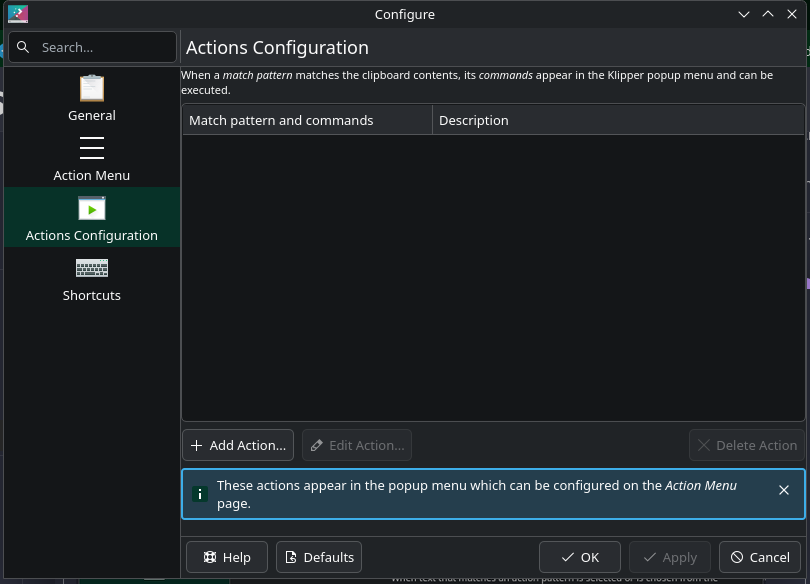
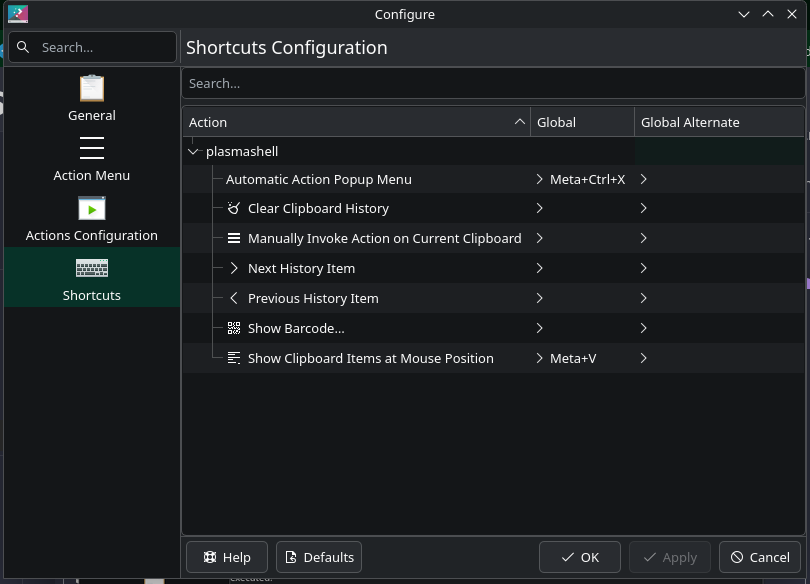
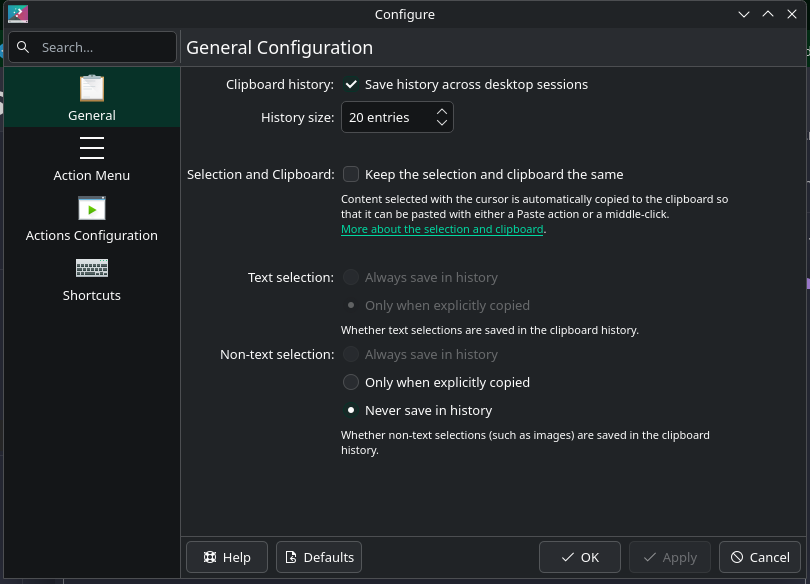
Here are the screenshots of the configuration menus:

Maybe I should configure the action? I don’t understand that button and configuration.

Please help, I use the clipboard history quite a lot…

I’m back at using linux since a very long time, so please bear with me…

AFAIK Double clicking an item puts it in your buffer, you should then CtrlV to paste it - did you miss that step?

CtrlV three times:
Double clicking an item Double clicking an item Double clicking an item

1 Like

Thanks, didn’t know that worked like that.

Is there a way to configure the pasting as a simple click of the clipboard item?

I mean:

  1. open the clipboard with “meta + v”
  2. then clicking the item to paste in the text.

MiddleClick - I just pasted that clicking clipboard then middle clicking to paste :wink:

Clickety click MiddleClick MiddleClick MiddleClick

:+1: Yup!

Doesn’t work for me like that.

I think even single click will do that.

What @ben2talk meant is that you first select the entry which you want to paste and then paste with middle click at the target location.

As an alternative to CTRL+V or using the application’s paste action

1 Like

I get it but doesn’t quite work, works 1/3 of the time with the middle click, I have to press middle click like 10 times to actually paste. I wish that it could be with 1 left-click from the “meta + v” summoned widget.

there are TWO paste buffers in KDE plasma…

  1. the main clipboard one is filled by the copy or Ctrl-C command

    • you can paste from 1 using the paste or Ctrl-V command
  2. the quick paste one is filled whenever you highlight text with your cursor

    • you can paste from 2 using the middle mouse button

the clipboard (system tray or Meta+V) shows your clipboard history with the main paste buffer contents shown at the top of the list.

choosing a different item from the history will move the chosen item into the buffer and move the old item back down into the list… it also seems to displace whatever was in the quick paste buffer, so that content is lost, which is something to keep in mind.

regardless, you still need to use the paste or Ctrl-V command, or use the middle click, if you want to actually paste anything from either of these buffers.
1 Like

I’m currently working on a feature to support this.
You can view the original conversation here:

1 Like

Thank you, it will be a quite of an improvement.