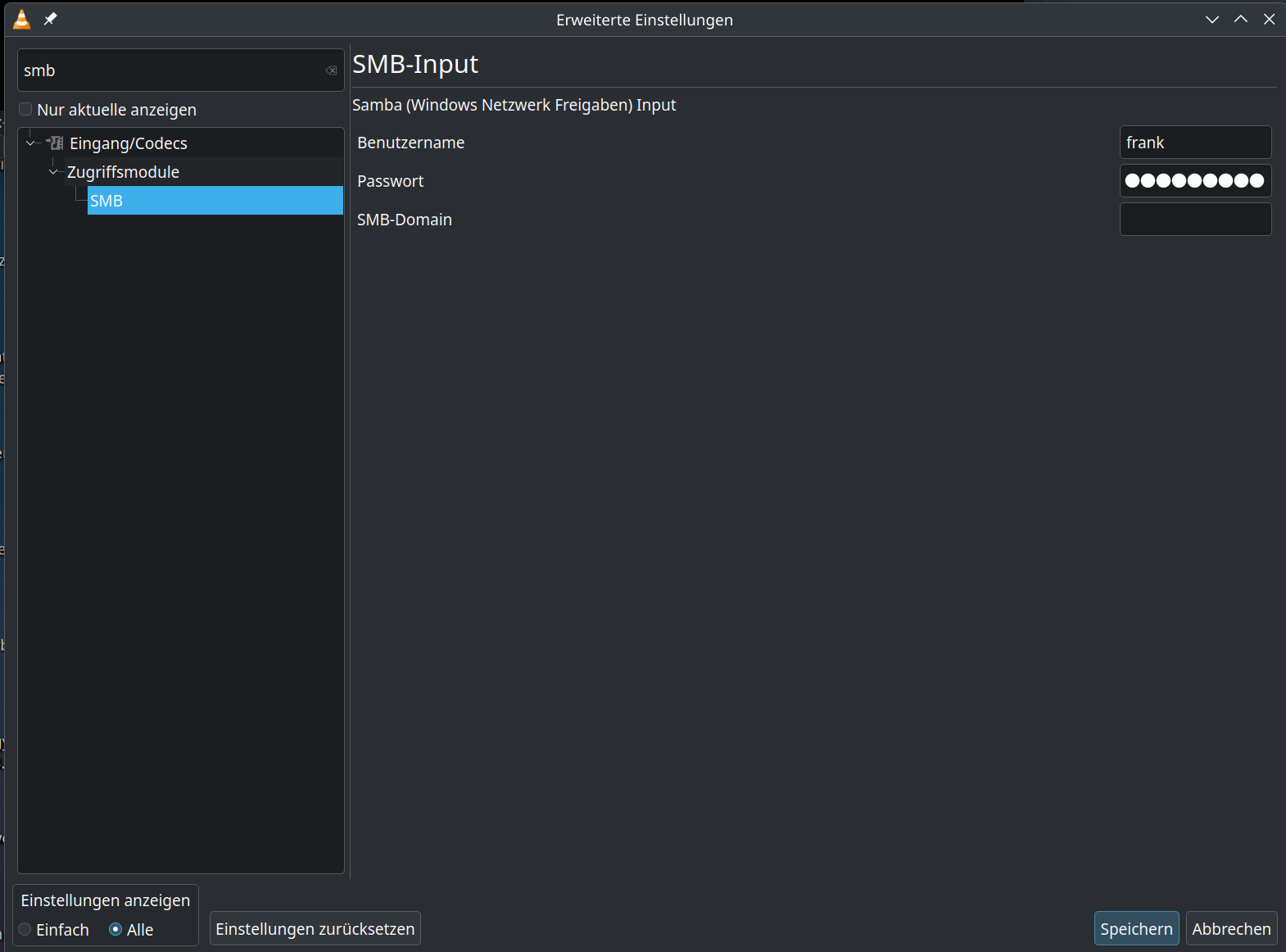
I’m not sure if this is a bug or user error. I’m hoping you can point out what I’m missing.
I have an SMB share on a home server, but VLC cannot play any videos from it. When I click on one, it pops up a dialog asking for login information. I type my username and password for the share in this box and click OK. I get the error “Your input can’t be opened: VLC is unable to open the MRL (file name)”
This used to work not too long ago, but I recently built a new server using the same login info, IP address, and domain.
Client PC is running Plasma 6.3.5 on Tumbleweed with VLC 3.0.21. Server is Ubuntu 24.04.2.
So, it seems like the samba server is accepting your credentials to connect, and there aren’t any firewall issues, but, the file or share permissions aren’t allowing access..
Can you open a terminal or filemanager on Tumbleweed and try to check the owner, permissions of the video file?
I can’t use a terminal in the directory since it’s an SMB share in Dolphin and not mounted into the filesystem. Dolphin shows the SMB user as having full rights and the group and everyone as having read and write permissions.
From the server side, all files are owned by the user I have on the server, with permissions set to read, write and execute for that user and read-only for others.
smbclient -U {user} //host/share
showacls
ls {videofile}
Then look at the permissions.. if you see NT_STATUS_ACCESS_DENIED you know the file is owned by someone other than the connected user (typically root) and it won’t even allow a file status.
smbclient also allows for various debug levels. It has many other commands as well (e.g. get), and most of the smbclient functionality is built into dolphin. It’s just a little more diagnostic than dolphin.