Any time i try to install a global theme it gives me an error about dependencies. Im new to fedora and Linux in general and am seriously about to give up. How do i fix this problem
Hello @busyparrot and welcome on the forum.
I’m afraid this is a “never ending” story between KDE and the people who create these
themes, I have the same, I also can’t get all the themes I want to try/use.
KDE says it is caused by the theme creators who use something (codes?) which don’t work, and the theme creators say the error is on the KDE servers.
Just as you I use Fedora, but I also had these problems when using other distro’s. No idea what to do about it. I don’t create themes and have no idea how to do that.
Maybe somebody here on the forum can explain which info is present for the creators so they know what they can use and what not, how to create a theme which can be installed and which works with KDE.
Thanks.
What is the exact error message you receive?
Generally, the first port of call would be to contact the theme author. They are responsible for dependency issues and support.
How are you trying to install the global theme? Through Settings > Colors & Themes > Global Theme > Get New? If so, that just doesn’t work sometimes. I download the file of the Global theme I want from the KDE Store…
- Download org.name-of-theme.tar.gz
- Extract to: ~/.local/share/plasma/look-and-feel/
- Open System Settings > Global Theme
- Select the theme you added
It happens with every theme i try to install.
These are some examples:
Nordic: Installation of /tmp/MhfAOg-Nordic.tar.xz failed: Could not install dependency: ‘kns://wallpaper.knsrc/api.kde-look.org/1683121’
Ant-Dark: Installation of /tmp/XwzUib-Ant-Dark.tar.xz failed: Could not install dependency: ‘kns://wallpaper.knsrc/api.kde-look.org/1473492’
Yes through “Get new”. But i also tried your method with Nordic-darker.
I copied the Nordic-Darker folder to ~/.local/share/plasma/look-and-feel/ and it does not show up in global themes. I dont know why nothing works
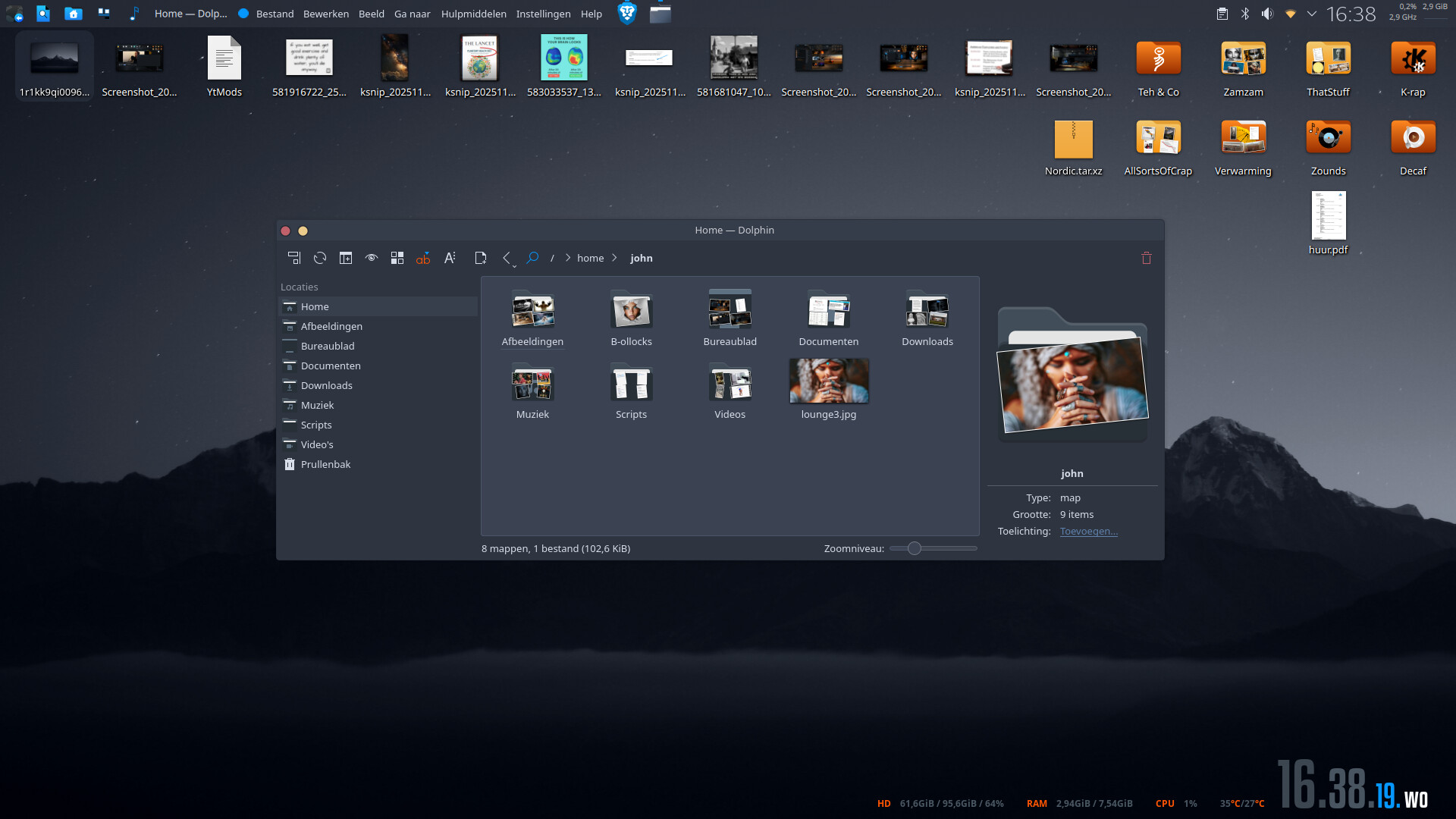
are you sure you have the plasma 6 version of the theme … the author makes both a 5 and a 6 version and they are not interchangeable.
if the get new route is not working, then i would suggest waiting a while and trying again… downloading the store is not always reliable.
That is interesting as Nordic wallpaper - KDE Store is what it is referencing and it is a wallpaper, the file type is correct, etc.