Okay so I am making a point to start using Linux on my home system. I have tried Zorin and I like the look and feel of the OS pretty well and can see myself sticking with it. However the KDE Connect app seems to be kind of segmented in different areas, requiring extra clicks to get to things I want to access and I am also not able to copy and paste photos into text messages.
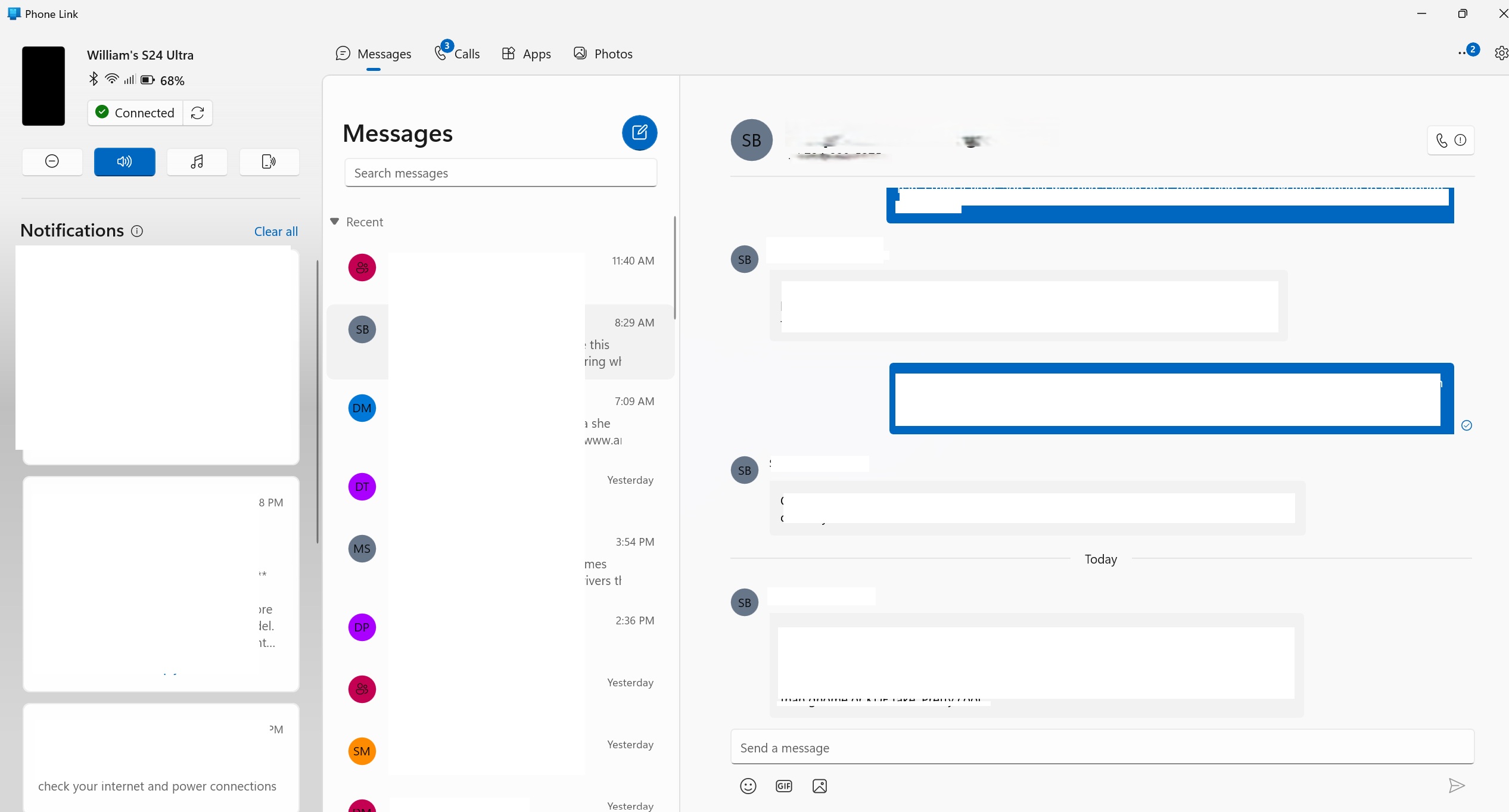
I use the phone integration a lot and I really prefer the look and layout of MS Phone link. Having more of a single pane of glass to see and respond to text messages, view alerts and see photos on my phone is something that would be very beneficial to me. Are there any plans to create a more singular pane or is there a distro or plugin or anything out there that offers something similar to the MS Phone Link design and layout?
@Obsidian73:
First, welcome to the KDE Discuss Forum.
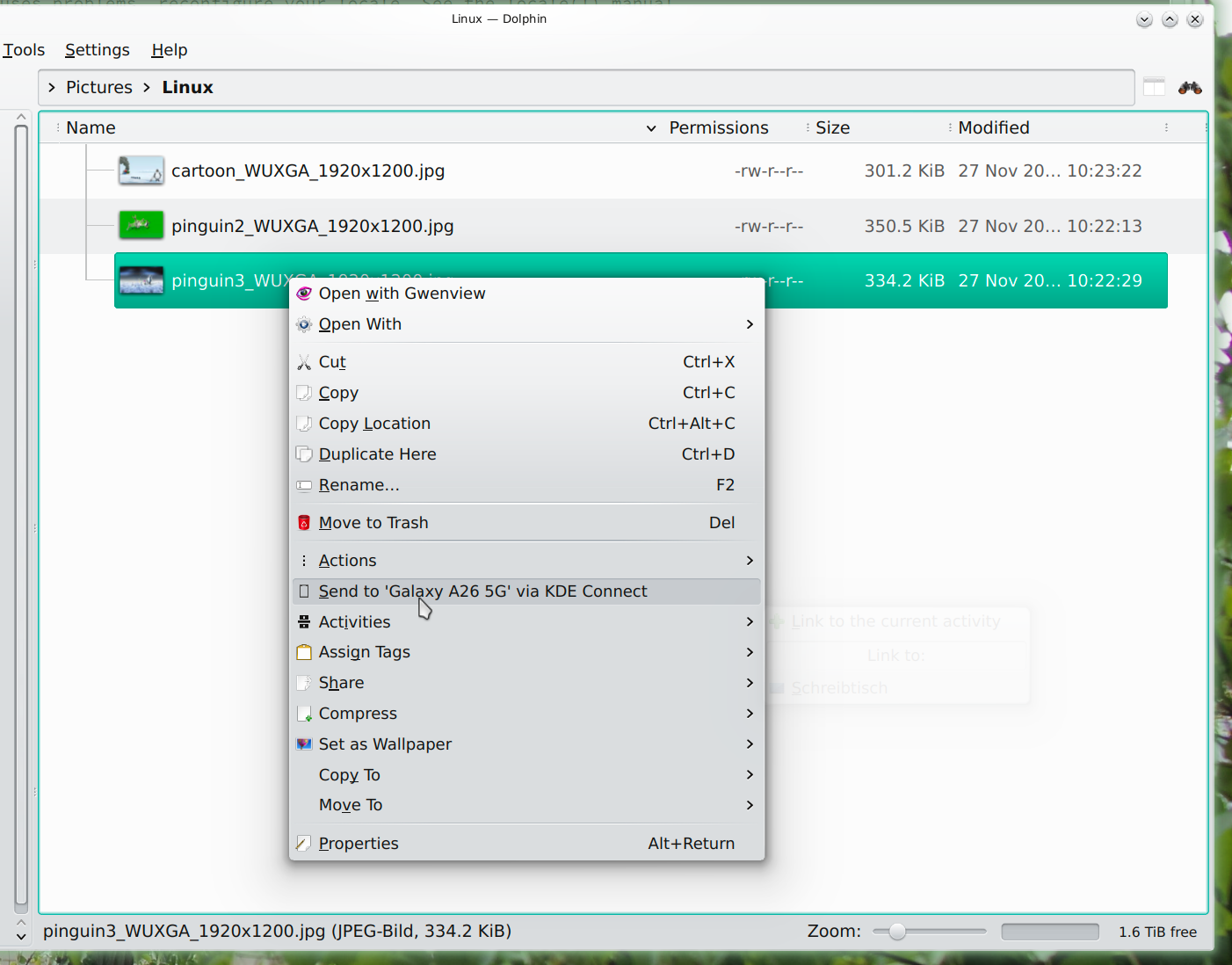
Personally, I never use the KDE Connect application as such to send files to the Mobile Telephone –
- I simply “right-click” the file in Dolphin and, send it to the Telephone.
Sending files from the Telephone to the Linux system is pretty much “Android Normal” … 
Franken,
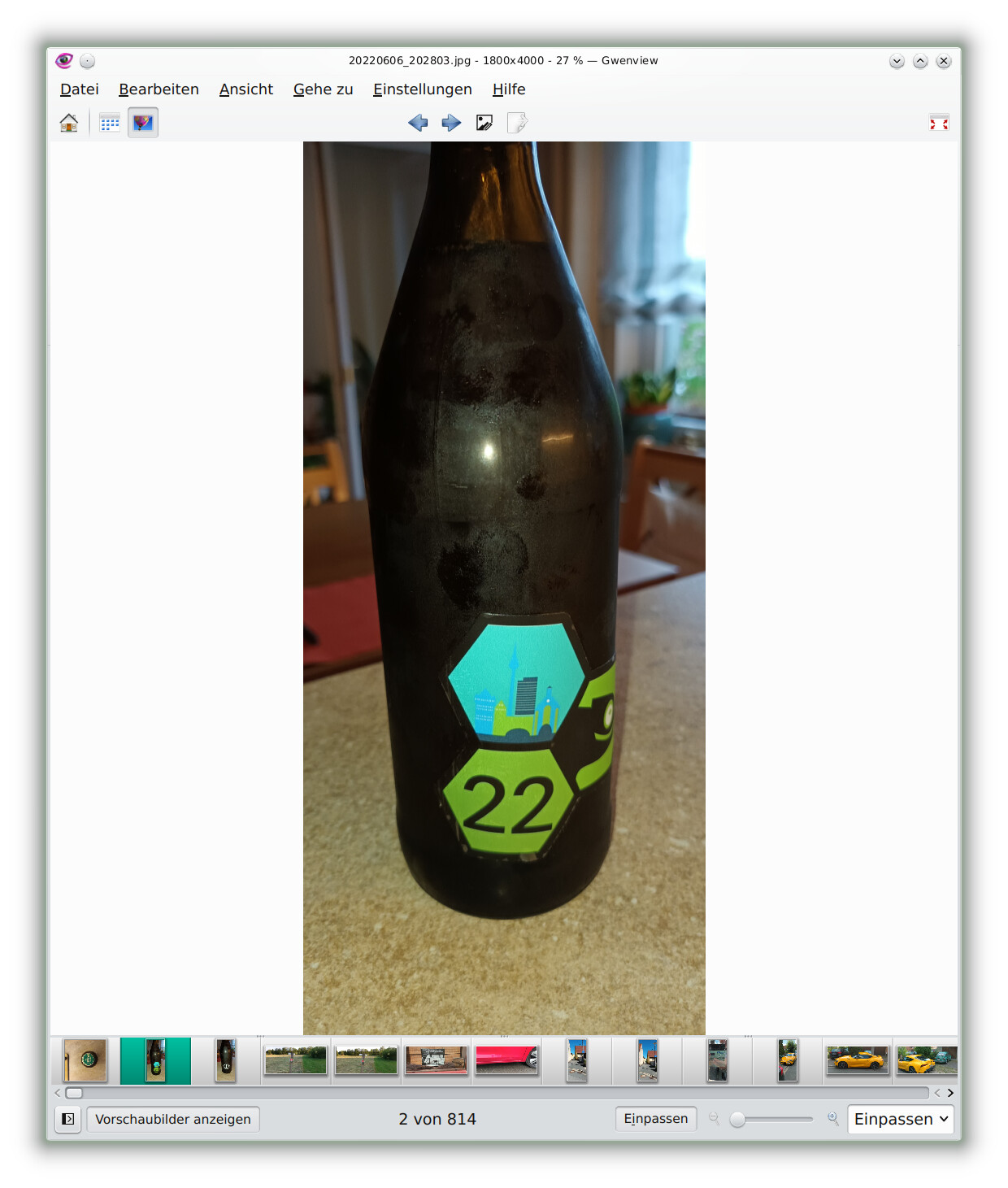
Thanks, I appreciate the information. While that is definitely a nice feature I do not currently have a big use for that. My primary use is to be able to easily type out text messages on a normal keyboard while I am working, instead of having to physically pickup and use the phone or being able to view all the photos on the phone easily and/or simply attach them to an email on the computer or an SMS message.
Not sure if this provides any help but here is a redacted screenshot of what my view looks like in Windows. In KDE Messenger
@Obsidian73:
From the KDE Connect Plasmoid on the Linux Desktop, there’s a view which opens a Window which accesses the Telephone’s current list of SMS items, with the ability to write new SMS messages.
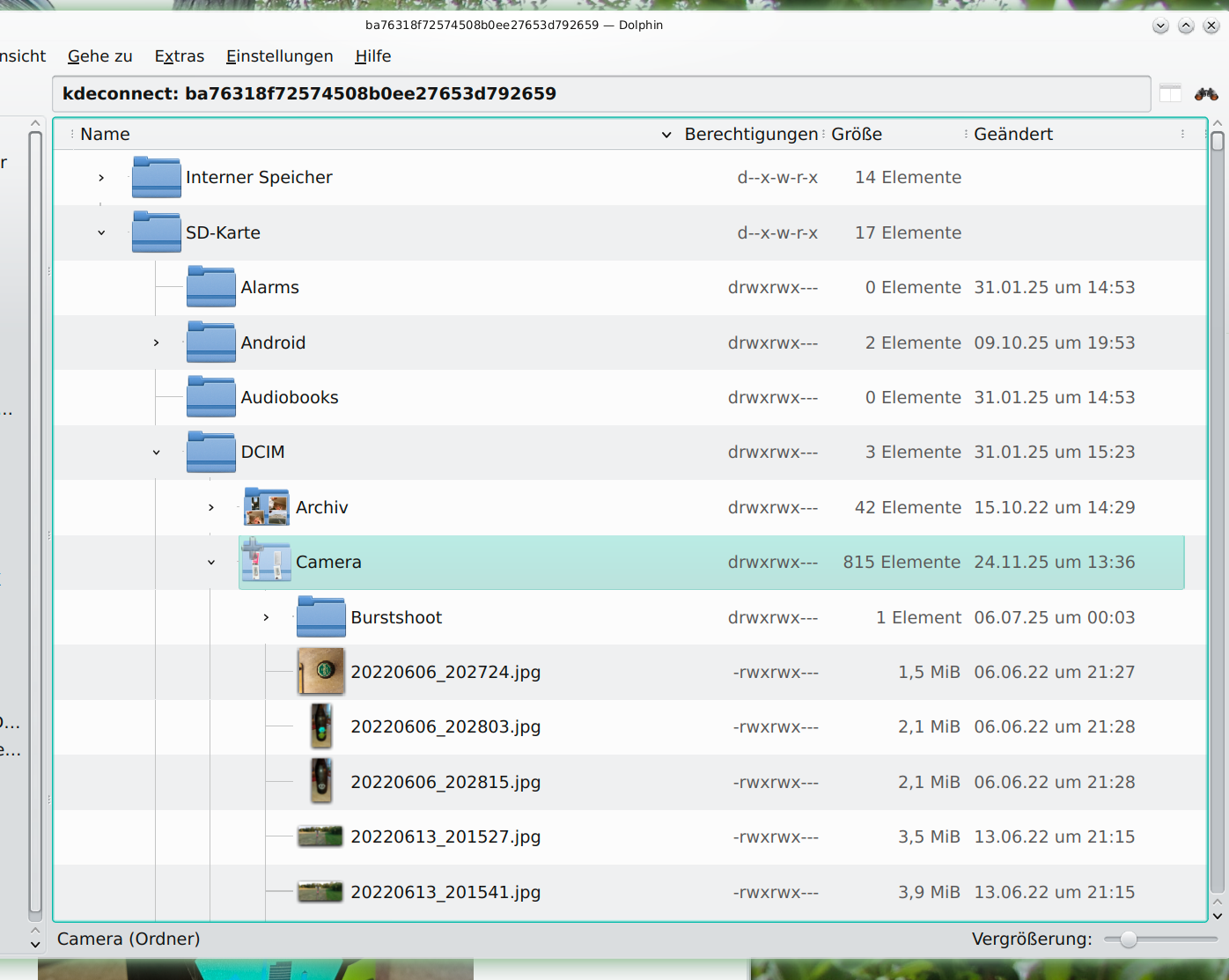
There’s also the ability to browse and access the files located either in the Telephone’s internal memory or, if present, the SD card.