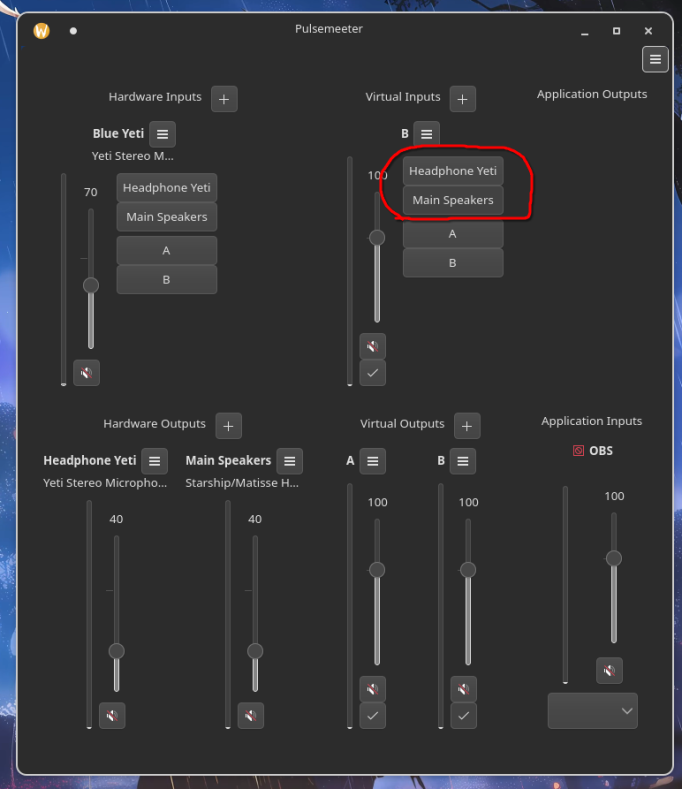
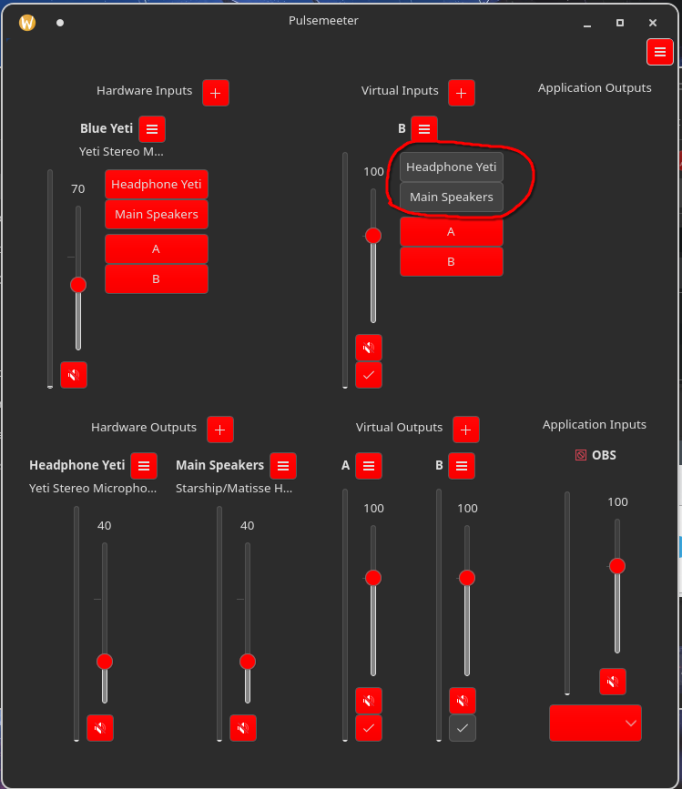
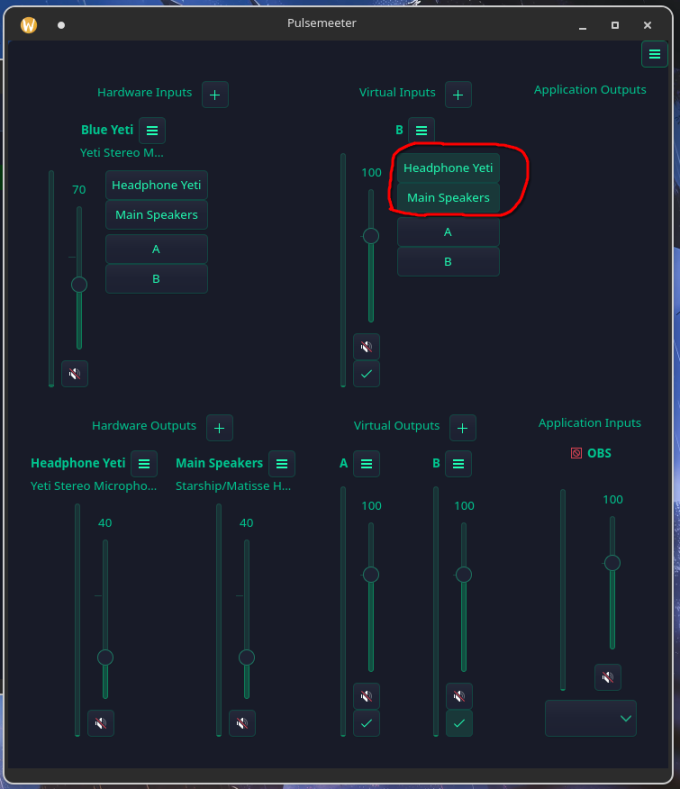
I would like to know how do I change the colors of buttons and “selected” buttons, I have an application that follows my color theme, but It’s hard to see what is selected and what not, it seems like what ever color I use the selected button is always Grayish? In the first picture I use my current color theme, and I have toggled on “headphone Yeti” and “main Speakers” and it’s technically impossible to tell are they toggled on or not. On second picture I have same color theme, but I have made changes that “buttons” are red, (The toggled/selected buttons are still gray, but at least now you can tell what is toggled and what not, I still couldn’t find how do you change that gray color). And on 3rd Picture i use entirely different color theme “EmeraldDark”. With emerald, the selected/toggled is no longer Gray, but I still couldn’t identify how to change that.
so i guess the short version is… " how do i change the color of a “selected/toggled” tab/button?