I used to use Yin-Yang to switch between light and dark themes; however this tool is limited, so I can’t for example choose icon themes and window decorations.
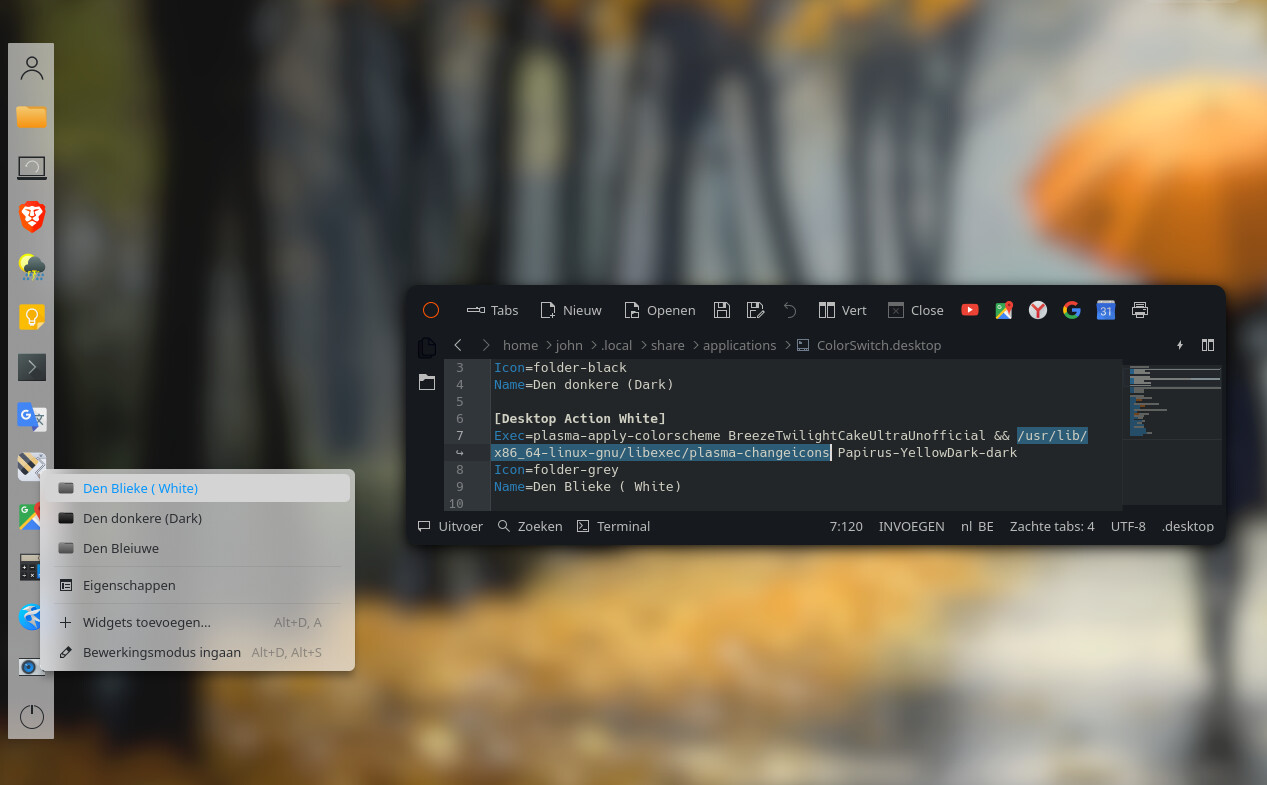
However Yin-Yang offers to run a custom script while switching, so is there a way to write a script that makes KDE switch between different window decorations and icon themes?
I’ve tried a few dbus commands, along with using kpackagetool6, but I almost couldn’t find any thourough documentation about these commands, so in the end nothing worked.
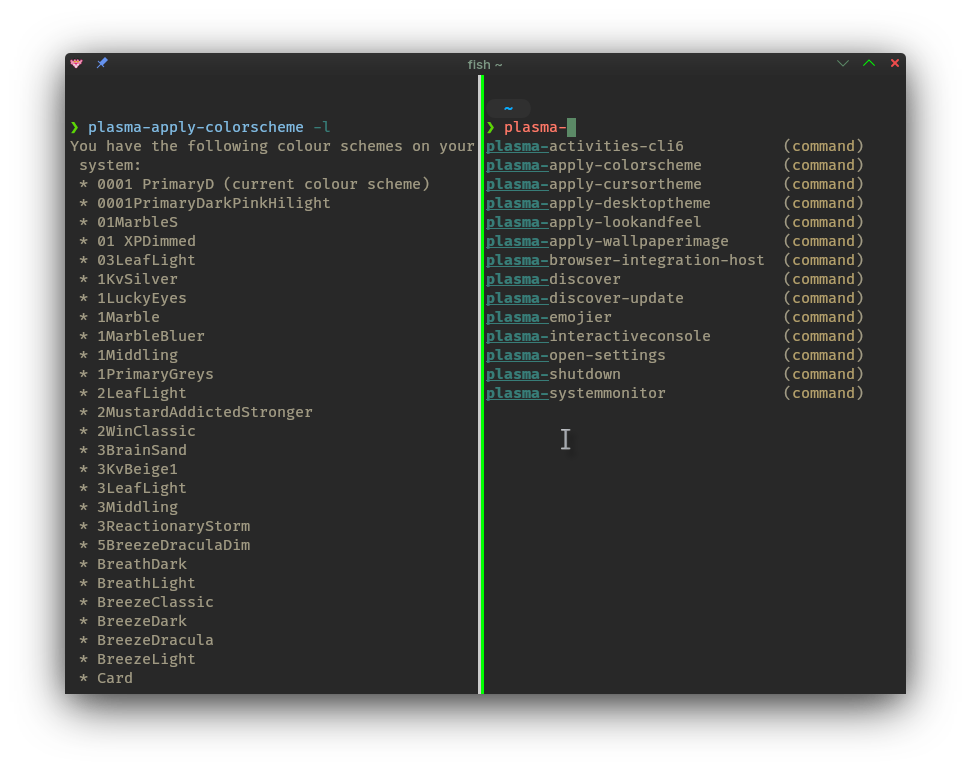
Perhaps an advantage of using fish shell, if I simply type plasma- I can also discover more available commands.
This means you could change the whole setup (probably best done with a list of commands in a bash script, and put that in $PATH) by pulling up krunner and typing the name…
So I can type ‘primary’ then ‘marble’ or ‘light’ to choose a lighter theme (as my ‘primary’ is pretty dull, mid to dark grey tones etc).
So to choose the top item (don’t forget \ delimiter) plasma-apply-colorscheme 0001\ PrimaryD
Save your script with the name by which you want to evoke it (primaryd is good, it avoids having to remember to hit Shift for caps).
Otherwise, make an abbreviation or something - but this won’t affect the terminal colourscheme.
Sorry to kinda bring up a old thread, but I am not using Plasma (instead Hyprland) but I have QPA_PLATFORM_THEME set to kde and plasma-workspace installed thus same applies. This works for color schemes, cursor themes, desktop themes, lookandfeel, etc. But how do I set icons? None of these commands let me set icons. I’m glad I found this though since I’d much rather just use KDE for theming rather than Kvantum which is what I was doing for the longest… On a unrelated rant, theming on QT is quite a mess : /
That works, thanks. Was able to find it under /usr/lib/plasma-changeicons I guess I’ll be writing that down somewhere, this works super well for QT themes
Only other thing I wonder is if this can be done outside of settings? Seems to be able to sync color scheme etc.
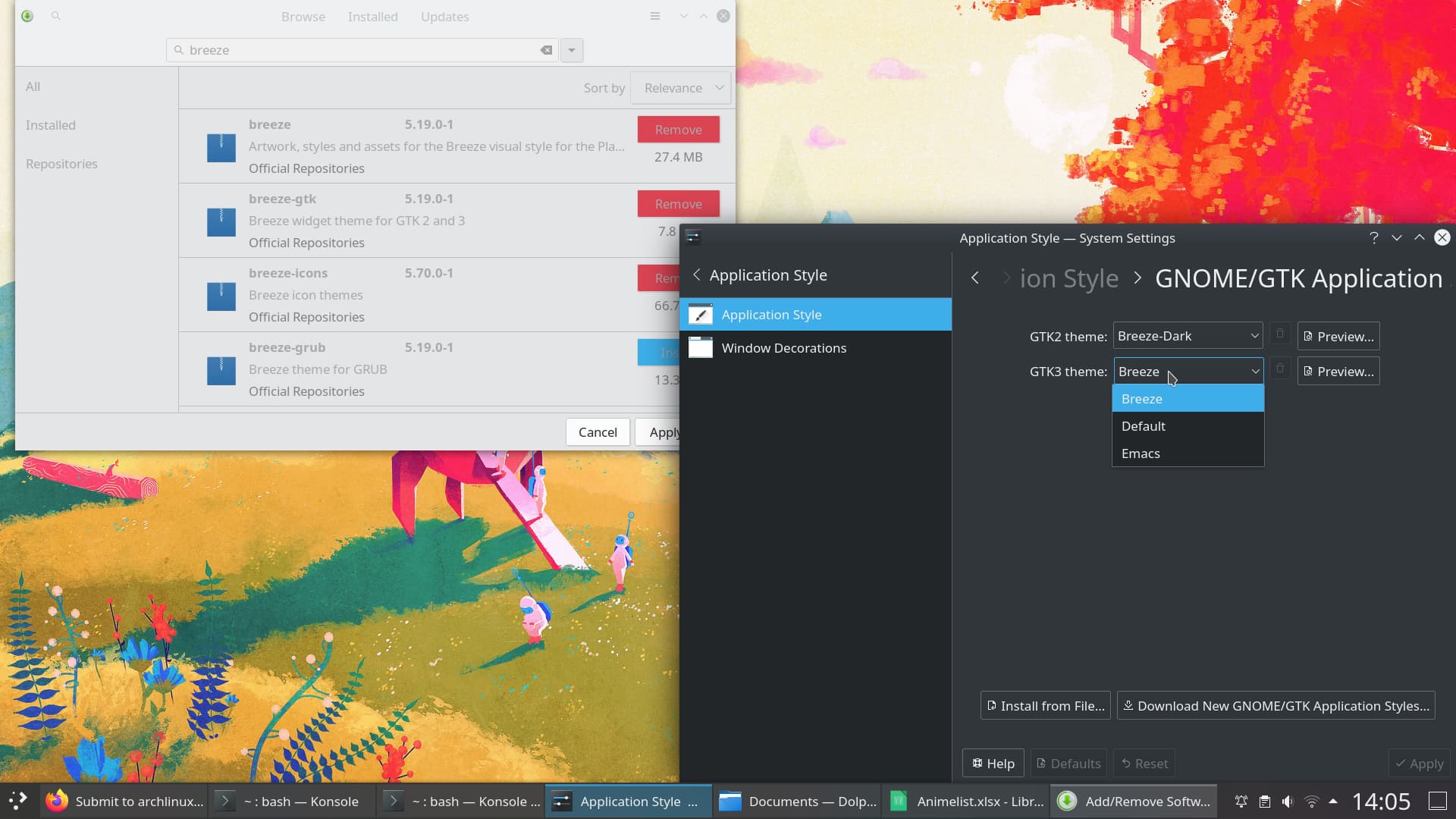
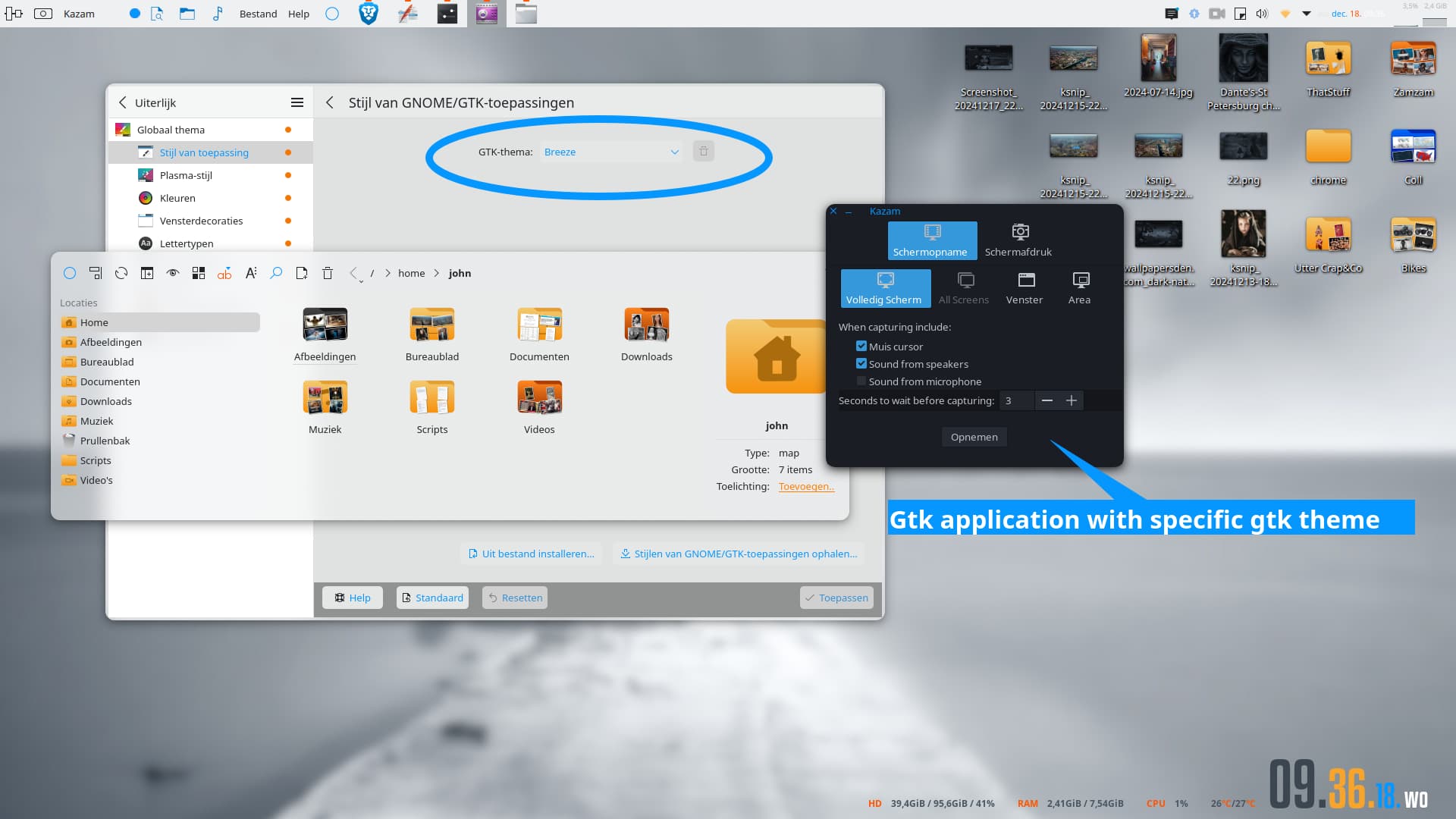
Sorry I meant syncing GTK and QT themes or at least GTK 3 ones, I imagine GTK 4 no worky. On KDE I can just change color scheme and it automatically changes GTK theme to Breeze with my colors applied
Still don’t understand. If you change your color scheme and your gtk is set to breeze, gtk apps will adopt that color. But if you want some gtk app to run a specific theme, regardless if breeze is set, you’ll need to run that gtk app as: Exec=env GTK_THEME=whatever theme.
As far as ‘Switching between Theming Settings’ go, I use Konsave. I don’t switch around so often, so the first thing I’ll do is to wipe any old stuff, then save my existing theme:
❯ konsave -w
This will wipe all your profiles. Enter "WIPE" To continue: WIPE
Konsave: Removed all profiles!
~ 3s
❯ konsave -s comfortable
Konsave: saving profile...
Konsave: Profile saved successfully!
After this, I can change themes (including applications - like Kate, Konsole) and save a new profile after which I can simply reload my old/comfortable profile.:
konsave  -s shiny
konsave -a comforable
Other commands for switching elements (such as Colour-scheme) are also given…
Perhaps a new thread for a new kind of issue is required.
For me, it’s in /usr/libexec/plasma-changeicons, which merely exits. --help returns null, as does man. How does one ascertain what parameter to provide?