Clipboard no longer works

Hello, I have the following problem:

The Clipboard plasmoid in my thumbnail box no longer saves my Ctrl+C “Copy” or right-click “Copy” commands? What to do

Here’s my setup:

Operating System: KDE neon User Edition KDE Plasma Version: 6.4.4 KDE Frameworks Version: 6.17.0 Qt Version: 6.9.1 Kernel Version: 6.14.0-28-generic (64-bit) Graphics Platform: X11 Processors: 6 × Intel® Core™ i5-8500T CPU @ 2.10GHz Memory: 16 GB RAM (15.4 GB usable RAM) GPU: Intel® UHD Graphics 630 Manufacturer: HP Product Name: HP EliteDesk 800 G4 DM 35W

I’m sorry, I didn’t understand this: “The Clipboard plasmoid in my thumbnail box”

There is a Clipboard plasmoid, it seems to rely on Klipper. You can configure Klipper shortcuts to show clipboard items at Mouse Postition - which would work nicely with something like MetaV or MetaB

This would confirm that your clipboard and history are working… and what you see there should be mirrored in the plasmoid.

From there, you can try creating a new USER and log in there to verify there’s a genuine issue, not of your making (like through settings - some folks set clipboard to clear itself).

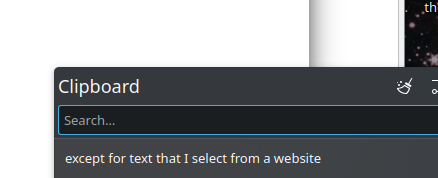
The command doesn’t exist on my distribution. As my attached screenshot shows, another graphical component manages the clipboard.

I put my point into perspective. Copy works well except for text that I select from a website in my Firefox browser.

does using copy from the firefox context menu work?

1 Like

Firefox → No Does not appear in the clipboard

Chromium for example → it’s OK

how did you install firefox?

worked well until

version 142.0 of 25/8/2024

updated by my distribution

Have you tried other users or root to see if works?

Just in case, I created a bug 1985449 - Une chaîne de catactères sur n'importe quel site avec FireFox 142.0 choisi pour être copié n'alimente pas mon presse papier

In the absence of a response, I am now using copyQ.

1 Like

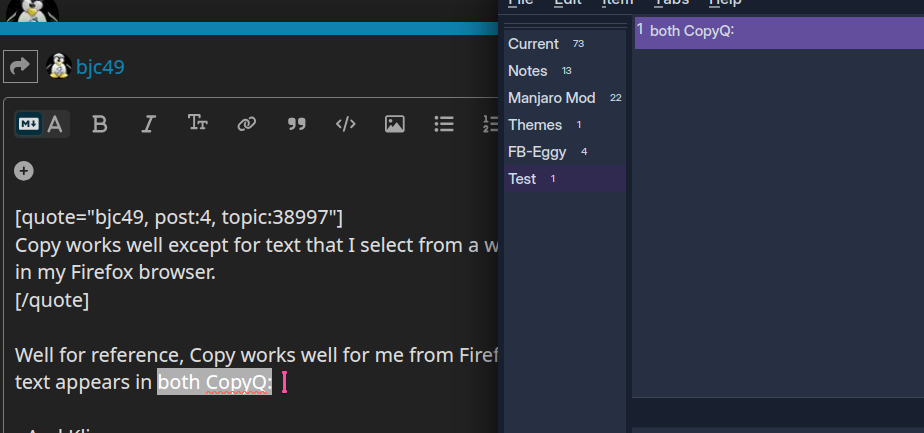
Well for reference, Copy works well for me from Firefox, text appears in

So no response is really possible - something is wrong with your machine, probably the contents of your home folder/data/cache/preferences need cleaning up.

Something I can say, however, is that Klipper works 100%, but CopyQ did glitch for me last week - I couldn’t get the window to show.

It was a Firefox setting, visible by typing about:config in the address bar. `clipboard.copyPrivateDataToClipboardCloudOrHistory` was set to false; I changed it to true. And it’s working now. I don’t know how this happened; the goal was probably to increase security.