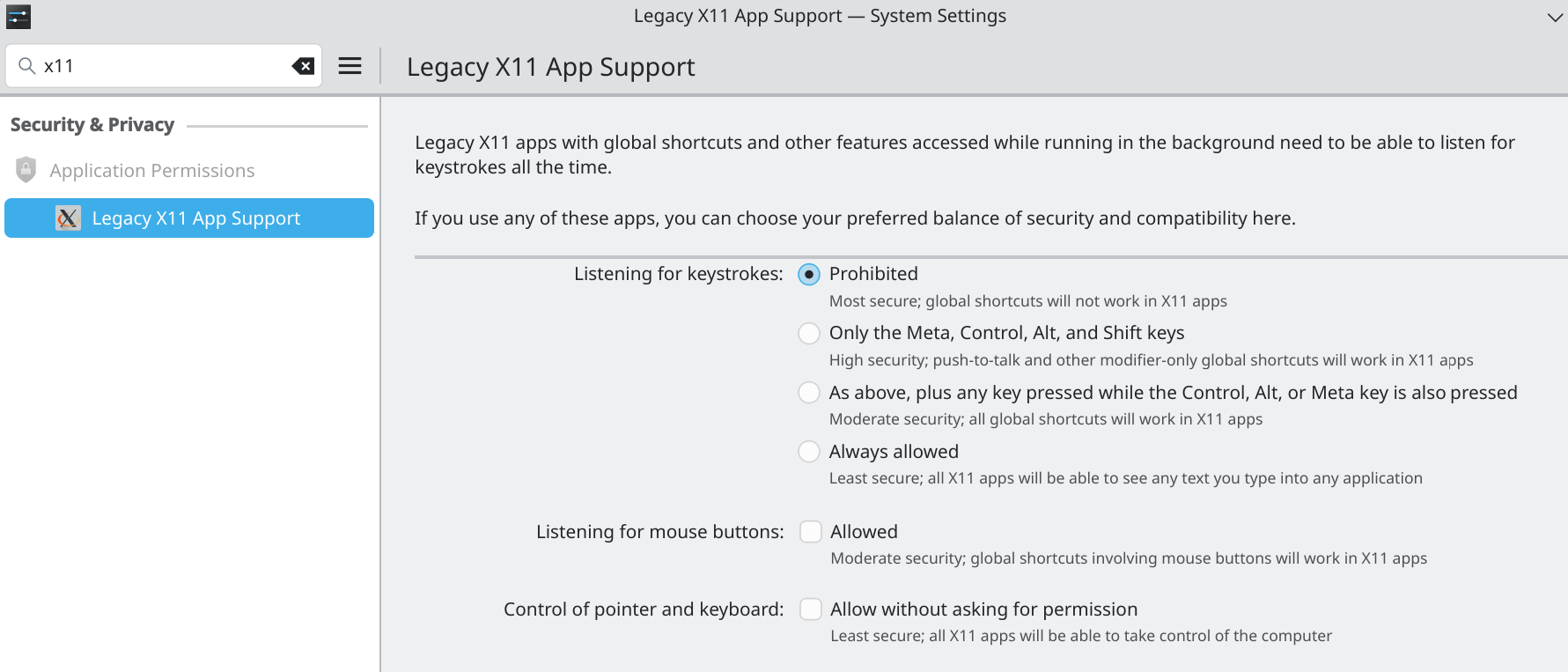
Since I moved to Fedora KDE Plasma (from Windows), one thing that has been happening often is that when I press Ctrl + C or Ctrl + V, then switch to another window (to paste or so), a “c” or a “v” is put in the input/editor of that other window.
It could even be several seconds later, until I switch to the other window. Happens especially with LibreOffice Writer and VSCode. I think it’s “any editor”.
Example: “Ctrl + C” on Firefox. Switch to LibreOffice (1, or even 5 seconds later). “c” appears there. I’m not holding any keys at that point.
This doesn’t always happen, but happens quite often.
It’s very inconvenient especially when I’m coding, and phantom “c”s and “v”s appear in the code; or when I had selected text that gets all replaced with a “c”, etc…
(Note: the actual “copy” and “paste” do work – it’s the phantom “c”/”v” that is the problem)
I’m 100% sure this is not a problem with my keyboard, because this never happened during all the years I was on Windows, and wasn’t happening while I was switching back to Windows (as dual boot) during the migration.
I left LibreOffice Writer opened with something written. I switched to Firefox. Made a copy with Ctrl+C, waited 5 seconds, switched to Writer and was same than before. Not c writed.
It doesn’t always happen. I’d say, per day, it happens between 3 times to 8 times. Depending on how many times I do it in a day, anyway. But it’s not always. Sometimes more often, sometimes less often.
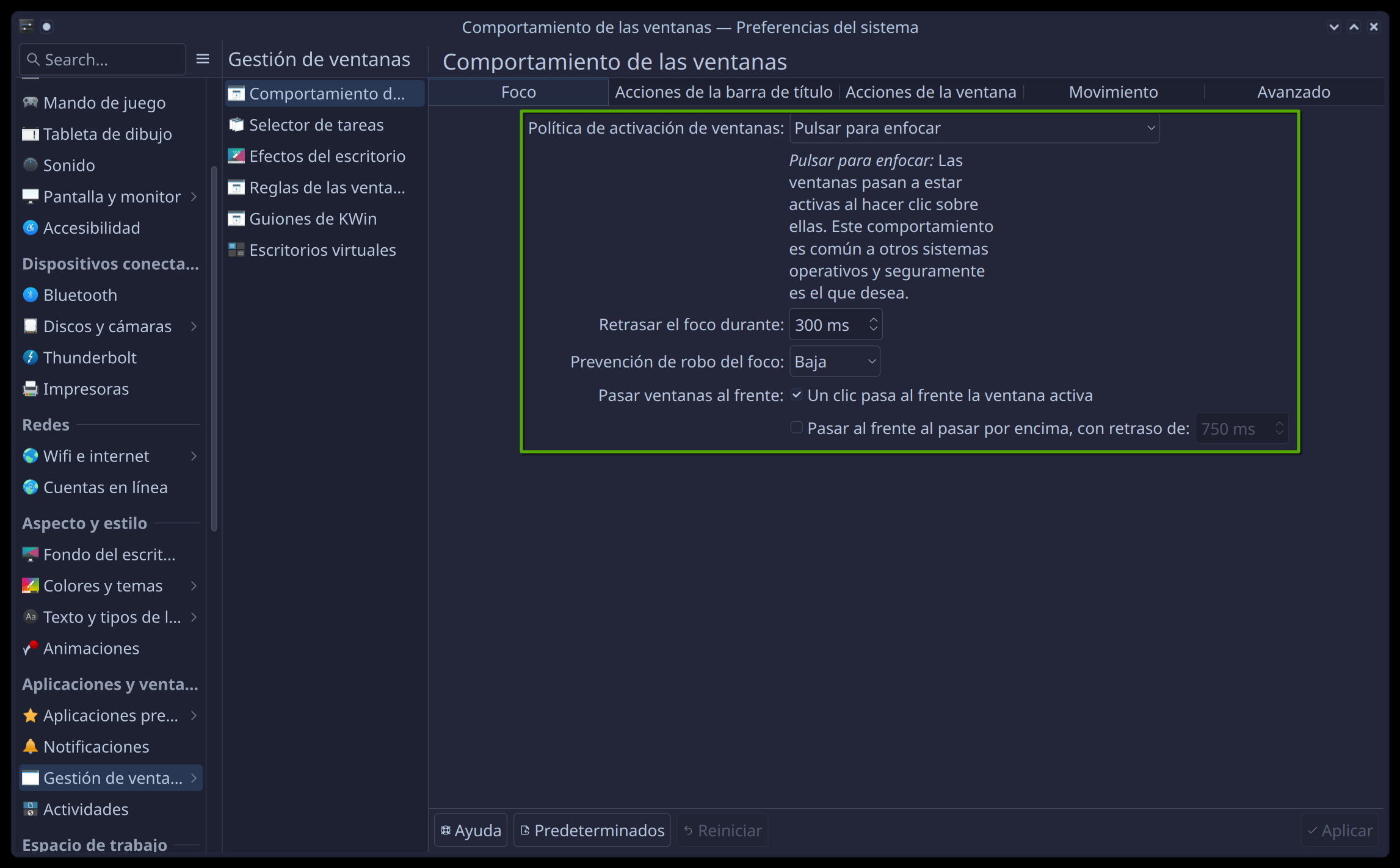
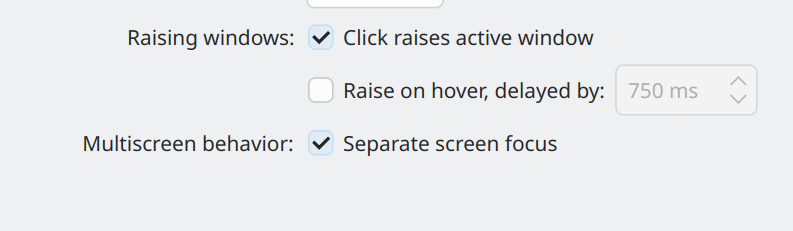
Seems I have the same as you.
But I have an extra option (“Multiscreen behavior”):