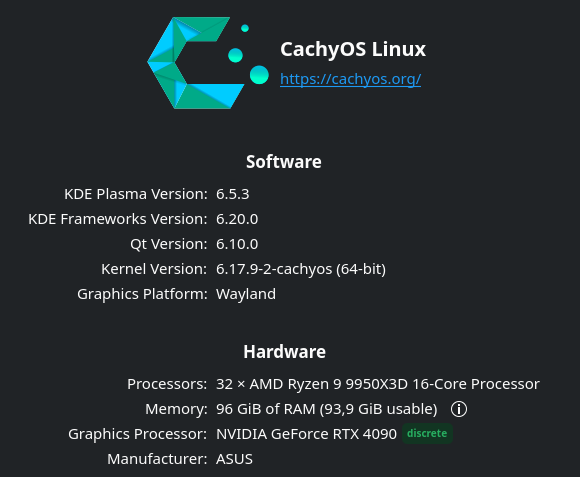
I have tried what i can and searched but dont find anyway to fix this. I think its a bug.
I searched this forum and found a older report but that post has not been active or resolved so i report it again here on the latest version of KDE 6.5.3
Please let me know anything else i can try as workaround or any information is missing.
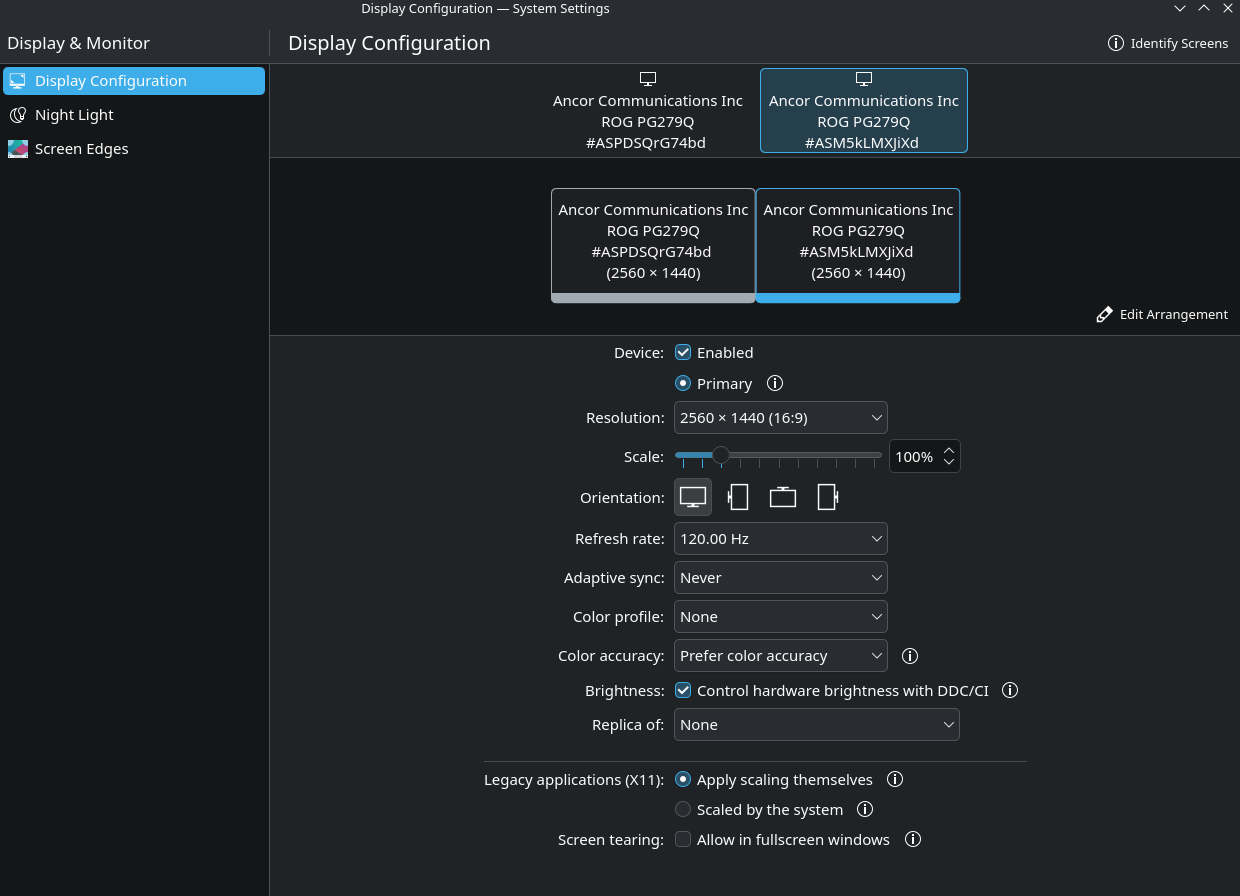
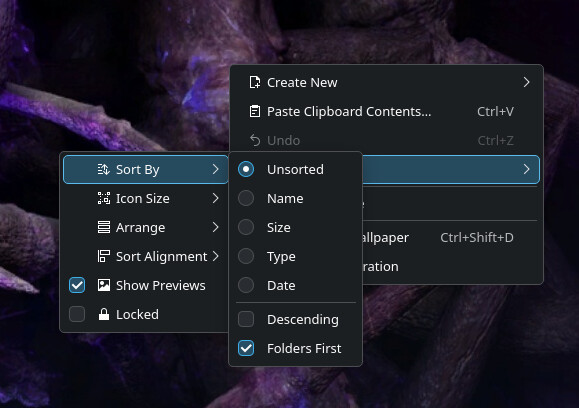
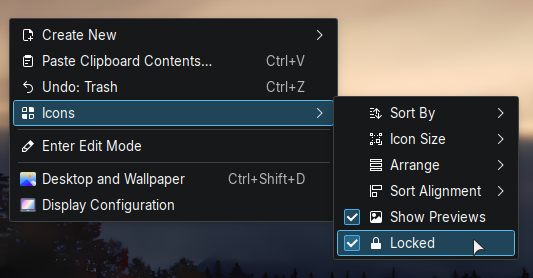
What is happening today is that i have my icons on Primary screen (right side in image). But when i restart the pc all icons are moved to the left screen. I even tried to set lock icon but still they move.
Moving icons with plasma has been an issue for a while. There are a lot of bug reports besides the ones mentioned here (the ones here were new to me). For me it’s actually gotten better with the most recent releases. With 6.5.3 I think I’ve seen it happen once. I guess it’s a pretty complicated problem to solve from what some developers have mentioned in some of the bug reports.
Yes seem to be the exact same issue. Good its confirmed atleast!
It was working fine for me until maybe 2-3 week back when i updated through CachyOS. It updates to the latest always. CachyOS pointed me to KDE which is actually doing the code so here i am
Hope this gets fixed soon. Really annoying to move things each time i reboot.
they fixed this in plasma 5 finally after some 23 tries and it hasn’t been an issue since, but it seems plasma 6 needs to thru all the same struggles as plasma 5 did as if none of the lessons learned from plasma 5 are being incorporated
Maybe instead of endlessly complaining about Plasma 6, you can cut our developers at least the smallest bit of slack? The reason why stuff sometimes breaks is because we’re constantly improving our software.
not trying to be harsh, sorry if it sometimes comes off that way.
just grateful that plasma 5 is as far along as it is and works as well as it does, and watching all these plasma 6 issues flow thru here has me a bit worried that things that were already fixed are being over looked in the name of progress.
my hope is that plasma 6 when it finally rolls off the LTS assembly line will pick up where 5 left off in terms of functionality and ease of use, while at the same time providing the improvements you and the other developers have been working on so diligently.
i reserve the right to resume complaining when i finally get my hands on the plasma 6 LTS product.
Just to mention a new even worse finding, i didnt even restart the pc and put it to sleep and now when i wake it up all icons are back to monitor 2.
And icons were locked. What’s funny while icons are locked i can still move some icons around. Seem the icon lock stick to some icons but not others. Its simply just broken.