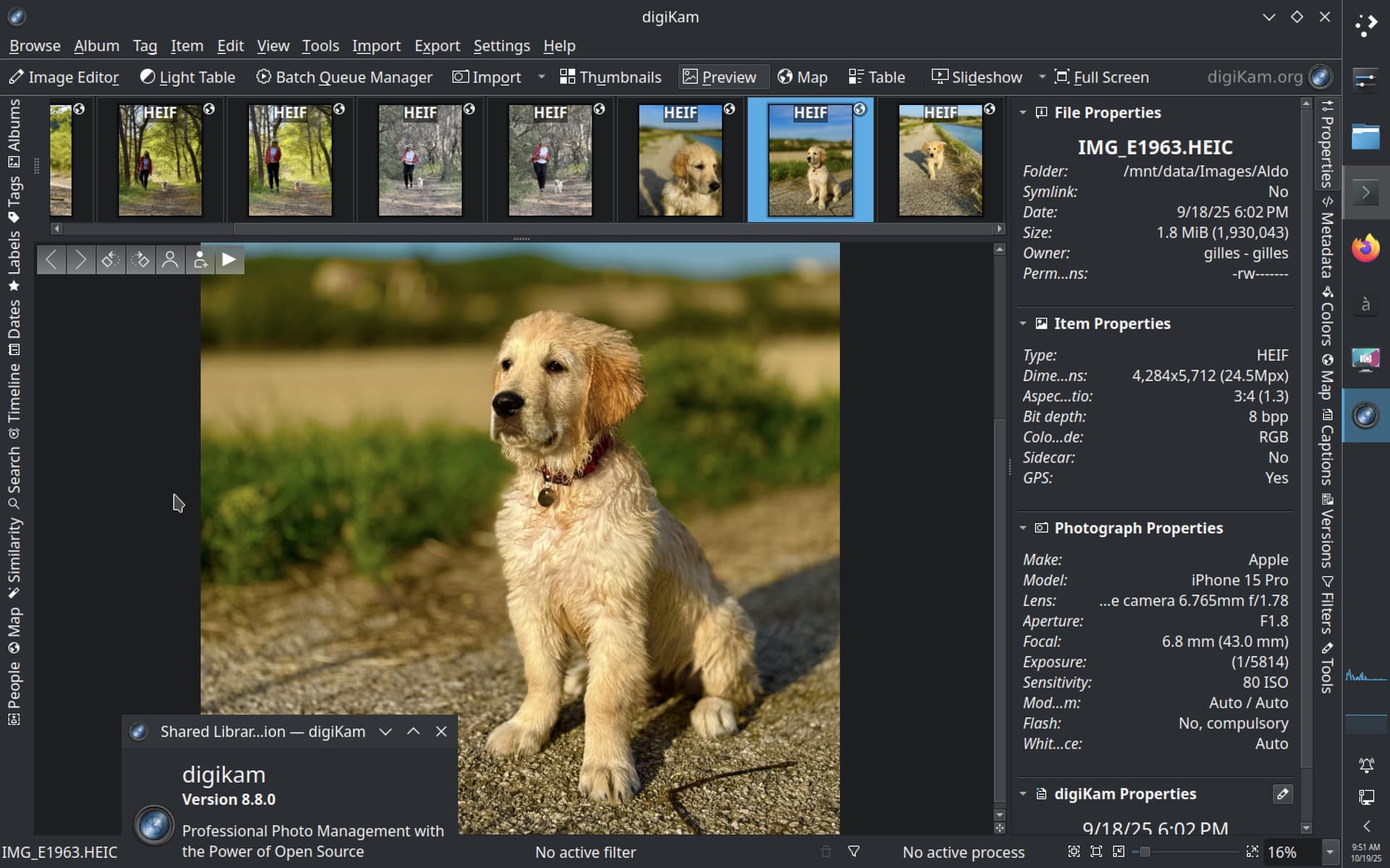
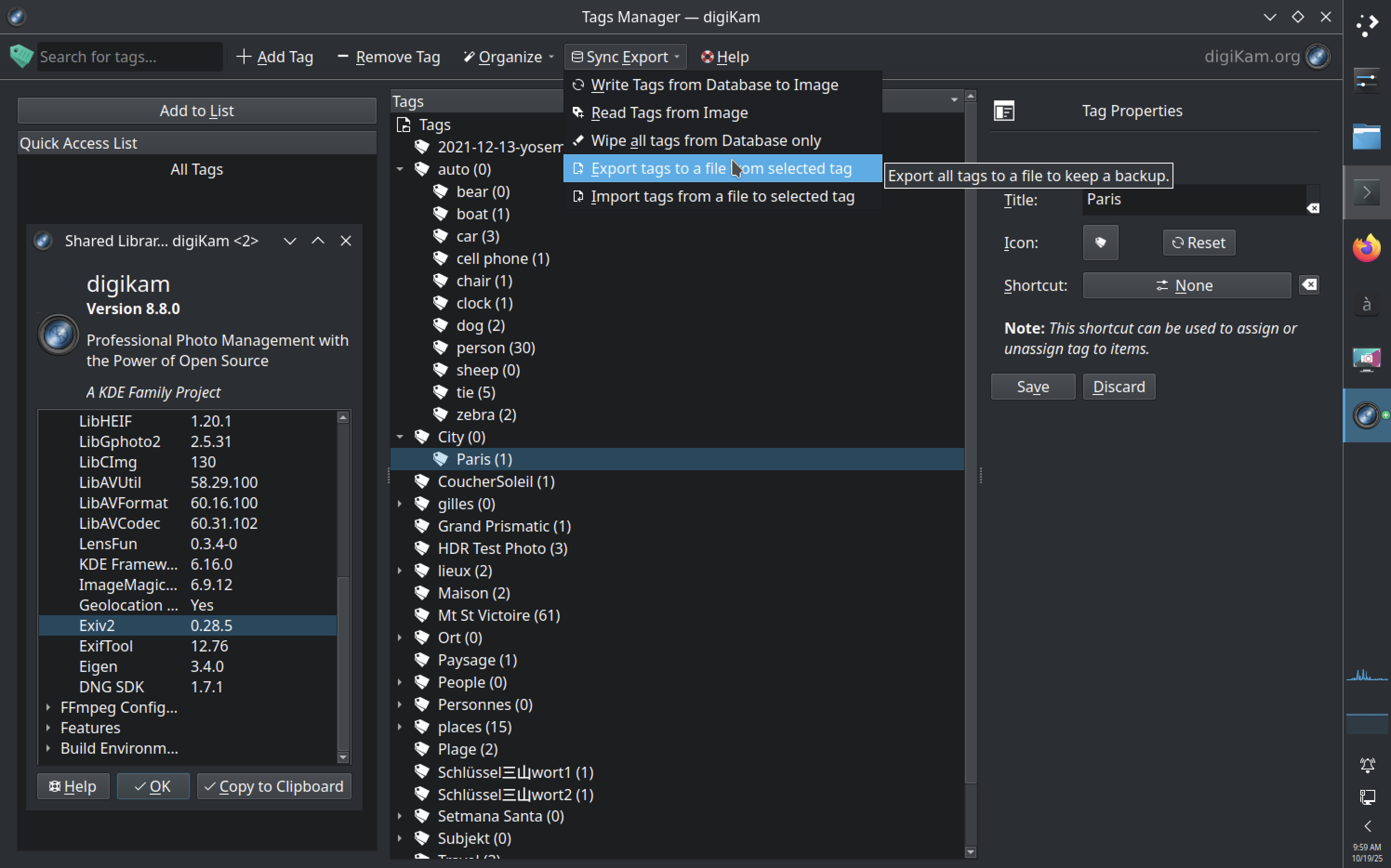
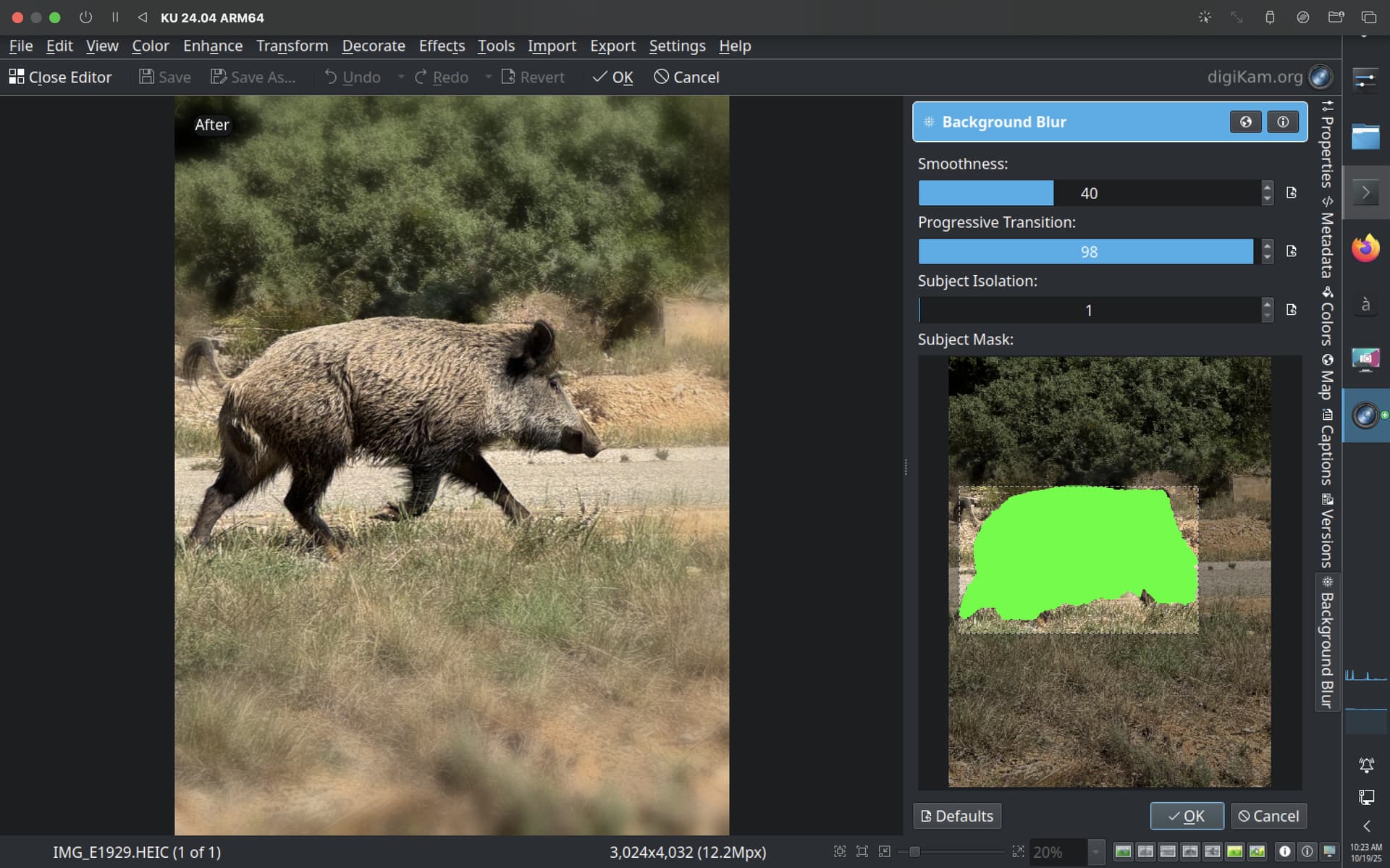
This version includes importing and exporting tag hierarchies to and from text files; consistent and accurate color representation across macOS, Windows and Linux (with Wayland); an enhancement tool that lets you blur backgrounds or subject in a photo, enabling creative depth-of-field effects; among many other new features and improvements.
Community-driven free software projects like digiKam exist because people like you help us with your generous donations.
Keep the world creative and free by donating to KDE’s 2025 fundraiser here:
4 Likes
Congratulations! I’ve been using digikam for quite a while on Linux Mint.
I’ve noticed that the new 8.8.0 flatpak does not run at all (even with a fresh install).
I get the following errors if I try in a terminal
flatpak run org.kde.digikam
kf.i18n: KCatalog being used without a Q*Application instance. Some translations won’t work
qt.gui.icc: fromIccProfile: failed size sanity 2
Gtk-Message: 18:06:58.233: Failed to load module “xapp-gtk3-module”
Qt: Session management error: Could not open network socket
If anybody could shine some light on this, I would be grateful.