Many people use different browser profiles for different use cases. When even a modest number of browser profiles are open simultaneously, navigation to and between them using the Icons-Only task manager becomes difficult and degrades to basically trial and error, because the icons are visually indistinguishable. It would be highly desirable to be able to configure distinct icons for different browser profiles, in Firefox and in Chromium and its derivatives like Brave.
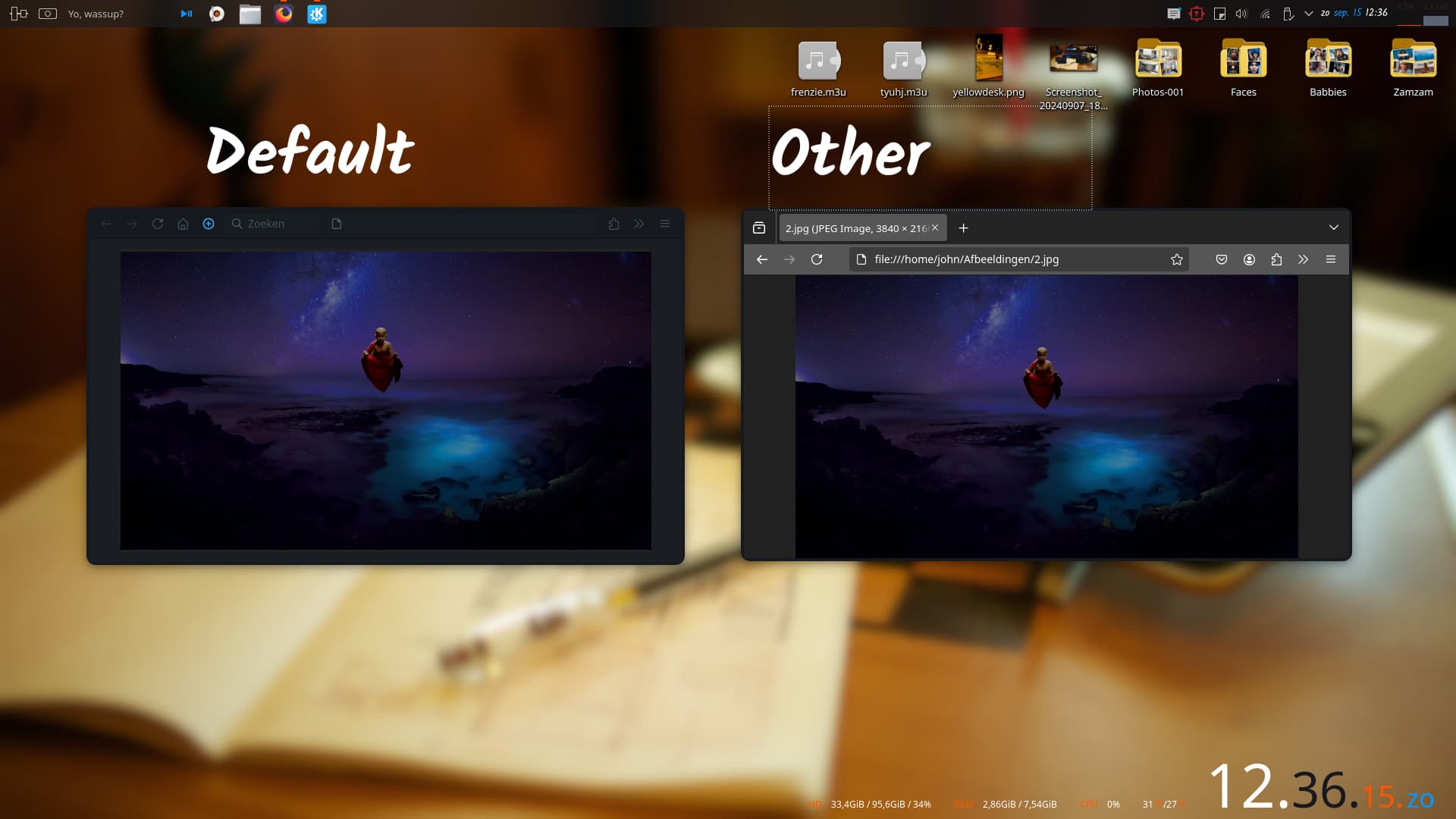
I used to try this a long time ago but I couldn’t find a simple solution. The browser in this case was FF and no matter how I structured the desktop application, it would always end up with the same FF icon. I gave up on it since the only way I could get this to work was to actually create a separate webbapp for the profile. I don’t use a different profile much ( at least, not like that) and I just left it as such. There might be better solutions, but hey.
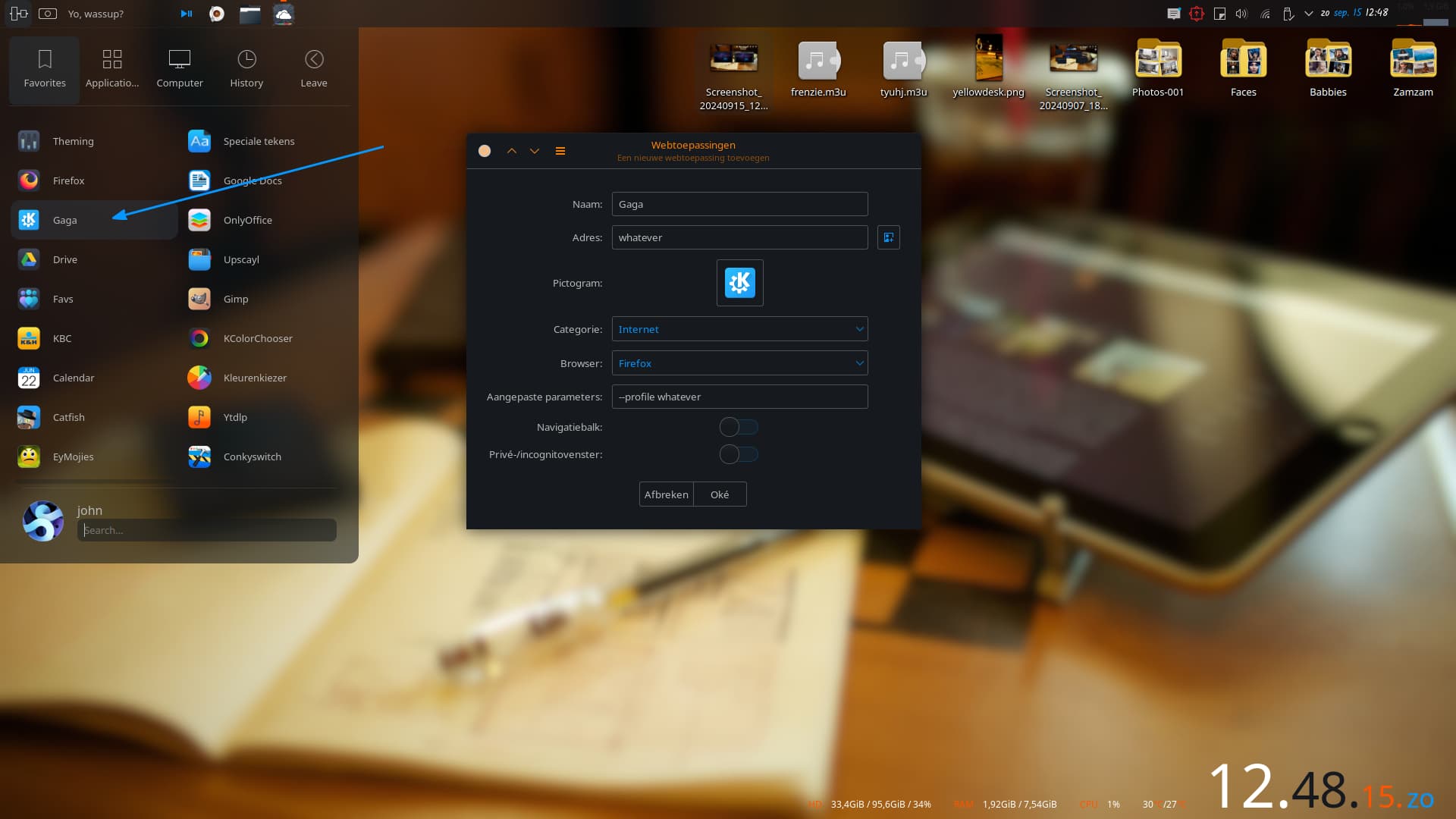
My apologies - what is a Webapp? I have been using KDE for years, but never heard this term, or know how to create such a thing.
A webapp is an app which can be made with a browser like, say, Brave.
It’s not the same as an ssb, though they appear similar.
An ssb ( site specific browser). https://en.wikipedia.org/wiki/Site-specific_browser
Worth a shot: https://discuss.kde.org/t/web-app-manager-for-kde/5695/12
Some:
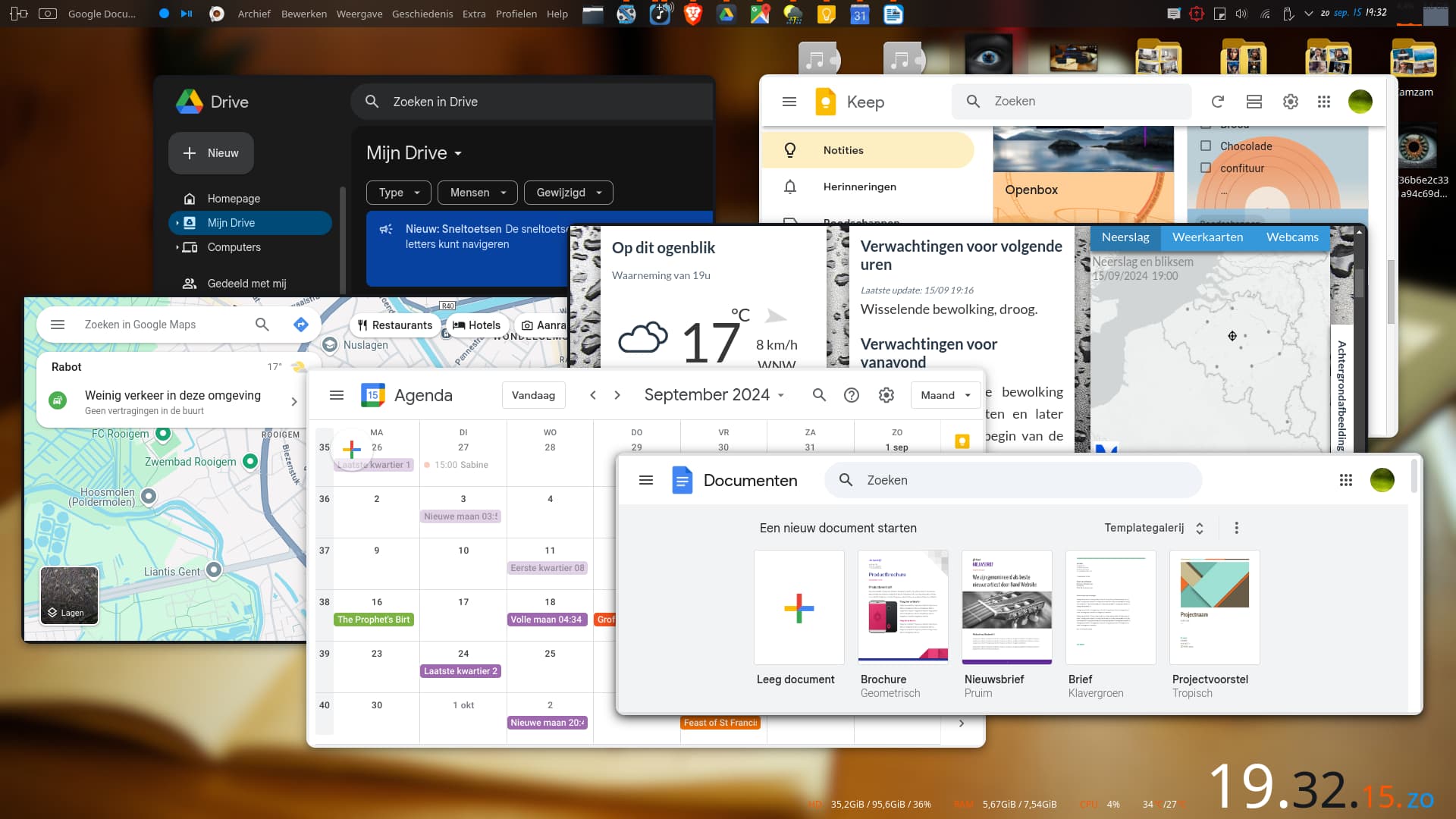
This might work for me, but it does not seem to be a practical solution for a very common problem. It would be great if KDE had a built-in solution. It would be even better if profile icons shown in KDE icons-only task manager were automatically tied to profile icons one can set inside browsers.
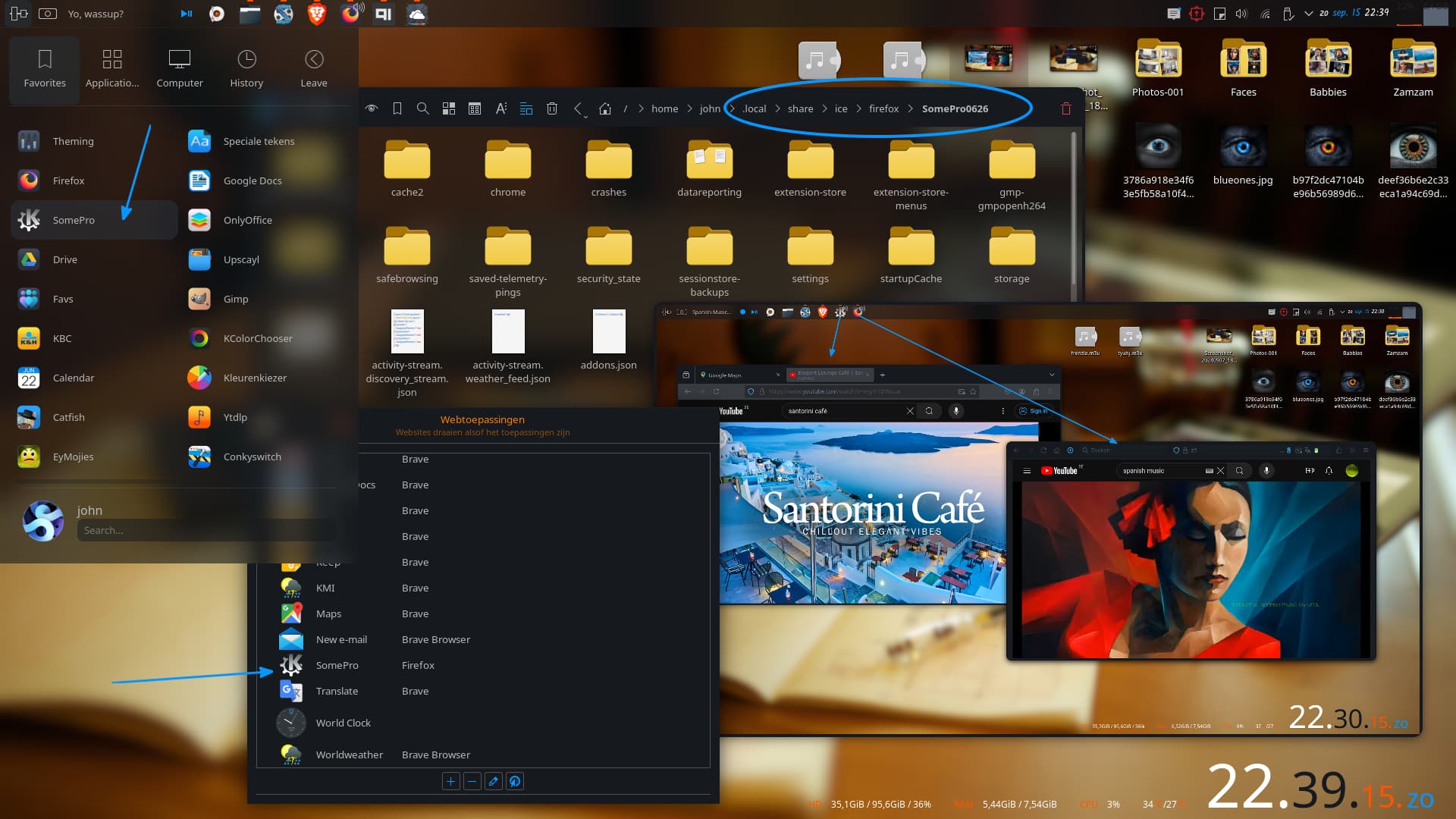
I wouldn’t even know how a browser like FF can set an icon for a different profile. Out of curiosity I checked if there is any progress on this issue. There isn’t. The web is still loaded with the very same question. This isn’t so much of a kde problem really. If , for example, FF would introduce a profile specific icon setting option, the problem would be solved. I still think that right now, ssb is still the best way to do it. Not only for icon, but also for, for example, a custom user.js, addons,userChrome,UserContent, extra about:config settings etc…
Like I said, there might be other options, but this one is easy.
Solved this on KDE Plasma / Wayland (Ubuntu 24.04)
The root problem is that --profile-directory runs all profiles in a single Brave process, so they all share one Wayland app ID and KDE merges them regardless of --class or StartupWMClass.
The fix is to use --user-data-dir instead, which forces a completely separate Brave process per profile — giving each its own app ID that KDE treats as a distinct application.
Create separate data directories:
bash
mkdir -p ~/.config/BraveSoftware/Brave-Personal
mkdir -p ~/.config/BraveSoftware/Brave-Work
Then create custom .desktop files using:
ini
Exec=/opt/brave.com/brave/brave --ozone-platform=x11 --class=brave-personal --user-data-dir=/home/USERNAME/.config/BraveSoftware/Brave-Personal
Migrate existing profile data into ~/.config/BraveSoftware/Brave-Personal/Default/ and you’re done. Each profile gets its own taskbar icon, distinct custom icon, and pinning works correctly.
Trade-off: profiles are fully isolated (no shared extensions/passwords), and slightly higher memory usage from multiple processes.