Hi all,
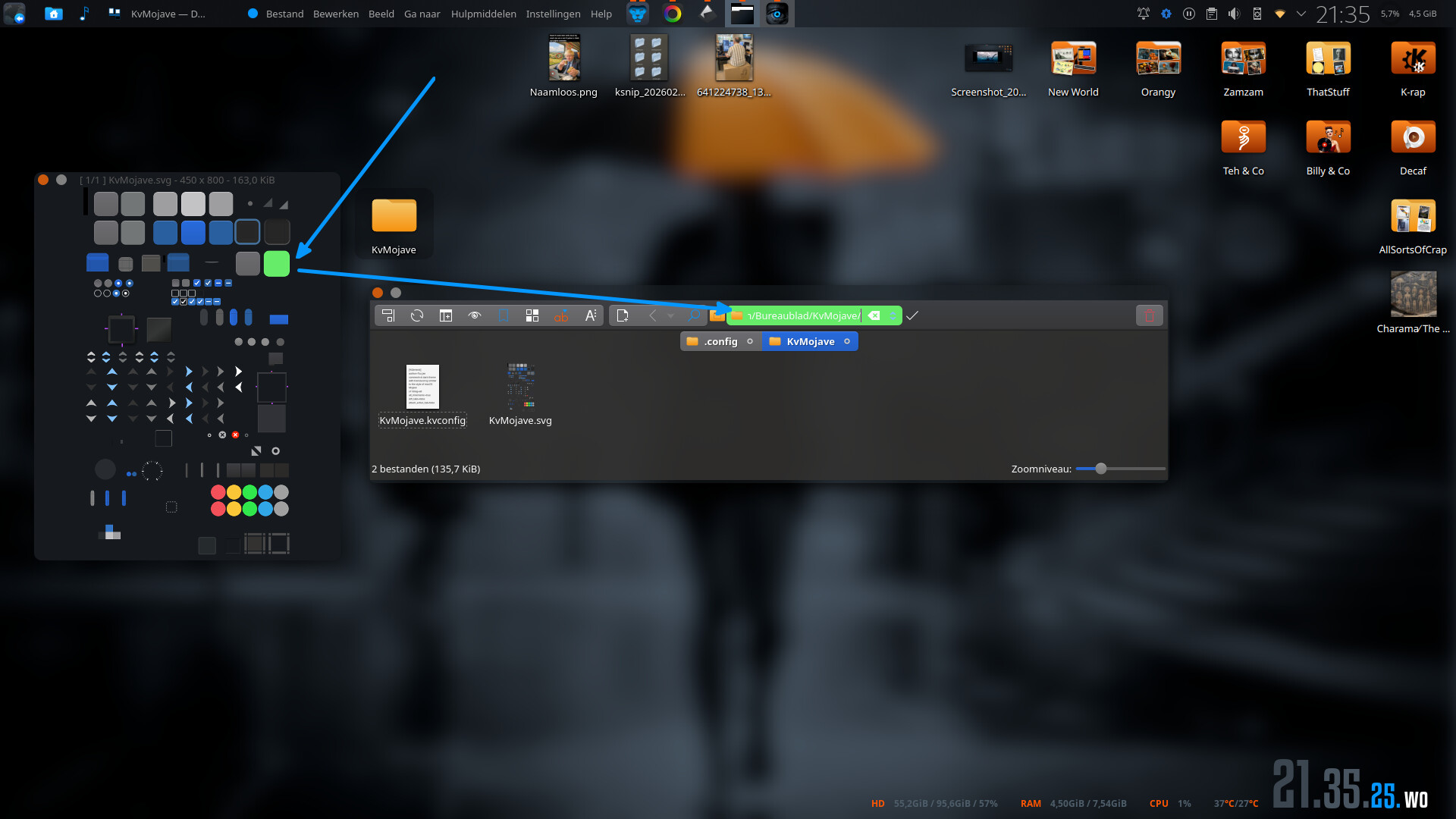
I’m looking for some clarification regarding the recent change to Dolphin. Basically the change has left me with an opaque block at the top behind the location bar when using a Kavantum theme (see top left quadrant of image below for example).
Does anyone know of an element I can change to make this transparent again?
I understand this change was done to indicate that the path is editable/interact-able, and I’ve read over discussions but haven’t seen any mention of a background element name or something I might be able to target when editing a theme ect.
I have found that setting the background colour transparency bits in the Kavantum theme makes this transparent, however this change causes a system wide effect across all programs rendering any previously opaque backgrounds transparent.
/home/user/.config/Kvantum/KvMojave#:

[GeneralColors]
base.color=#242424cc     <--- change transparency bits from cc to 00
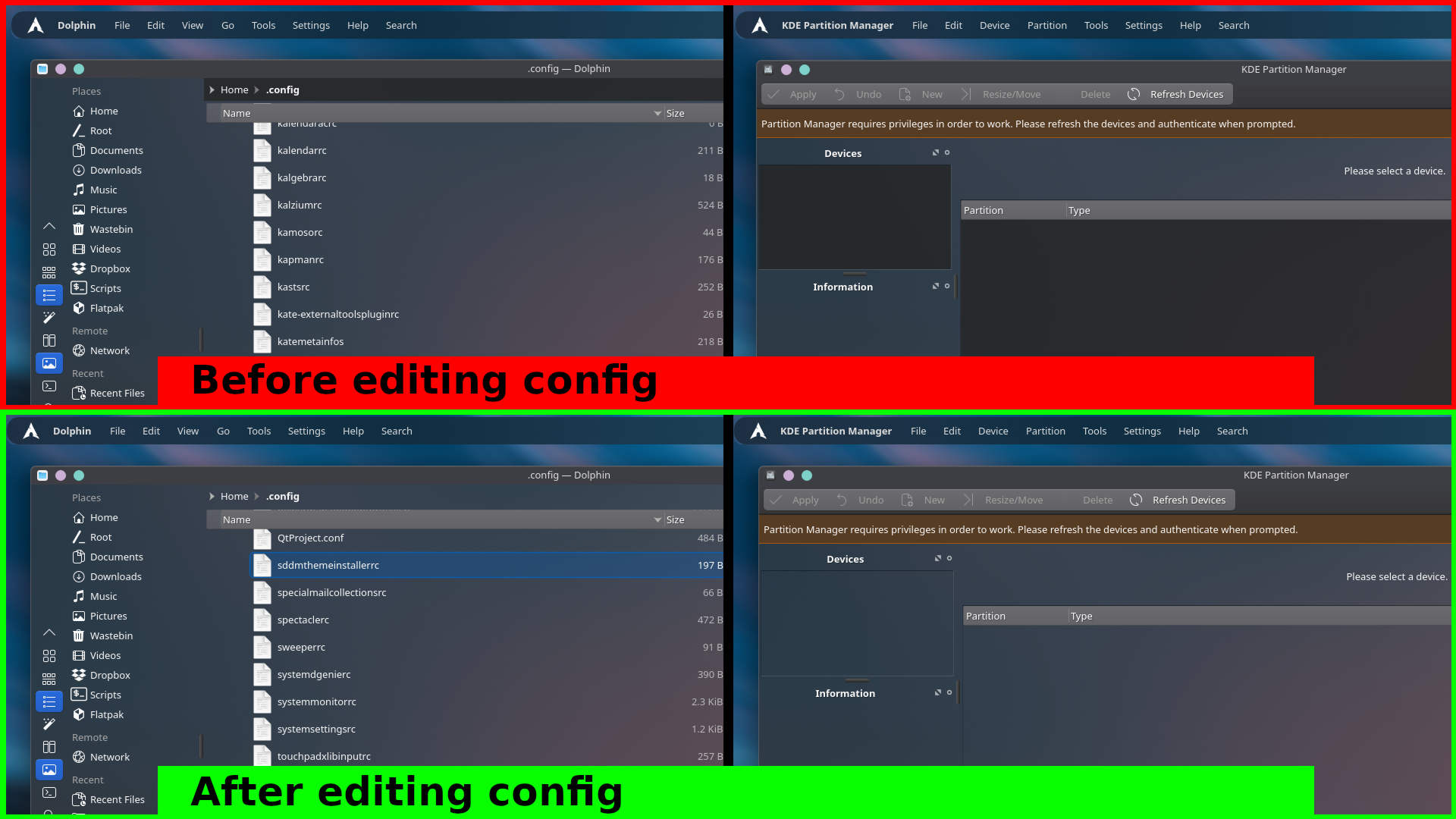
I was hoping to just change Dolphin back rather than affecting things like KDE Partition manager as you can see above.
Thanks in advance for any advice, no worries if I’m out of luck here, it’s not the end of the world - just have to roll with the punches.
I’m just hoping someone might know of an element name or something that I might be able to edit for the dolphin location bar background to be transparent again.
Thanks.