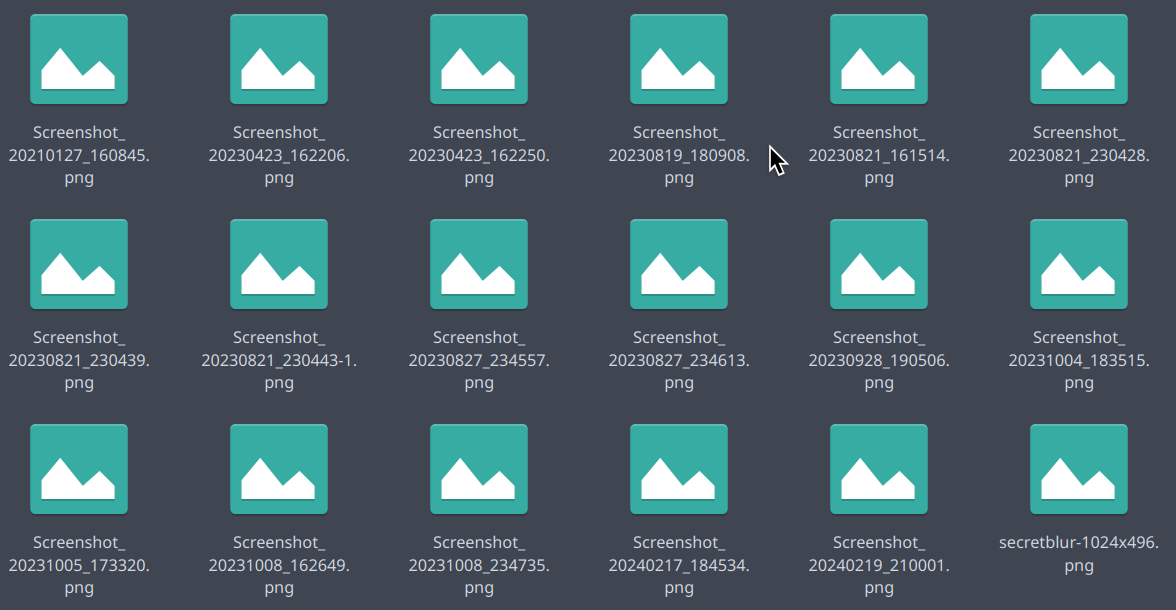
I’m on Arch Linux and so using Plasma 6.0.3 as well as Dolphin 24.02.1. Since a few days ago (roughly around the time of the Plasma 6.0.3 upgrade on Arch Linux, I think), Dolphin hasn’t been showing any thumbnails at all anymore:
The relevant previews are checked in the Dolphin settings, I’ve tried disabling and reenabling those as well. And, as mentioned in the title, it’s not only the images, I don’t seem to get any previews anymore. Not PDFs, not videos, etc. Any idea what could be causing this? It seems like a bug.
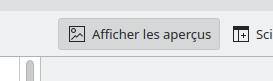
I just had the same issue after pressing f12 and couldnt find how to turn thumbnails back on anywhere, can there be a tickbox in dolphin settings that does the same thing as f12?
Omg I didn’t know about this either. Lol I’ve been searching through posts and forums for a few days now with no luck and finally found this. So I went to ‘Configure shortcuts’ searched for F12 and turned if off. TYSM.