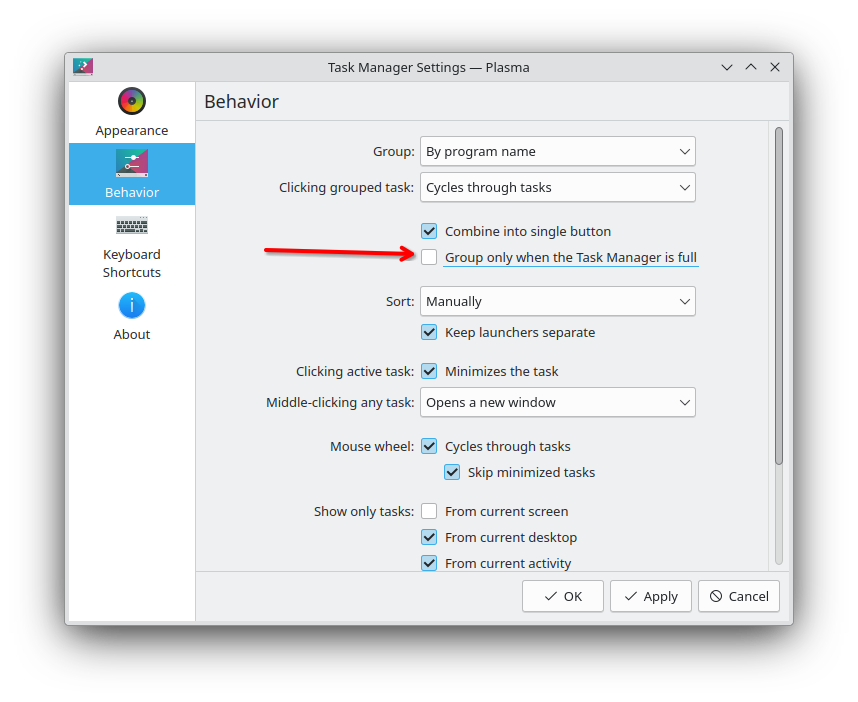
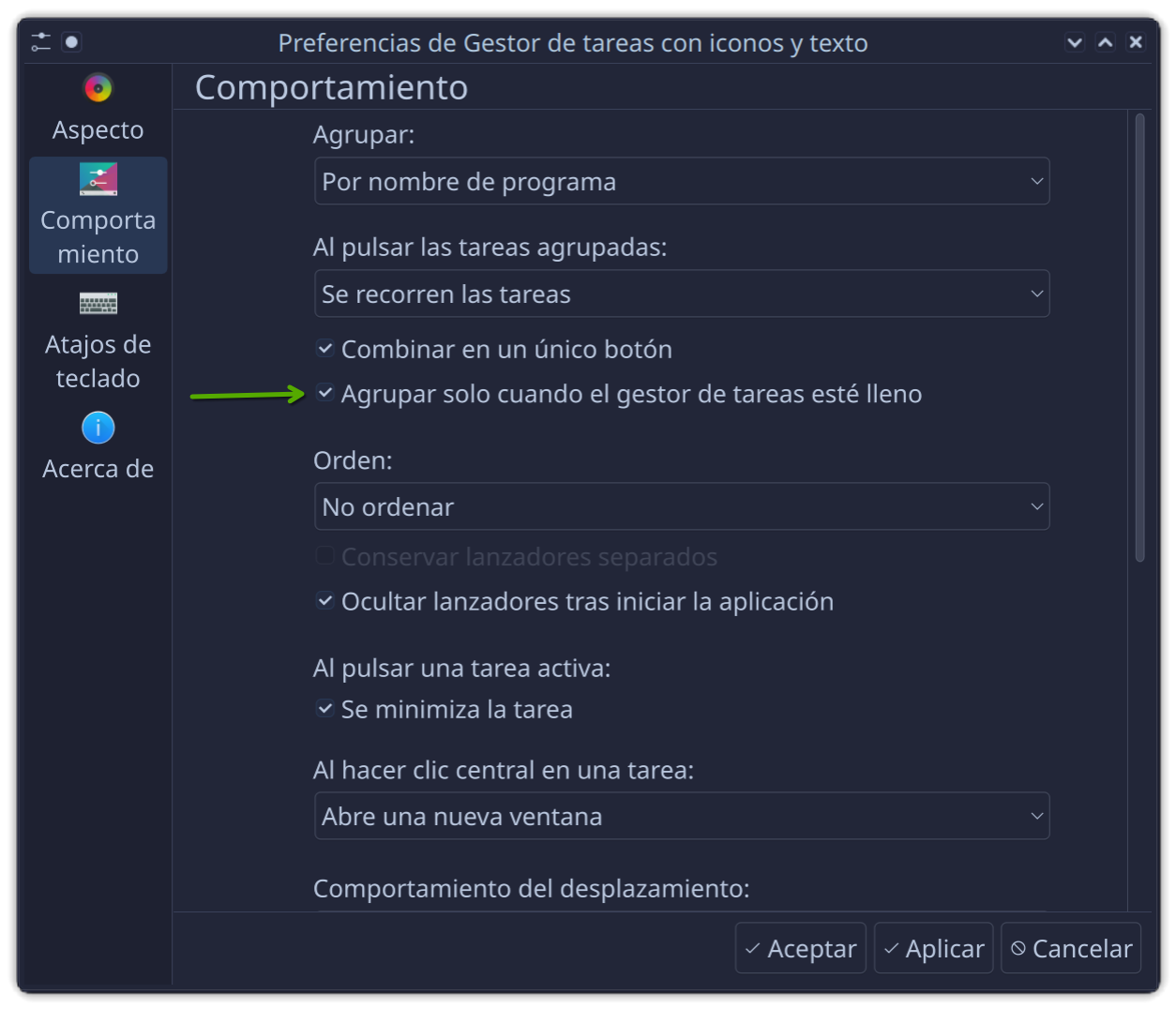
New linux user here. Basically what the title says. The option always shows the window title until the taskbar is full. It also keeps windows of the same app ungrouped, but ‘anchored’ beside each other. When the taskbar becomes too full, the titles collapse into the icon and all the same-app icons become grouped.
How can I enable/add this option? I only have two options (‘Do not group’ & ‘By program name’), and none of them are about showing the titles.
This option will help avoid the extra step of hovering to check which window I want, and also a wider clickable area.