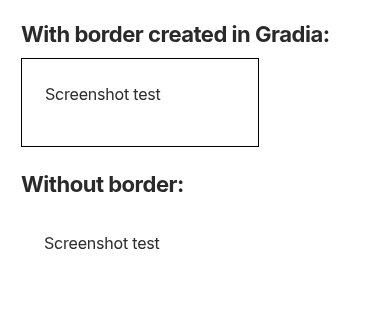
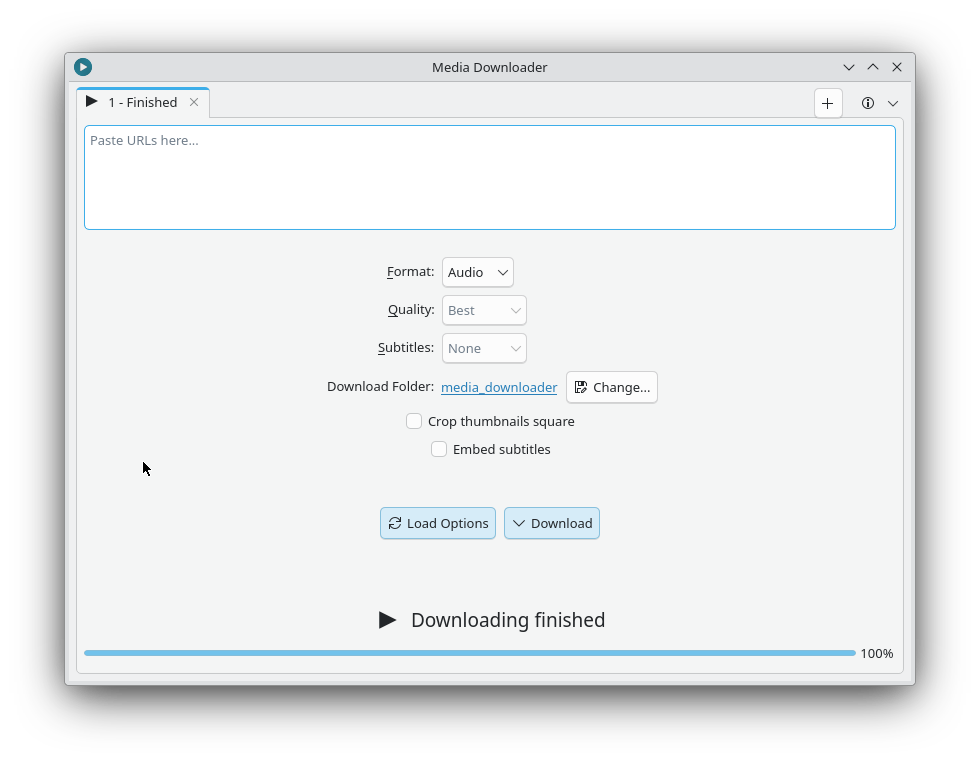
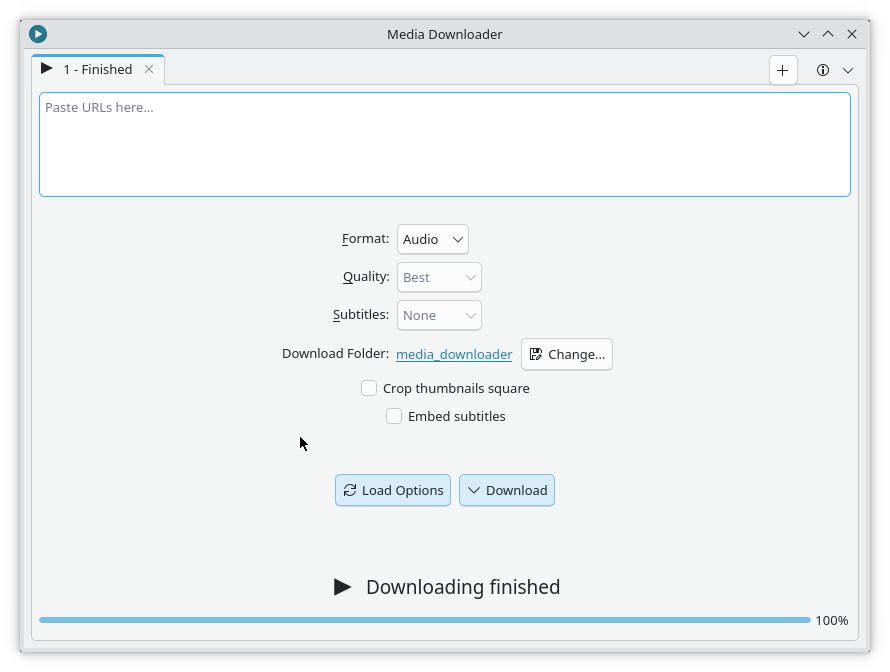
Screenshots benefit a lot from having a border around them. Without a border on the image, when I paste it in my notes, it has no clear edge and it’s difficult or impossible to differentiate the screenshot from the rest of the page.
Because of this, every time I take a screenshot I have to open it in Gradia so that I can add the border to it. I would much prefer, and am therefore requesting, that Spectacle does this automatically.
Well, I would not like my screenshots to automatically have a border, because there’s more use cases than pasting them into documents, but having this as an option in Spectacle’s edit mode would be a good addition. Until then, even though it’s a little bit fiddly to click the corner, you can use Spectacle’s rectangle tool with a stroke and no filling to add a border before saving, without having to resort to a second tool.
Yes, that is an option and I have tried that, but it’s not a true border because I can’t accurately place the square truly on the border. It’s more like a square that is as close to the border as I could get with my mouse. Besides, it’s actually easier to click “Export” and pick Gradia and have the border automatically there.
The border option is included in kSnip (Linux) and Sharex (Windows). It feels to me like a missing feature of Spectacle that is in other similar products.
I just realized that you interpreted my request as a change to the default behavior across the board for everyone. I didn’t mean that. I meant for it to be an option for each user to turn on, just like any preference. The user can check the box and save their preferences to persist through all of their future sessions.
Personally, I would turn it on so that all of my screenshots would include it without extra steps, but many other people would leave it off and would continue having the same experience they currently have.
that’s correct, a region is just what is captured within the rectangle, so you want an option for an artificial border—defined in spectacle—to be put upon ALL captures.
you can sort of do that with annotations, but it’s a rather manual process.