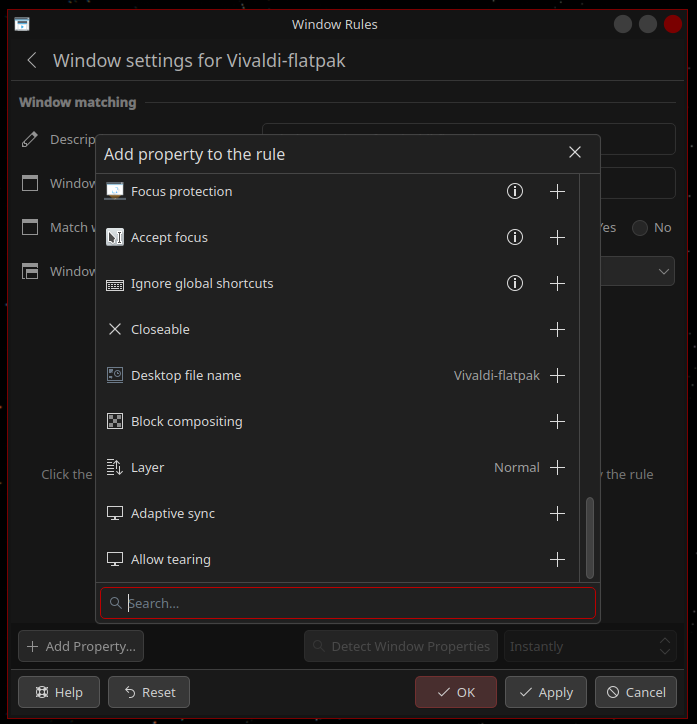
I can’t seem to find an option in the System Settings to automatically enable different power mode profiles(Power Save, Balanced, Performance) when running different workloads.
I would like for my Power Management profile to be automatically switched to Performance when running a full screen application(gaming) and revert it back to Balanced when closing the application.
I am running Fedora 42 with KDE 6.4.4 on a Ryzen 5800X3D and 7900XTX.
Applications can request to enter different power modes for workloads/as long as they are running.
You can also wrap the command with powerprofilesctl launch
powerprofilesctl launch --help
usage: powerprofilesctl launch [-h] [--profile PROFILE] [--reason REASON] [--appid APPID] [arguments ...]

Launch the command while holding a power profile,either performance, or power-saver. By default, the profile hold is for the performance profile, but it might not be available on all systems. See the list command for a list of
available profiles.

positional arguments:
  arguments             Command to launch

options:
  -h, --help            show this help message and exit
  --profile PROFILE, -p PROFILE
                        Profile to use for launch command
  --reason REASON, -r REASON
                        Reason to use for launch command
  --appid APPID, -i APPID
                        AppId to use for launch command
``
Thank you for the answer. I will look into how I can use it to automatically change the power profile.
For some context, where this request comes from. I am playing a Battle[.]net game that I always launch from the launcher I installed via Steam + Proton/GE. It works flawlessly but since my game is CPU bound, it benefits from the Performance power profile. I see that there are popular solutions out there like GameMode but I can’t use it with my setup as I can’t wrap it as a launch argument for the game inside the Battle[.]net launcher and neither can I add it to the Steam launch argument list as that would push the power profile to be on Performance as long as the launcher is up which is 99% of the time.
A new feature built into the Power Management interface would benefit everyone looking to take full advantage of their hardware and be user friendly. Linux needs better end-user experience.
I understand but I’m not asking for the feature to automagically detect if it is a game or not and enable the Performance mode. I’m asking for a generic way to dynamically change the power profiles based on different activities or processes running. For example, one that I imagine would be to switch to Performance if an application runs in fullscreen. Another example would be if my CPU/GPU is working on a heavy workload(CPU is over 30%/GPU is over 50% load).
Never realised how useful something like this would be until now. I usually keep my pc in low power mode for less heat and more quiet fans, but turn it manually to performance mode whenever I launch a heavy game like star citizen. Sometimes I forget and wonder why the game is so stuttery today lol
i think what davidre is getting as is you can write a script that will set the power profile you want for an application and then launch the application from the script.
so how that would look in your app menu is you would have an icon for the script that you would launch instead of the game and the script would launch the game after it set the profile.
Yea, I got it. My point is that we should not do this, this is not a good user experience.
I did manage to crop something up with the help of my LLM buddy. I now have a script that I execute it via a desktop shortcut or use it seamlessly with Steam through launch options just like how GameMode works. It neatly controls my power states by switching between balanced and performance via tuned-adm(new default on Fedora) when a game runs. I can also configure it to stay alive by monitoring specific processes like launchers. It also self-exits when no watched process is present and also reverts the mode to balanced on exit.
I wonder if there is a way to detect if some process uses more than a specified amount of memory to automatically switch to the performance preset - and back when it falls under the threshold. I could probably write a small script to do that if no-one has a better solution.