I would like to see rotate and mirror functions in spectacle.
spectacle is mainly a screen capture tool… so what is your use case for needing to rotate or flip a screen capture?
Is Gimp the tool you need? After Spectacle screenshot.
Krita is another program that does image editing past the basics of a image viewer, like Gwenview, the default KDE app.
Thank you for the recommendations!
I’m a big proponent of paint engineering, quick and dirty drawings to make a point.
Rotation and Mirroring seem like small and basic functions, easy to integrate. I do not necessarily want to start fully fledged image manipulation software.
Then this question does stand, why do you need to @kasir for a screenshot? Unless it’s from a video or a website where you need to rotate and/or mirror, I can’ not think of other reasons do to so. Or you are using your resources to complete a task with less clicks 
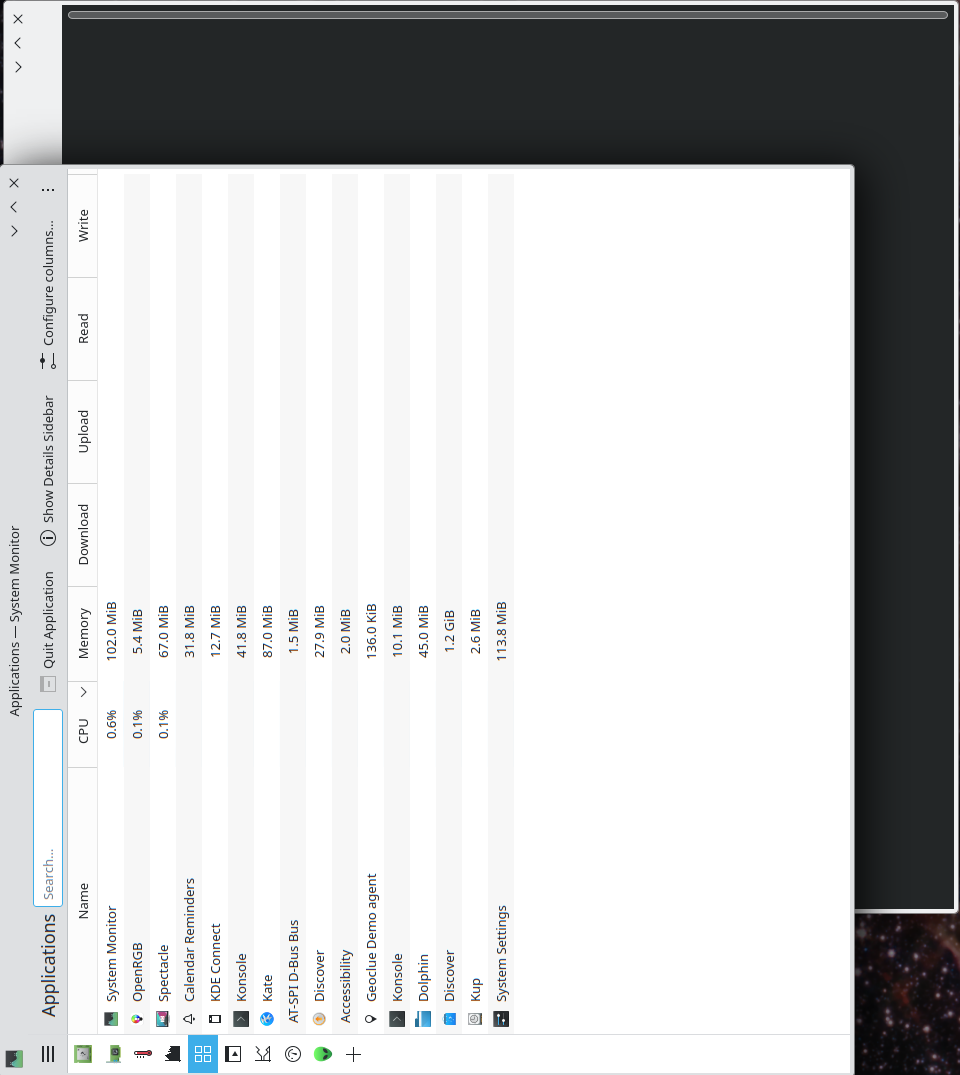
In engineering context to flip diagrams (from books, papers) to change the point of view (swap x,y) without having to turn my head and doing mirroring mentally. Overall keeping mental load low and doing it fast.
i guess i can see that from a technical writing pov… if you are screen cap’g a diagram from a pdf manual that oriented in landscape and you wanted to show a portion of it in portrait detail a point, or a graph/plot where you wanted to swap axis for better understanding.
tho i find simple image viewing tools like gthumb or nomacs to be quite handy at that sort of task once the screen cap has been taken.
Gwenview then. It is KDE’s “default” image viewer. Very light, but also does those two things (and a few more) you are requesting.It is even at the top of the list of apps when you click “Export” in Spectacle:
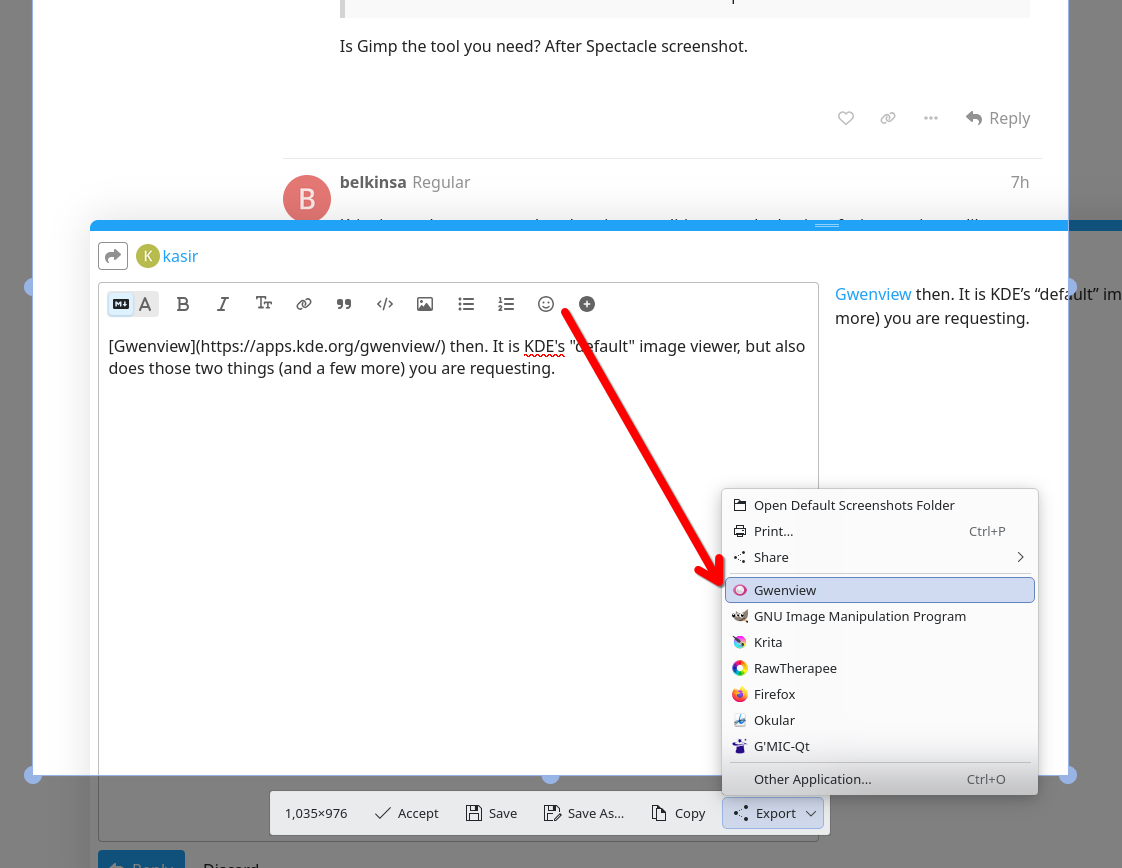
This approach looks good. Thank you for showing me!
1 Like
Spectacle has a great, easy to use, tools to annotate the captured image, like numbers, arrows, or labels (IMHO easier then in Krita or KolourPaint). I would be cool, if I could rotate/flip an image before adding annotations.
1 Like
indeed, so much so that i’ve created a separate .desktop item to run
spectacle -E
so i can open with… on an existing image file to annotate it
Good point  But I still have to first save or export the screenshot to flip/rotate it in another application and then load it again into spectacle to add annotations. This step could be omitted.
it could, or could also be after the fact using the spectacle -E without needing a different tool.
i think it’s a worthy feature request (wishlist).
The annotations feature of Spectacle has been transformed into a re-usable library, and it’s being added to the Koko/Photos app: Add annotations tool from KQuickImageEditor (!181) · Merge requests · Graphics / Photos · GitLab
In principle it could be added to other apps too. For QtWidgets apps like Gwenview, the story is a bit more complicated, but still doable.
1 Like
Hi - I came to this request looking for the facility to rotate KDE’s annotations, e.g. rotate the major axis of, say, the ellipse. I’m guessing I should direct that request at the annotations library that you mention. Could you tell me the name of the library, please, or is there another way to propose features?
b-w JS
I’ve added support to existing request for rotating annotation elements on GitHub (github-dot-com ksnip kImageAnnotator issues 39)
I don’t think there is a dedicated bug page, so you can just post a spectacle bug. The library is actually already capable of doing what you are asking for, Spectacle just needs a good UI for it.