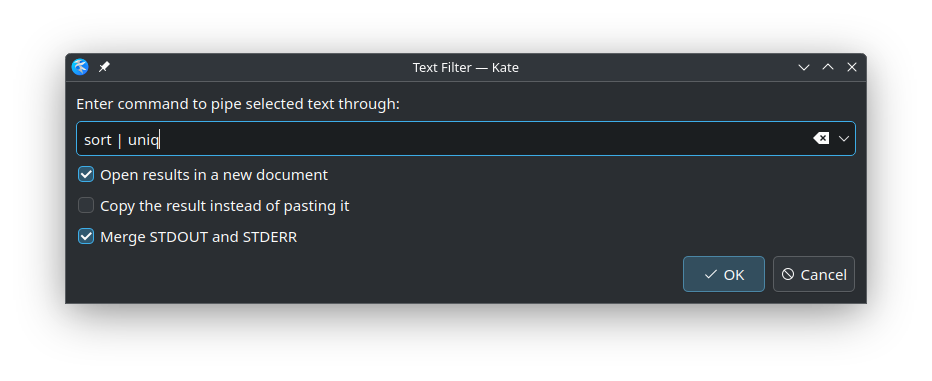
Sometimes you need to quickly filter some text or apply a shell command to text. You can set up an external tool for this if this is something you do often but a quick way to do this is using the Text Filter plugin (shortcut:Ctrl + \):
Ctrl + \
Simply type your command, select the options and click Ok.
If no text is selected, it will use the whole document.
This is so cool
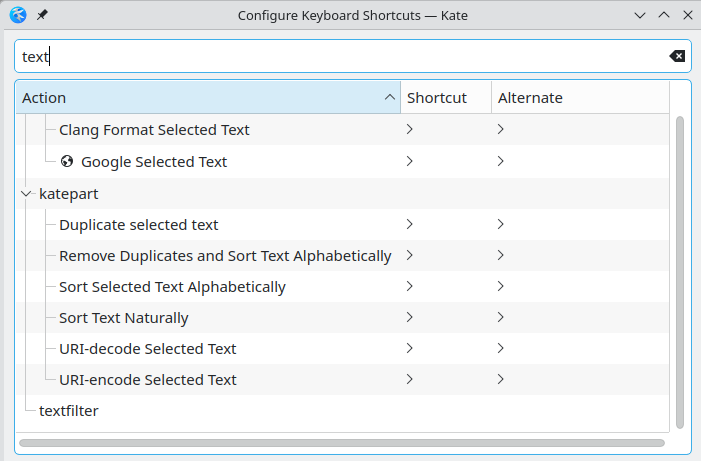
Unfortunately the shortcut is a bit awkward on a German keyboard layout (CTRL+AltGr+?) and it seems it can be reconfigured
CTRL+AltGr+?
I guess plugins aren’t actions and only actions have configurable shortcuts?
yes, only actions have shortcuts. The action name for this is filter through command.
filter through command
The shortcut dialog can be improved to show the list of actions for a plugin, its only showing exact matches.