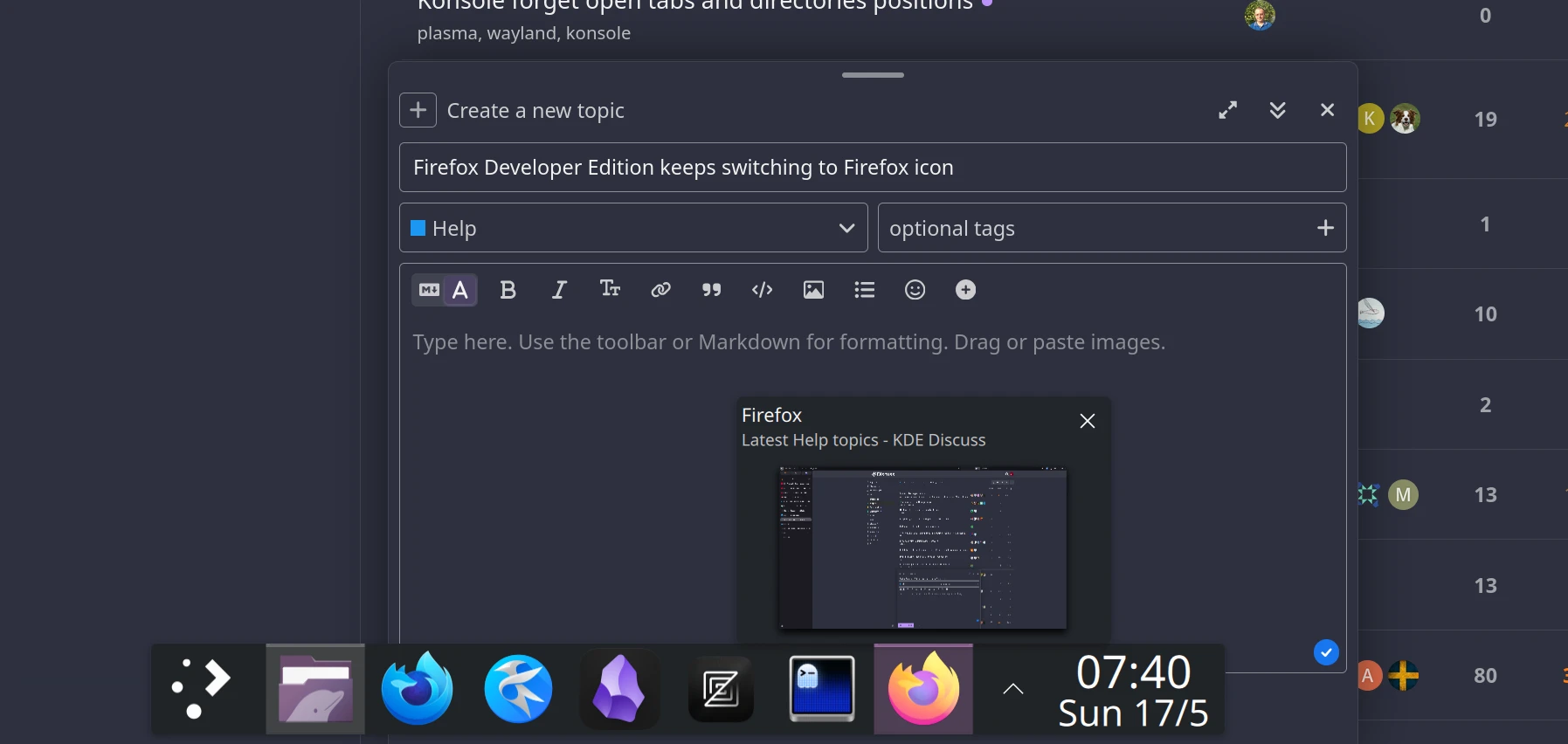
Firefox Developer Edition keeps switching to Firefox icon

I use ‘Firefox Developer Edition’ (blue icon) but as I am using it, it constantly switches to the ‘Firefox’ orange icon, as above.

I don’t know what triggers it and the switch is seamless - i.e. I don’t notice it happening while using it.

System monitor shows that ‘Firefox Developer Edition’ is running.

Default application = ‘Firefox Developer Edition’ for web + PDF.

I’ve spent hours on this but no solution. Help!!

I have the same problem on multiple machines. It seems to happen randomly after a delay, but might be tied to a panel refresh (when I plug/unplug my headphones for example).

plasmashell -v : 6.6.4

firefox -v : 150.0.3

firefox-developer-edition -v : 151.0b4

I can help debug the issue, but would probably need some guidance.

Try to write a KWin Rule, is the window class written as “firefox firefox-developer-edition”? If so then add a property called “Desktop file name” set it to “Force” and the desktop filename to “firefox-developer-edition” that should fix it. Find out more here:

@lolcabanon - I’m pretty sure it’s not hardware-triggered for me. I’m not doing anything other than using the browser when it silently switches icons on the taskbar (which I don’t notice because my task manager is hidden).

@reisub - I’ll try that now. Will edit this with result.


Forgot to add my specs:

Kernel: Linux 7.0.9-1-cachyos
OS: CachyOS x86_64
DE: KDE Plasma 6.6.5
WM: KWin (Wayland)

@reisub - that didn’t work for me. Here’s what I have:

Try this:

Update: I ended up installing Firefox Developer Edition myself and I found that while this works it still leaves a firefox icon in the dock for a bit then it gets removed automatically. I also found out that the process itself is called “firefox” not “firefox-developer-edition”, that’s probably one of the reasons you get a regular firefox icon from time to time

pgrep -fl firefox

67744 firefox
67749 crashhelper
67824 forkserver
67841 Socket Process
67858 Privileged Cont
67868 RDD Process
68018 WebExtensions
68082 Utility Process
68094 Web Content
68111 Web Content
68116 Web Content

Thanks, I’ve updated and will see how that goes. Note: Window title = ‘… - Mozilla Firefox’ when I use ‘Detect Window Properties’.

I wonder if this is related to CachyOS using RAM for browser profiles (‘profile-sync-daemon’)?

I am not sure, but I remember having this issue on another distro, it was either Ubuntu or Pop OS. Currently I’m on Arch which Cachy OS is based on, so it’s probably a Firefox Developer Edition issue.

So the KWin rule did not work. Issue remains. I’ll maybe spend more time on it in the future - had enough of it for now!

Thanks for your help.

I’d run into similar issues previously (about a year or so ago) when I wanted to create a new .desktop file for firefox, but launched with a different profile.

What I’ve tried:

  1. Copy .desktop file to local
cp /usr/share/applications/firefox.desktop ~/.local/share/applications/firefox-diff-icon.desktop
  1. Update new .desktop file window class and icon to something else.

Maybe creating a new window class + kwin window rule would work?

Edit: I see that in the forum links that you posted, something similar was tried.

Yeah, it kinda works but you might see the regular firefox logo for a bit then it removes itself from the dock and you’re left with the right firefox-developer-edition logo almost like firefox-developer-edition is opening regular firefox first then the dev edition.
Another nuclear option I just thought if is maybe finding the regular firefox icon png or svg in the system / icon pack and replacing it with the firefox-developer-edition unless you got both firefox versions and you wanna keep using both

Hey, to add in, I’m currently experiencing this exact issue on Manjaro so it’s probably not distro related. (still have to confirm it’s not Arch-based distros related I guess?)

I use Firefox and Firefox Developer Edition, so I’d like a fix to keep both. I’ve been using them on both my machines for over a year, and the issue only appeared recently.

I just witnessed the behaviour live, firefox-dev-edition was open and using the right icon and position (have it pinned in second on my panel), then I launched Slack (yuck ik) with KRunner and it kinda “reloaded” the icons and then the original orange FF icon appeared beside my pinned apps, just like if I launched FF, but it’s running the same process from before.

Edit : more details, it does not trigger when I launch discord ou thunderbird, but I’ve just replicated it again launching Slack. The Slack tray icon first load last (left position) then replace itself in the middle automatically after a couple seconds. The FF icon desync happens when Slack first load with the tray icon on the left. Discord tray icon pop on the left and stay there, and thunderbird’s one appear directly in the middle.

Okay another reproduction launching mongodb-compass.

mongodb-compass --versions

{
  "node": "22.21.1",
  "acorn": "8.15.0",
  "ada": "2.9.2",
  "amaro": "1.1.4",
  "ares": "1.34.5",
  "brotli": "1.0.9",
  "cjs_module_lexer": "2.1.0",
  "cldr": "44.1",
  "icu": "74.2",
  "llhttp": "9.3.0",
  "modules": "136",
  "napi": "10",
  "nbytes": "0.1.1",
  "ncrypto": "0.0.1",
  "nghttp2": "1.64.0",
  "openssl": "0.0.0",
  "simdjson": "3.13.0",
  "simdutf": "7.0.0",
  "sqlite": "3.50.4",
  "tz": "2025b",
  "undici": "6.22.0",
  "unicode": "15.1",
  "uv": "1.51.0",
  "uvwasi": "0.0.23",
  "v8": "13.8.258.32-electron.0",
  "zlib": "1.3.1",
  "zstd": "1.5.8",
  "electron": "37.10.3",
  "chrome": "138.0.7204.251"
}
yay -Qi slack-desktop

Nom                      : slack-desktop
Version                  : 4.49.89-1
Description              : Slack Desktop (Beta) for Linux

This has been a thing for a long time

@lolcabanon - for me, it has nothing to do with other apps launching. The problem happens when all I’m doing is using Firefox DE - one minute it’s using the correct blue icon which is pinned, the next it’s ‘jumped’ to the orange icon which is not pinned.

@reisub - good detective work! So, that’s the same issue from 6 (!) years ago. Ouch.

I just found: https://bugs.kde.org/show_bug.cgi?id=519839 - is that the same issue?

It’s annoying enough that I’m either going to try Mozilla Firefox Developer Edition, Portable | PortableApps.com or just use Chromium for dev stuff and go back to Firefox standard.

Could be the solution? I’ll try it tomorrow.

You could try but I don’t think that would actually fix it. In the meantime try using the AppImage version from here:

Thanks, but having slept on it, I’m going to revert to standard Firefox and just use Chromium for dev stuff. There’s not enough reward for the effort of the other options - plus I want to keep my CachyOS ‘pure’, no flatpak or appimage.

Thank you everyone for input on this. :+1:

P.S. I stupidly linked to PortableApps - can you tell I’m a recent Winbloat refugee?! :slight_smile: