Hi,
I’ve been looking for years now for a decent KDE Plasma widget that will quickly show me the Upload and Download Bandwidth utiliztion.
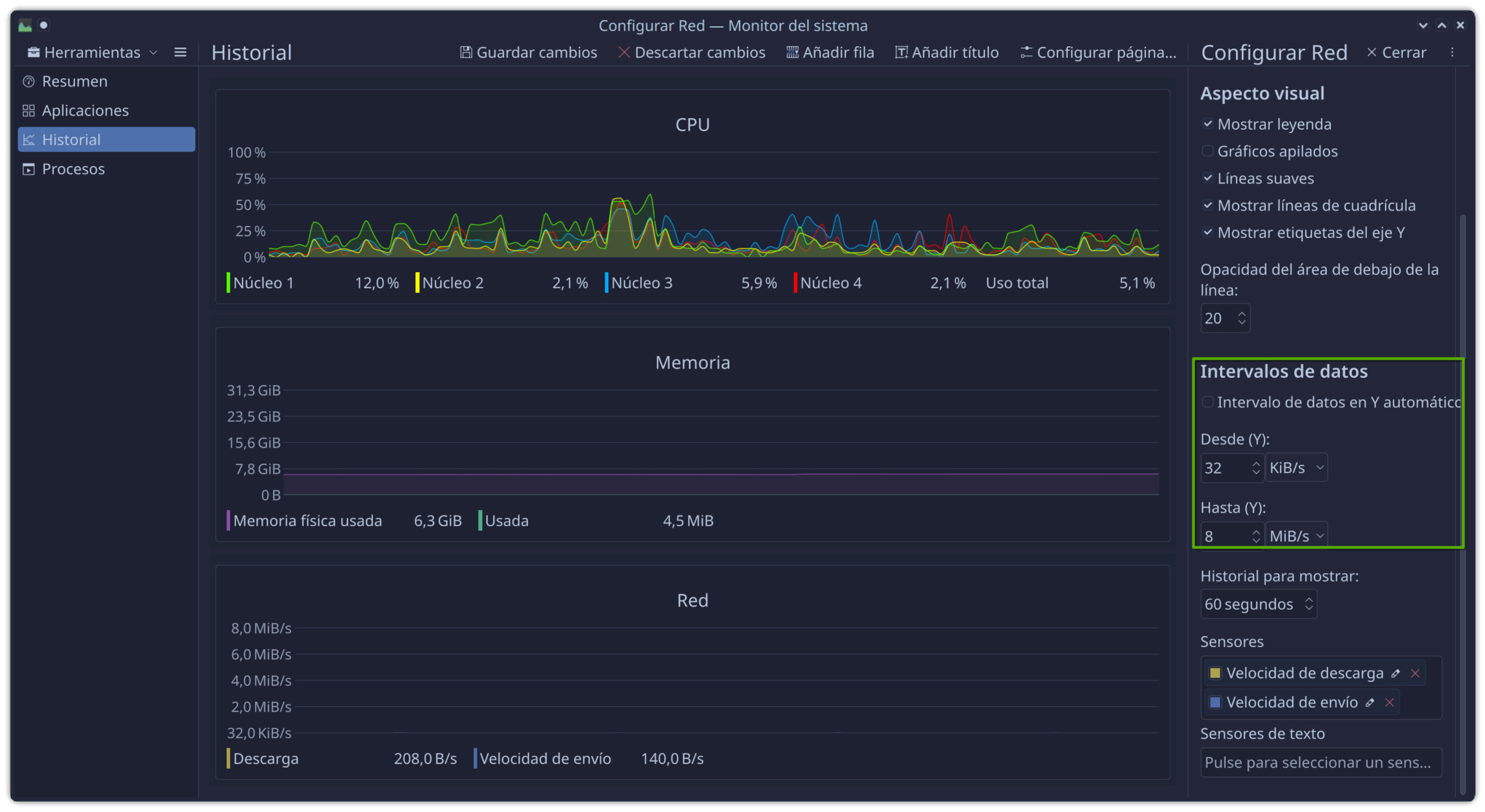
The closest thing I found available is System Monitor but all the gauges don’t seam to be smart enough to handle differing upload and download bandwidth capacities.
For example on a stock Cable plan lets say I get 50Mbps down and 10Mbps up. Is it possible to configure the System Monitor bar gauge so that the 1st sensor will max out the bar at 50Mbps and the second sensor will max out the bar at 10Mbps? (although these are my paid speeds for my VPN plan only).
The System Monitor ‘Sensor Details’ does not seem to know how to handle multiple sensors but locks the scale for both the sensors to the same value or the ‘automatic data range’ logic is flawed were it does not handle finding the maximum for each sensor independently.
See the example images here:
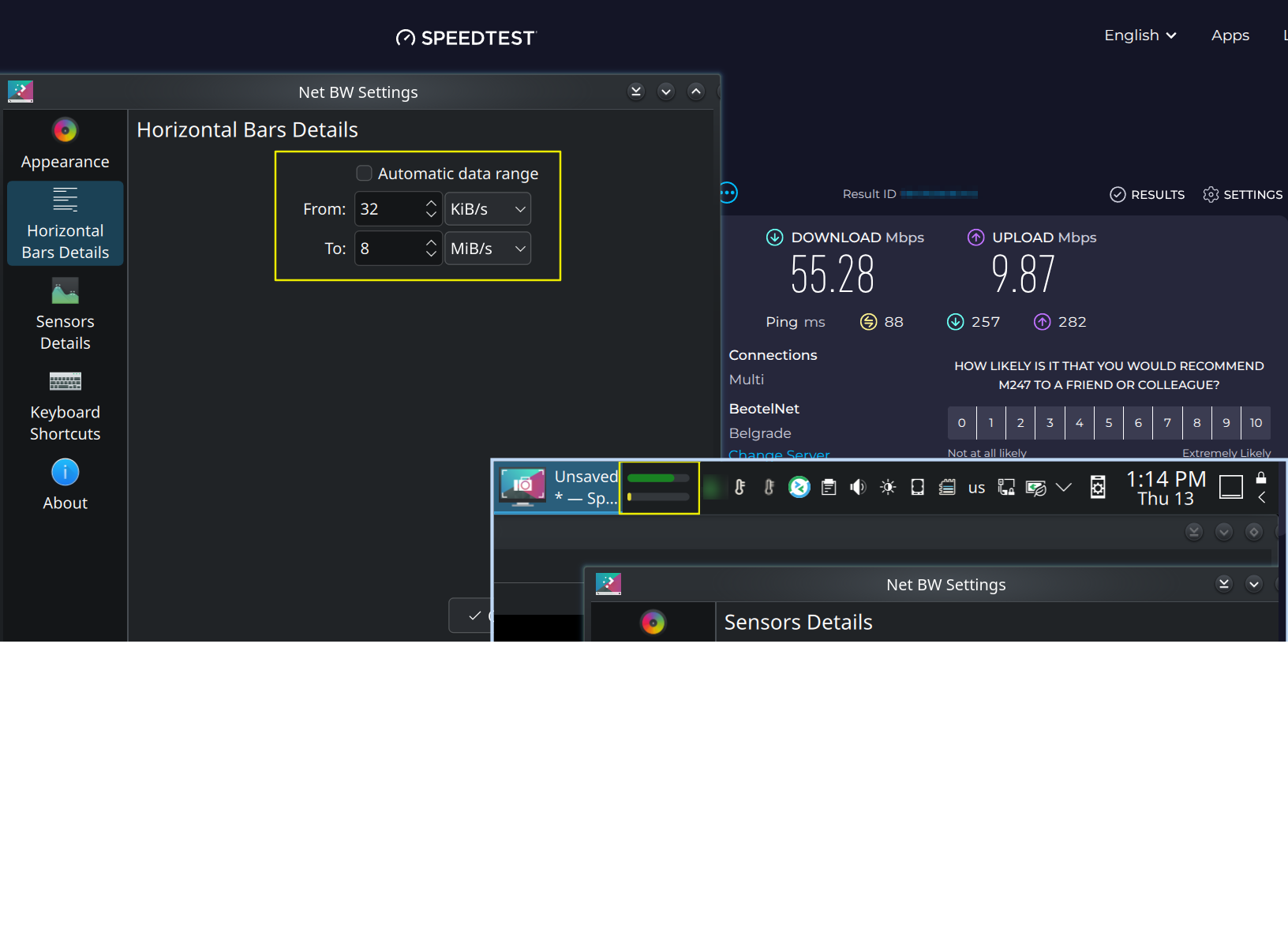
So when I’m uploading a file as max through-put, the yellow bar should be maxed out (full).
Got any suggestions or know of a way to ‘improve’ this?