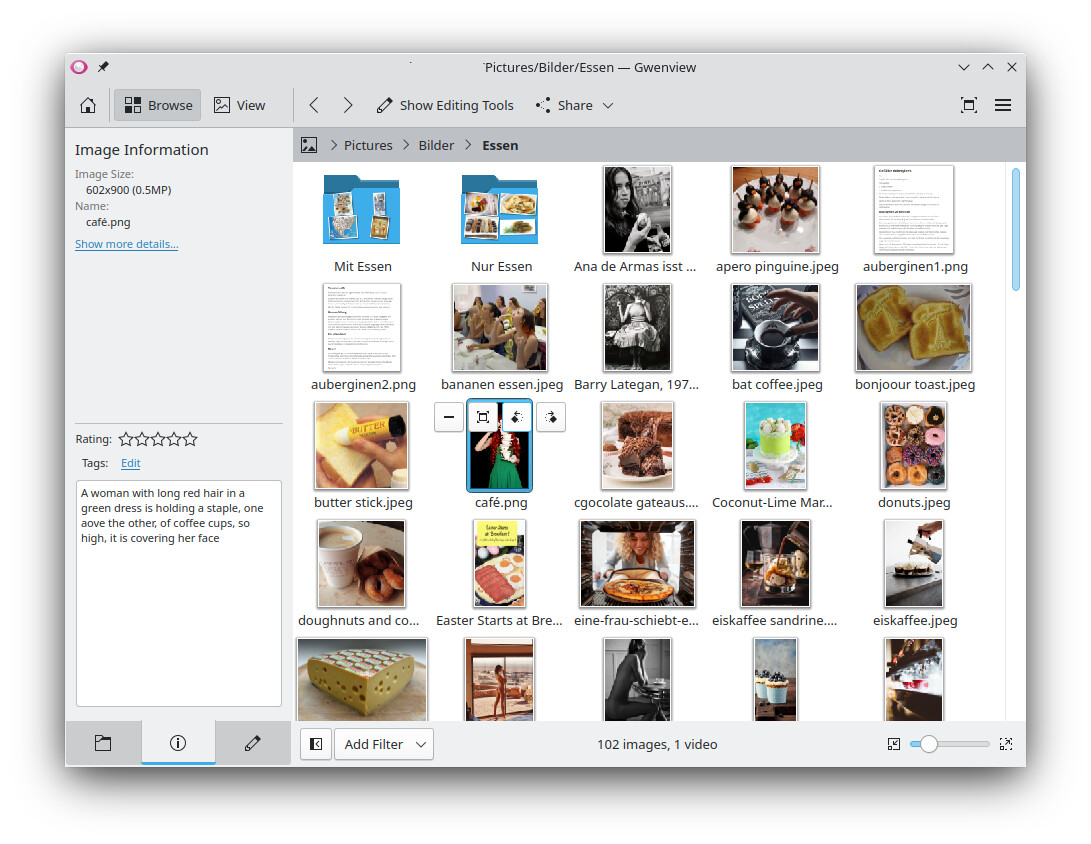
For me the folder preview doesn’t work anymore, I think maybe from version 25+.
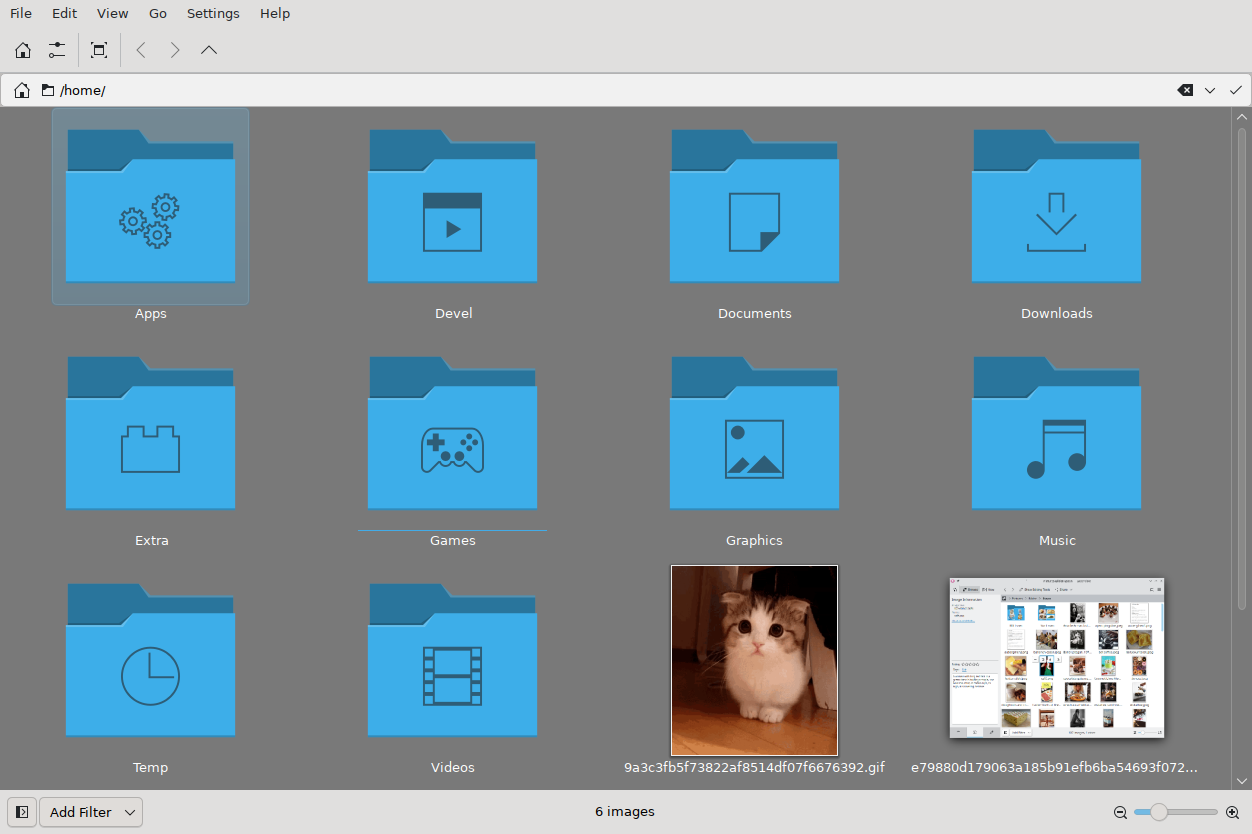
It used to be like this:
Mine still has previews and whatever icons I set.
Gwenview’s settings aren’t quite the same as a lot of other Plasma applications - I’m not sure where you can enable/disable those… with Dolphin I hit F12 to toggle, but in Gwenview they’re just there…
I’d suggest testing with a new USER to see if it’s your data/settings or the system that’s messed up.
If you think there’s something wrong, you should also tell people what you’re using, as Gwenview is not the same version on every Plasma desktop or distribution… and it also has different issues if running on another desktop.
Gwenview: 25.08.3
KDE Frameworks: 6.18.0
Qt: Using 6.9.3 and built against 6.9.3
Gentoo Linux (Xcb)
FVWM 3.1.1
I found these config files, removed them all, doesn’t help:
.local/state/gwenviewstaterc
.local/share/kxmlgui5/org.kde.gwenview/org.kde.gwenviewui.rc
.local/share/kxmlgui5/gwenview/gwenviewui.rc
.config/gwenviewrc
In Dolphin settings I can enable preview for Folders in “Show previews in the view for:“ but it doesn’t show anything. “Show previews for folders“ option is inactive (can’t be enabled).
In Gwenview settings there’s no option for this.
I see this warning for each directory in the view:
QPixmap::scaled: Pixmap is a null pixmap
I don’t have this directory, seems to be a Gtk/Gnome folder:
I have these:
~/.thumbnails [empty]
~/.cache/thumbnails/normal
~/.cache/thumbnails/large
~/.cache/thumbnails/xx-large
~/.cache/thumbnails/x-large