
Hello @Lance and welcome on the forum.
Are you trying to save your project or a video? The title of this thread says project, but the screenshot you add shows you save a video with extension mp4.
I don’t know Kdenlive well enough but I can imagine it can’t save a project with an extension like mp4. Rename the project (remove for example the .mp4) and try it again.


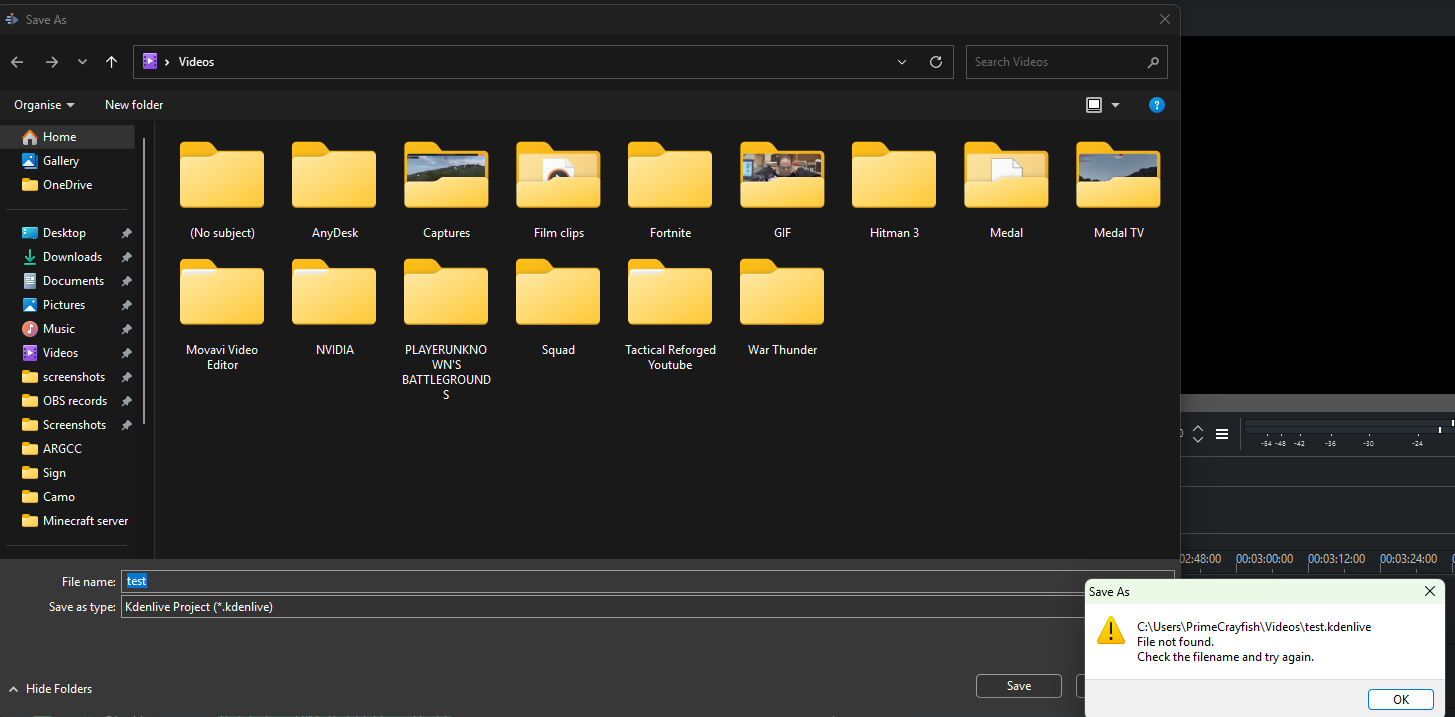
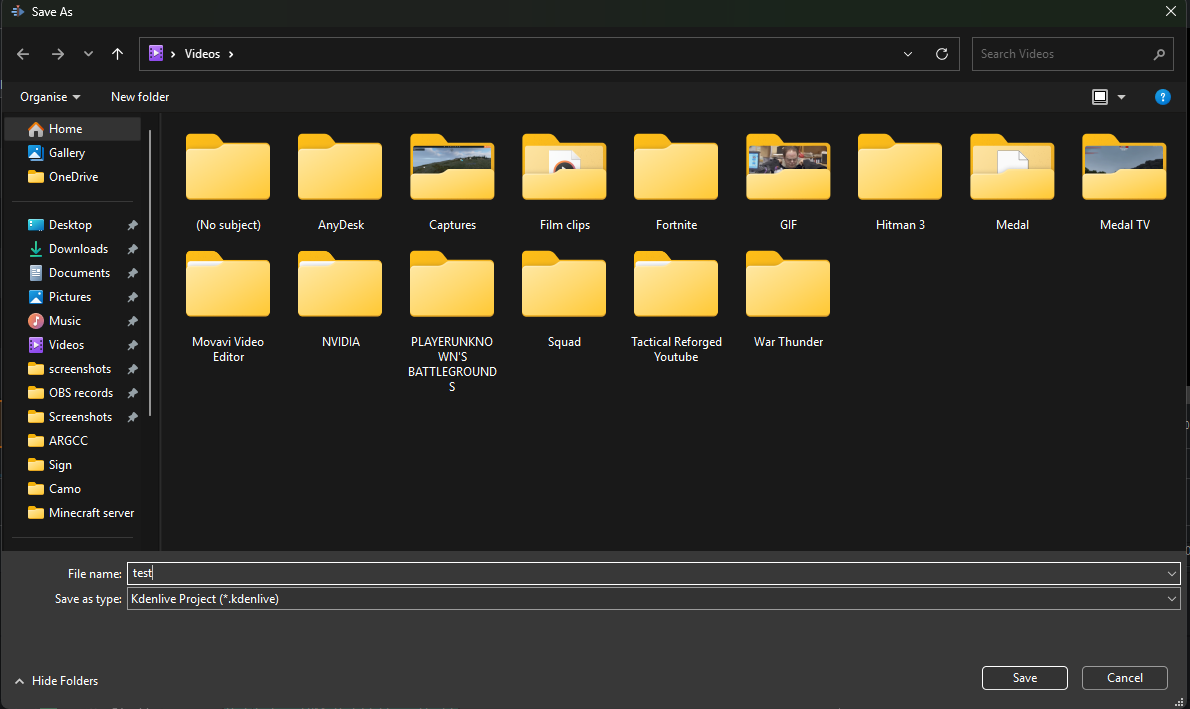
Hmm, a Save As dialog shows a file-not-found error?
Please be more specific as to what you are trying to do, and keep the following in mind:
- The File > Save or File > Save As menu items save the project file (
.kdenlive) that contains the list of assets, the timeline with all the clips and cuts, and the effects (if any) - The File > Export menu option uses OpenTimelineIO to create a special file with the timeline information (clip position, length, cuts, etc.) to allow collaborative work with other editors (persons) using other editing software. I saw one example in your screenshots.
- The Project > Render menu option is used to create a video from your project
Hope this helps …
Inaccessible folder in the path? Though not quite sure how it let that happen either …