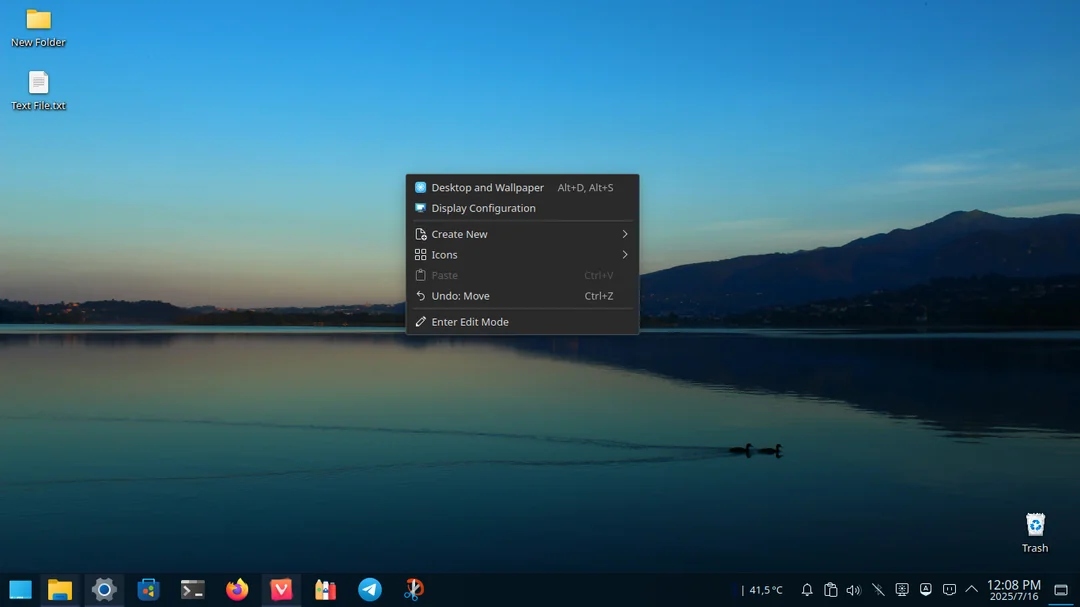
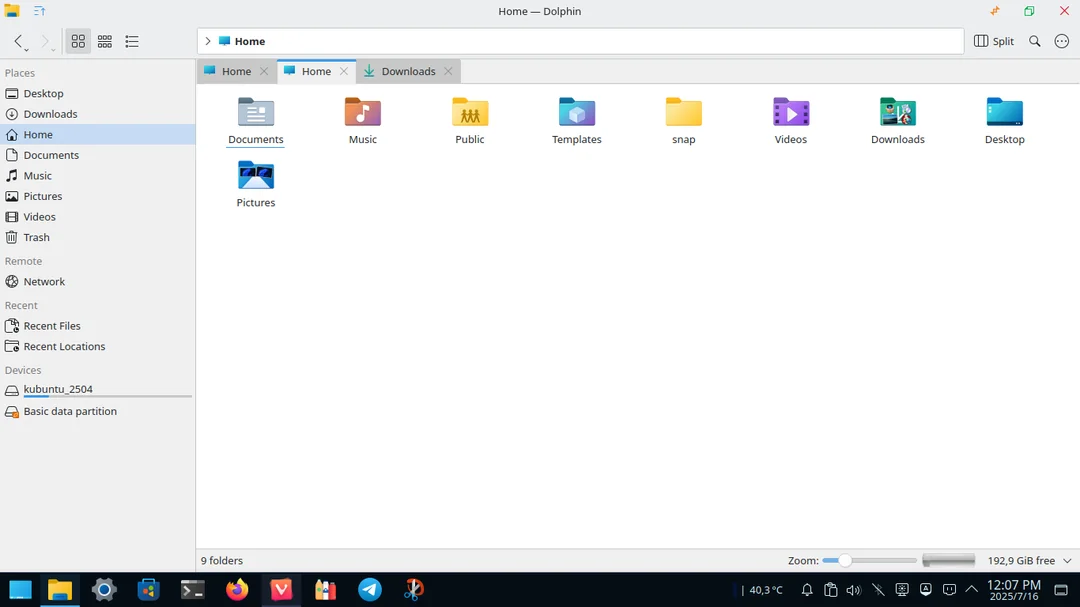
Hi; I’m new to kubuntu and i want to keep the menu dark while the general theme is light as shown in the pictures attached, is it possible to do so ?
You mean like the Twilight global theme?
Try applying the Global Theme called Twilight…
Twilight is a light theme except for the taskbar I’m looking for a way to change the menu color to black in a light theme if possible
Breeze Twilight features a dark (black) Panel and Menu - with a light theme.
Then applying your colourscheme will affect only the light areas of the theme.
The OP is talking about application style menus, not the Application Launcher or desktop widgets. There might be a way to use a custom color scheme, but I don’t think that this could only be applied to application menu items, let alone just the desktop right-click context menu.
There are a ton of color settings options, though…
That is exactly what I want ! sadly it looks like it’s just not doable