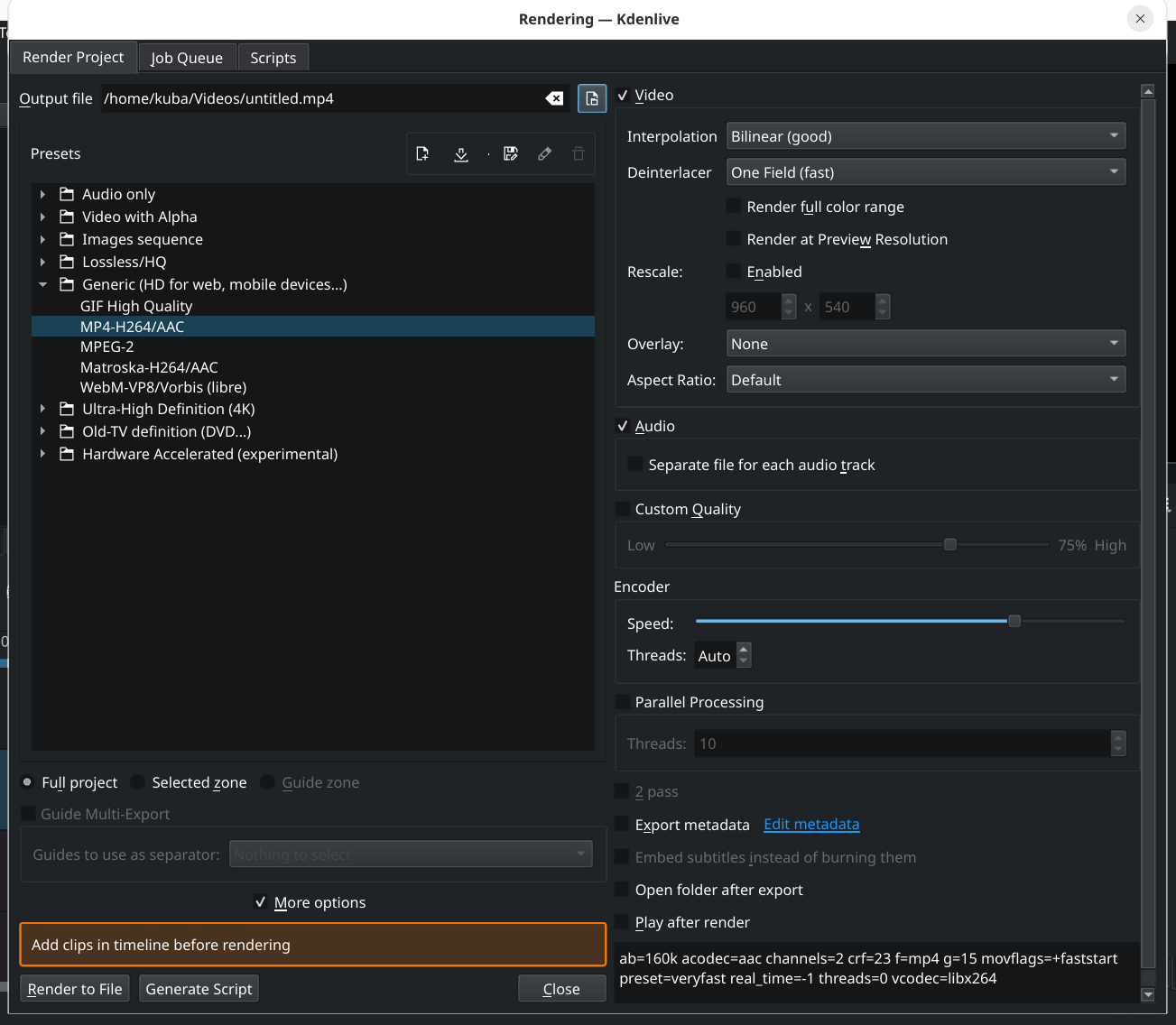
Maybe only that bitrate is almost never really what you want to target.
A target bitrate is mostly only useful if you’re low-latency live streaming with strictly constrained bandwidth - in which case you won’t be using kdenlive - otherwise what you normally want to target is quality. And the bitrate needed for a given quality could vary wildly depending on your content.
I know there are a few sites who use it as a proxy for quality and insist on a narrow range of ‘acceptable’ bitrates - but is there some other reason you really want to do this otherwise?
Yes - I want to be able to control the output file size. If I know that the original file was 1GB at a certain bitrate and I need a file that will fit in 200MB, I’ll use a bitrate that is 20% of the original file
Sorry, but I still can’t really get my head around that as a Useful Thing To Do …
If your problem is just that you want a smaller file, surely you’d be far better off just reducing its frame size by (to fit your example of a 1G->200M reduction) half or just a little more and rendering it with equivalent quality, than just throwing quality out the window?
Though you’d be even better off again if you just ditched H.264 and used an actually good codec - because you’d get something on the order of that improvement in size without any loss of quality at all just by switching to AV1.
Is there something else special about your need that makes quality a secondary consideration?
Often times the quality isn’t so important that I would want to spend time calculating the proper parameters, codecs, resolutions that will maybe result in the file size that I want. I just need a smaller file, fast.
With bitrate it’s simple - I need the file to be 50% smaller, I just keep all the parameters unchanged and reduce the bitrate by 50%