After fruitless hours of diving down the rabbit hole of theming in Plasma I have found it is beyond my comprehension. I just want to change one thing in a theme. Okay two things. The colour of the active window titlebar, and the colour of the inactive window titlebar. (and maybe the fonts too.) See the Commonality theme for an example. The active window titlebar is yellow, the inactive is grey. I like this very much, however I prefer a dark theme, but every one I’ve tried has the titlebars either the same colour or near as dammit. Some of them have a slightly different font colour, but this is not sufficient for my rheumy old eyes to detect quickly and correctly. What I need is something obvious so I don’t accidentally close a window that happens to be behind the one I actually wanted to close, because the titlebars look almost identical. Something I do several times a day.
Happy to dig around in files and update things, but what files where, and what do I change?
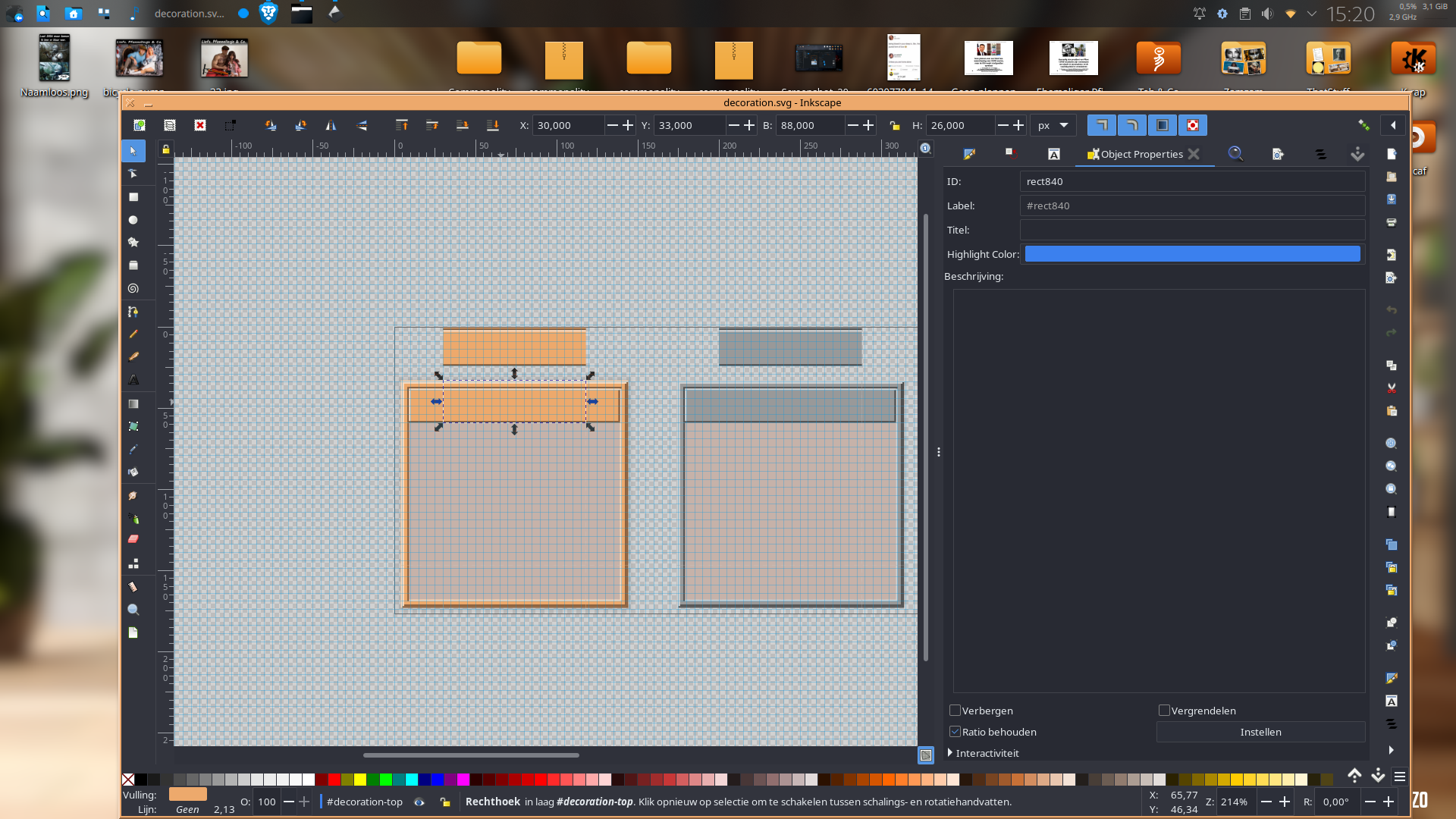
I downloaded the comonality thing to have a look. 1) It’s a kvantum theme. 2) it uses aurorae window decorations. If you want to change the colors of that, you’d need to edit the svg files in ~/.local/share/aurorae/themes. It’s certainly do-able but….. It requires some knowledge of svg editing. Editing the overall color scheme ( titlebar stuff) won’t do you any good.
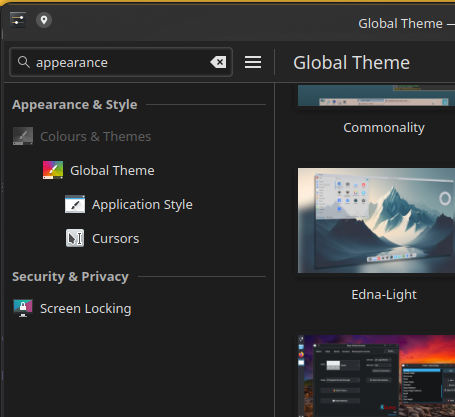
@inv-er5kar thanks for the reply. I installed Klassy using the deb package for debian 13. I’m using Tuxedo with Plasma 6.5.2. But when I opened System Settings there was no “Appearance” button, just the usual Plasma stuff.
So I tried searching for Klassy in the Application Launcher and found Klassy Settings there. I found button colours, but they didn’t seem to do much, and I couldn’t find an option to change titlebar colours. Not sure what I’m missing…
@dzon thanks for the explanation. I was unaware that Commonality is a kvantum theme, in fact I didn’t know I had kvantum installed. From what I’ve read the recommendation seems to be to avoid kvantum themes if possible. How do I check if a theme is a kvantum theme?
I should also point out that I don’t want to change Commonality, I was just using that as an example of a theme with different coloured active and inactive titlebars. What I want to do is change the colour of the titlebars in the theme I’m currently using, or any theme if it comes to that. (non kvantum themes anyway, kvantum themes are a bit above my paygrade by the looks of it.) If there is an easy way.
@Jay_Augen no I hadn’t tried editing the colour scheme. I didn’t know how to do it. I googled it and the AI reply said open System Settings, then Appearance, then Colors. I don’t have an “Appearance” button anywhere, but there is Colors under Global Themes, that I’ve used quite a bit. What I had never noticed before was the little pencil icon on them. So I clicked it and discovered that it does indeed allow you to change some of the colours, but not, sadly, titlebar colours. Just for fun I checked a few more, and none of them had titlebar colours. Until I go to Breeze Classic, and there they were, titlebar colours! I nearly wet myself. Changed the colours and it worked! Hooray!!
So checked the theme I’m using now (Goldy-Dark-Global-6), found the colours thingy for it, and lo and behold, the titlebar colours were there. Changed them, and everything is beautiful. Tired to add a screenshot but for some reason it won’t let me (error message file size is zero bytes).
Kvantum is an application style. The themes, residing in ~/.config/kvantum, use svg’s and a config file. If the application style is not set to kvantum, it will not apply ( except if you run a kvantum override that is). If you have a color scheme and switch the application style to, say, breeze, the overall colors will be the same but it’ll look different. If you want that “retro” style look Commonality provides, I’m afraid you’ll have to run kvantum.
So I tried searching for Klassy in the Application Launcher and found Klassy Settings there. I found button colours, but they didn’t seem to do much, and I couldn’t find an option to change titlebar colours. Not sure what I’m missing…
Yes you can change font colors, button colors and frame colors. Try traffic lights for inactive windows (unlock them first in menu), since you want to avoid accidental closing.
For titlebar color Appearance > Colors - from Wallpaper
Go to Klassy scheme, Edit and play around with it, especially for Inactive.