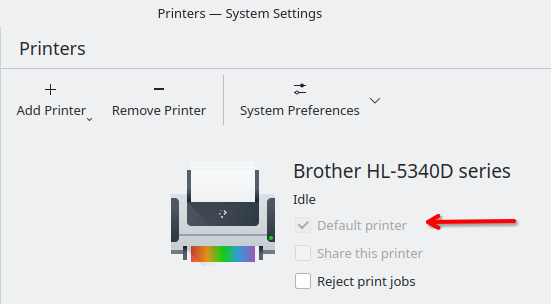
I’m using Kubuntu with KDE Plasma 6 and I want to make printing multiple PDFs as easy as in Windows. Specifically, I’d like a right-click context menu option in Dolphin that appears when I select multiple PDF files, so I can print them all at once without opening each file individually.
Is there a way to create this in Dolphin, for example via a Service Menu or script, so that “Print all PDFs” appears directly in the context menu?
Thank you. I tried something similar, but I was placing it in the wrong directory.
By the way, to make your code work I had to explicitly specify my printer, otherwise I get an error.
Is there a way to use the default printer instead?
[Desktop Entry]
Type=ServiceServiceTypes=KonqPopupMenu/Plugin
MimeType=application/pdf;
Icon=printer
Actions=1-print;
X-KDE-StartupNotify=false

[Desktop Action 1-print]
Icon=printer
Exec=sh -c ‘for f in “$@”; do lp -d EPSON_WF_2930_Series “$f” 2>/tmp/print_error.log || kdialog --error “Errore nella stampa del file: $f”; done’ dummy %U
Name=printPDFs