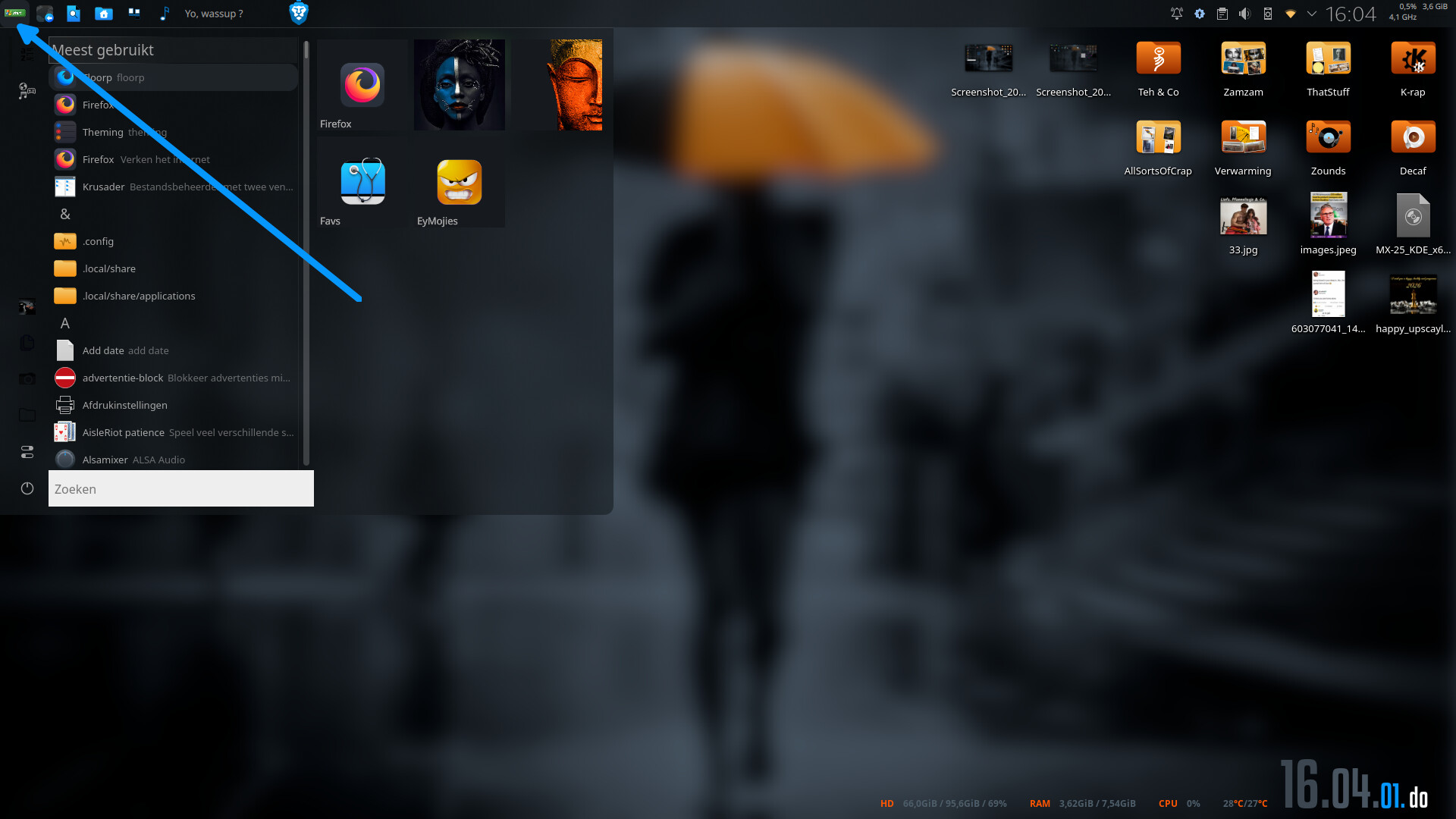
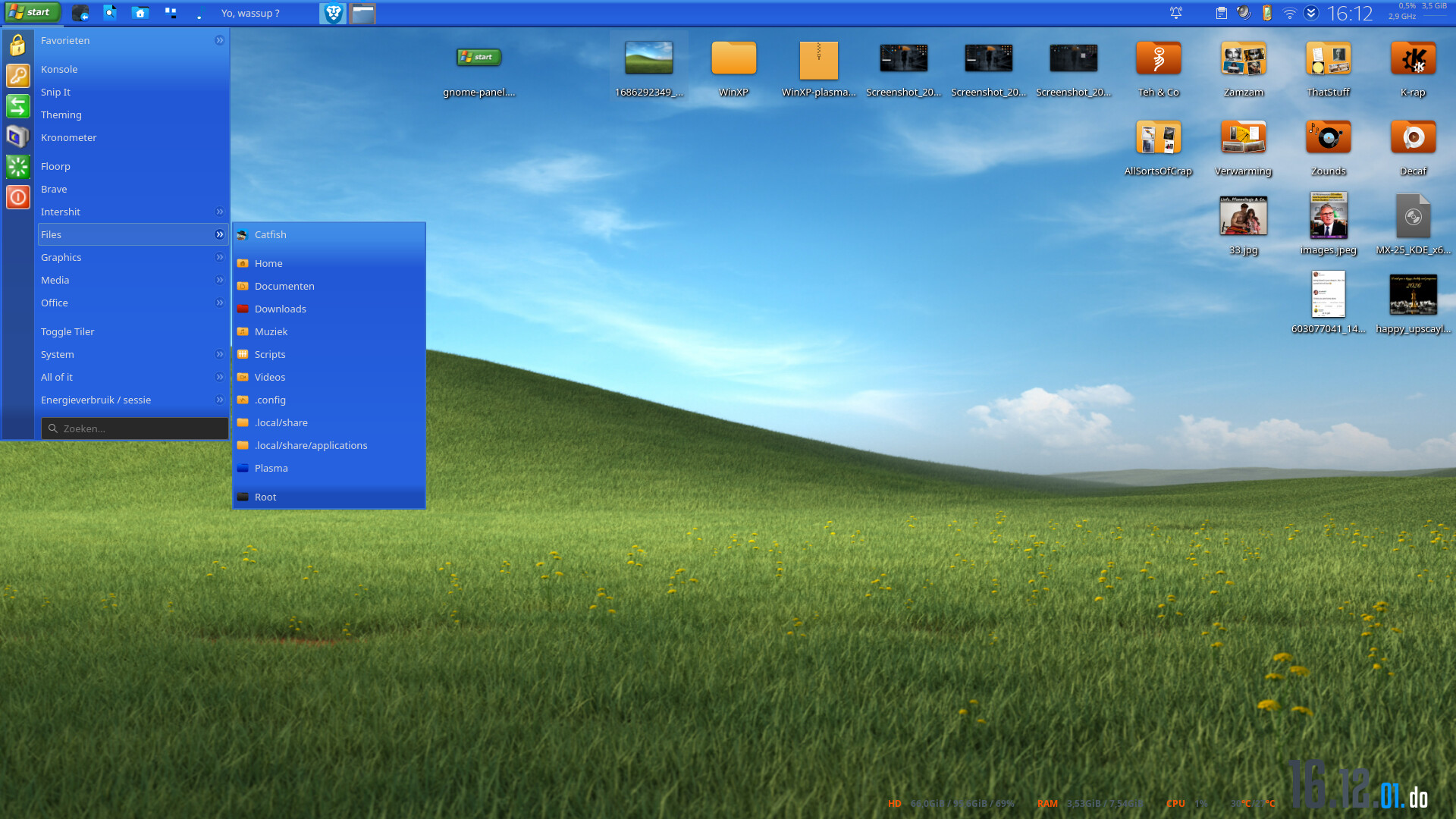
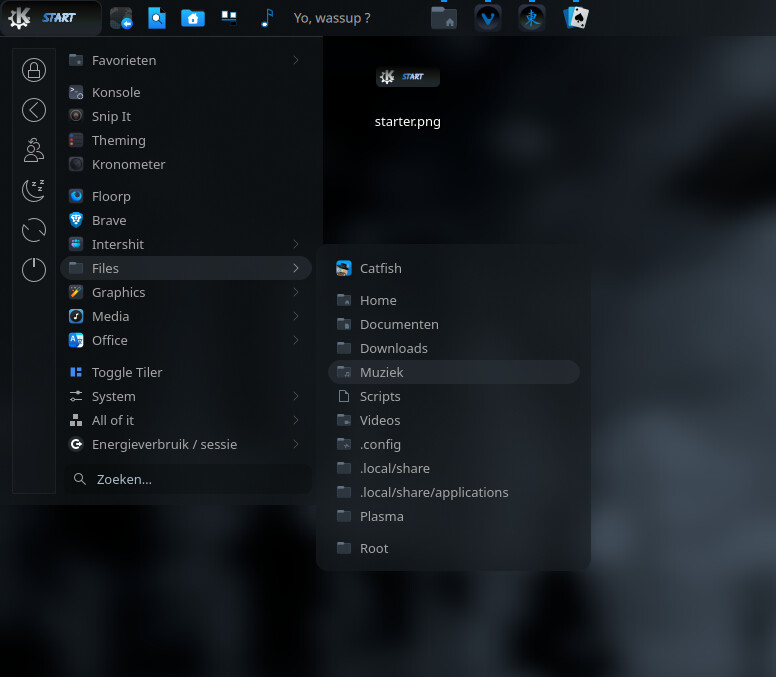
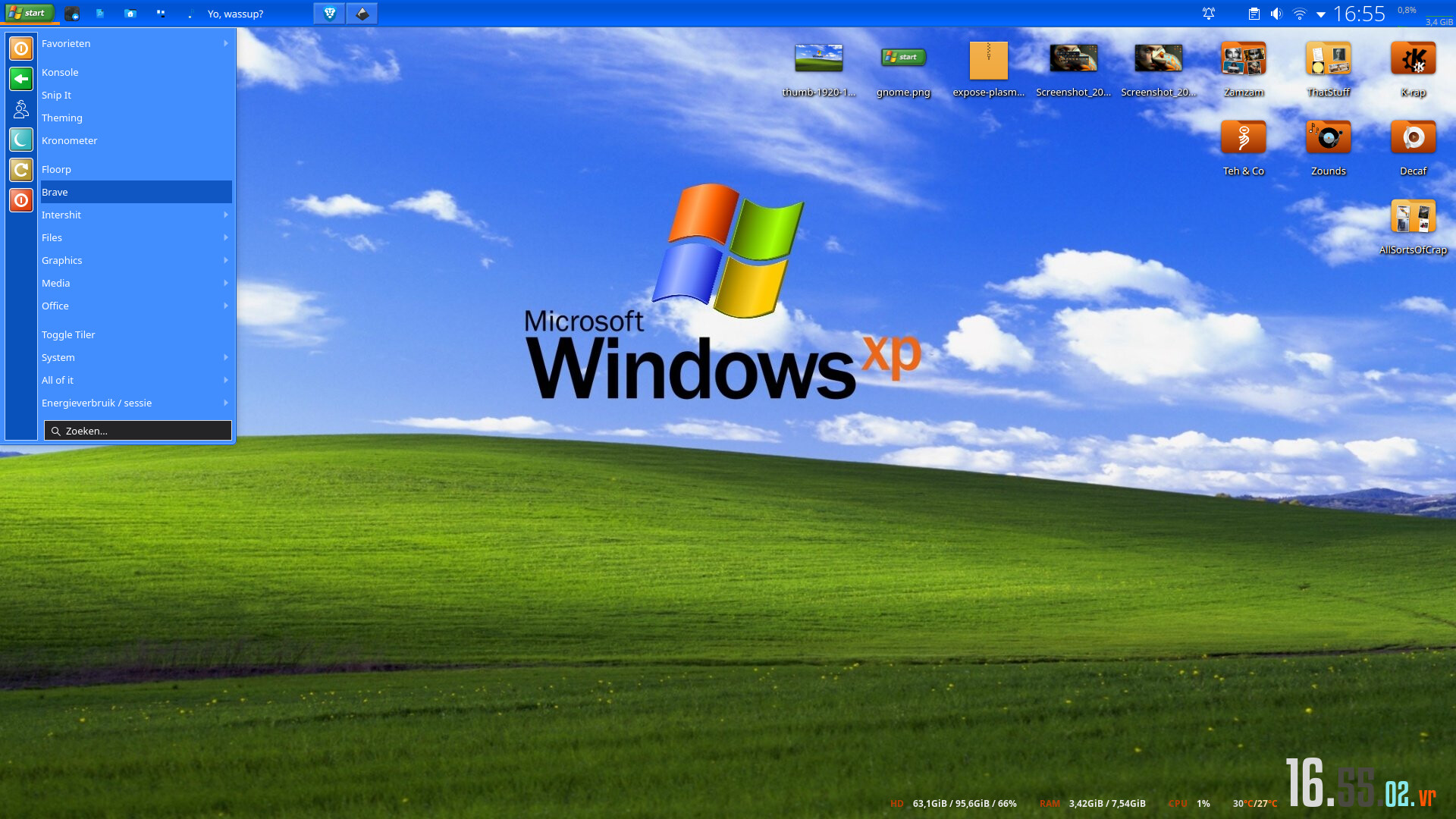
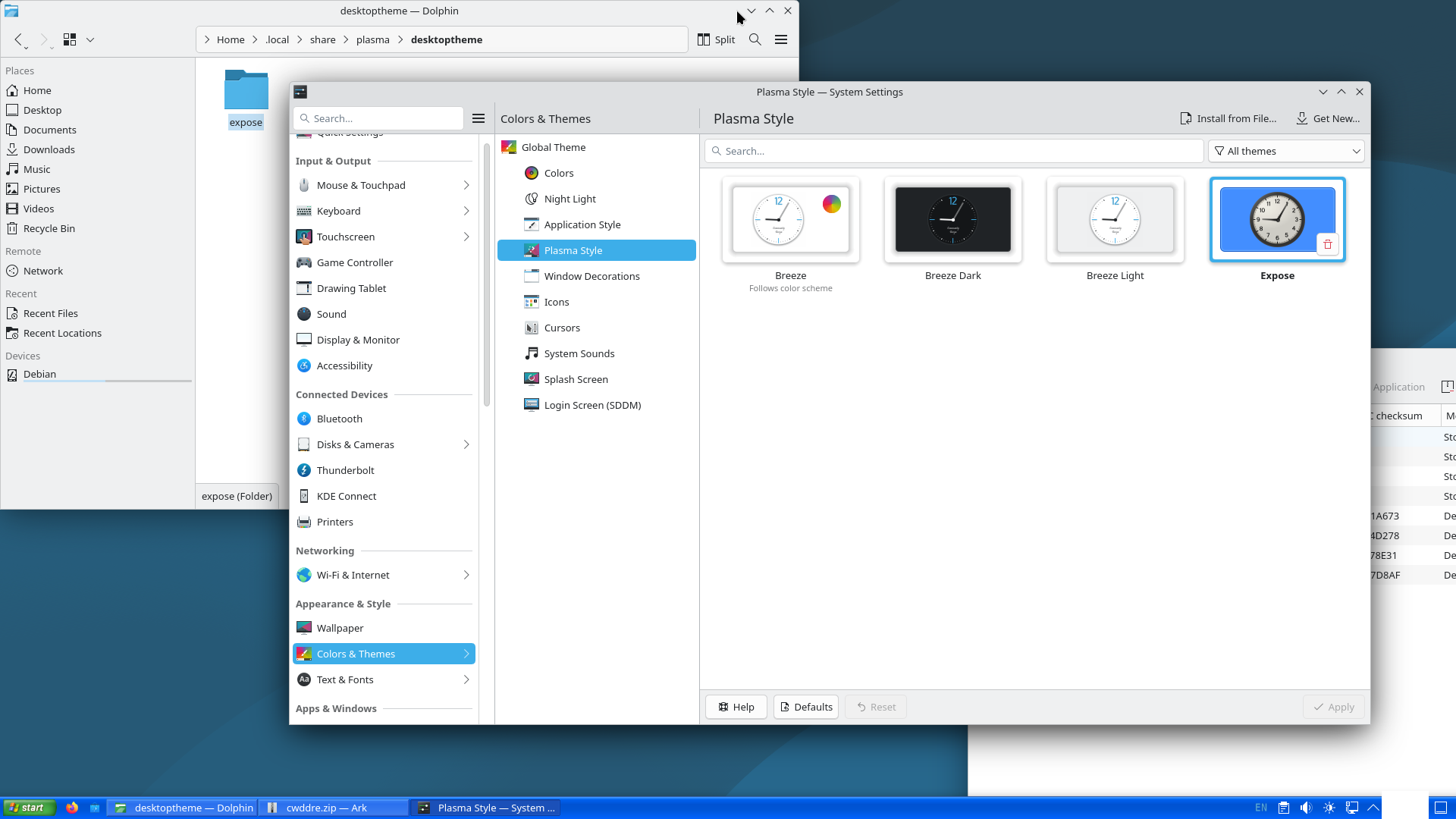
I’m trying to create an XP sort of look here on Plasma 6, but unfortunately the start-here icon only seems to support square aspect ratios. The Windows XP start menu button had a very wide aspect ratio, but unfortunately my custom icon is being shrunken to fit horizontally.
Is there a way to widen the dimensions myself? Perhaps with a custom plasmoid?
This is my icon, which has already been cropped; there is no padding and yet it still gets shrunken. Since you have achieved some success, I would really like to see what is unique about your file. If your file should produce the desired effect on my computer, I will be able to troubleshoot this much more easily.
My own. A huge chunk on my rig is custom made. I made this plasma style because it has no shadow and it’s color adaptive. If, if you want to edit your plasma style, you’ll need some knowledge using an svg editor. In terms of padding and all that, have a look at, for example:https://www.youtube.com/watch?v=i7VtCAOJD2w
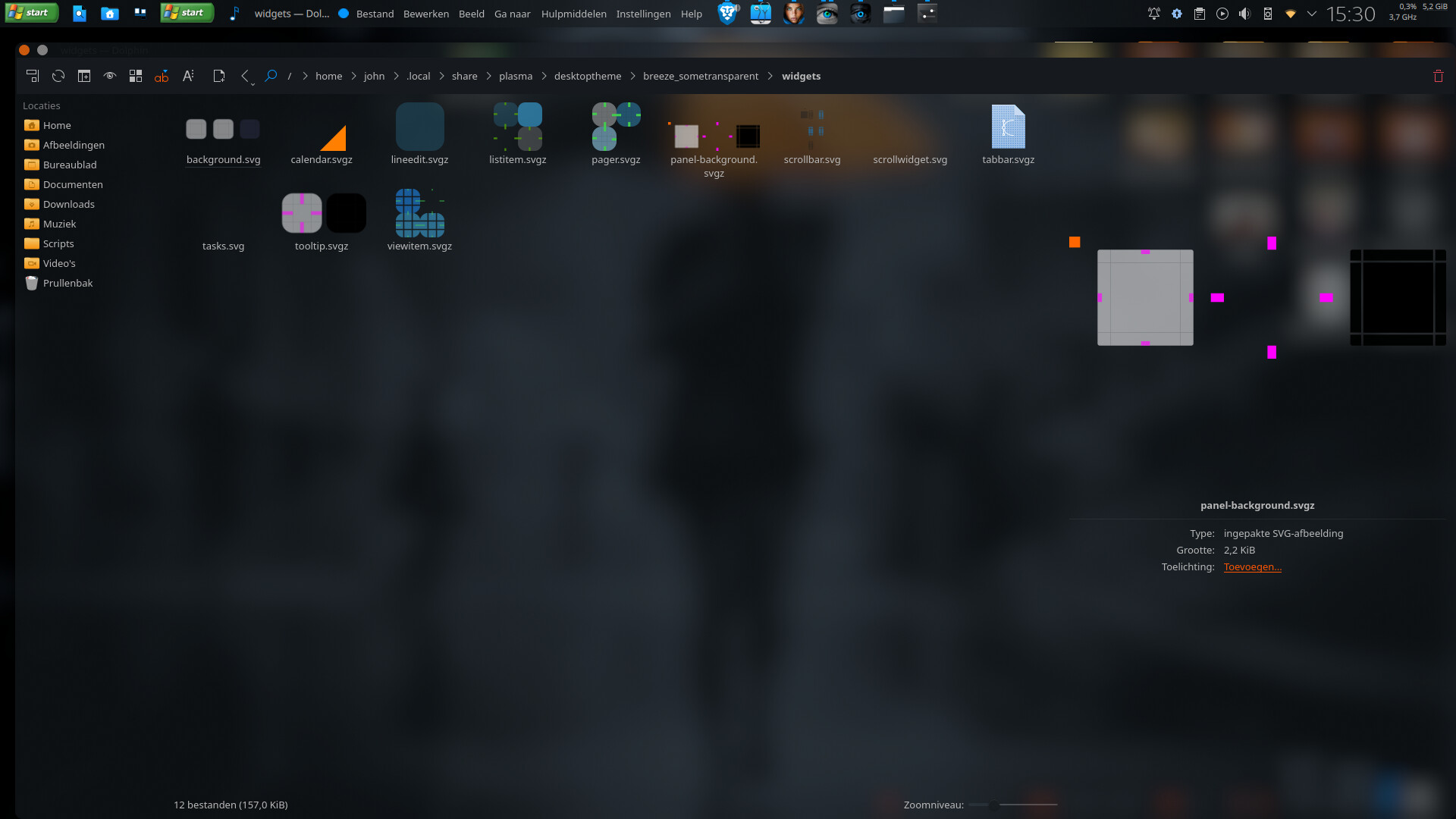
So, in your particular case, the panel svg is what you’re looking for in case you want to edit your plasma theme, specifically the panel background svg.
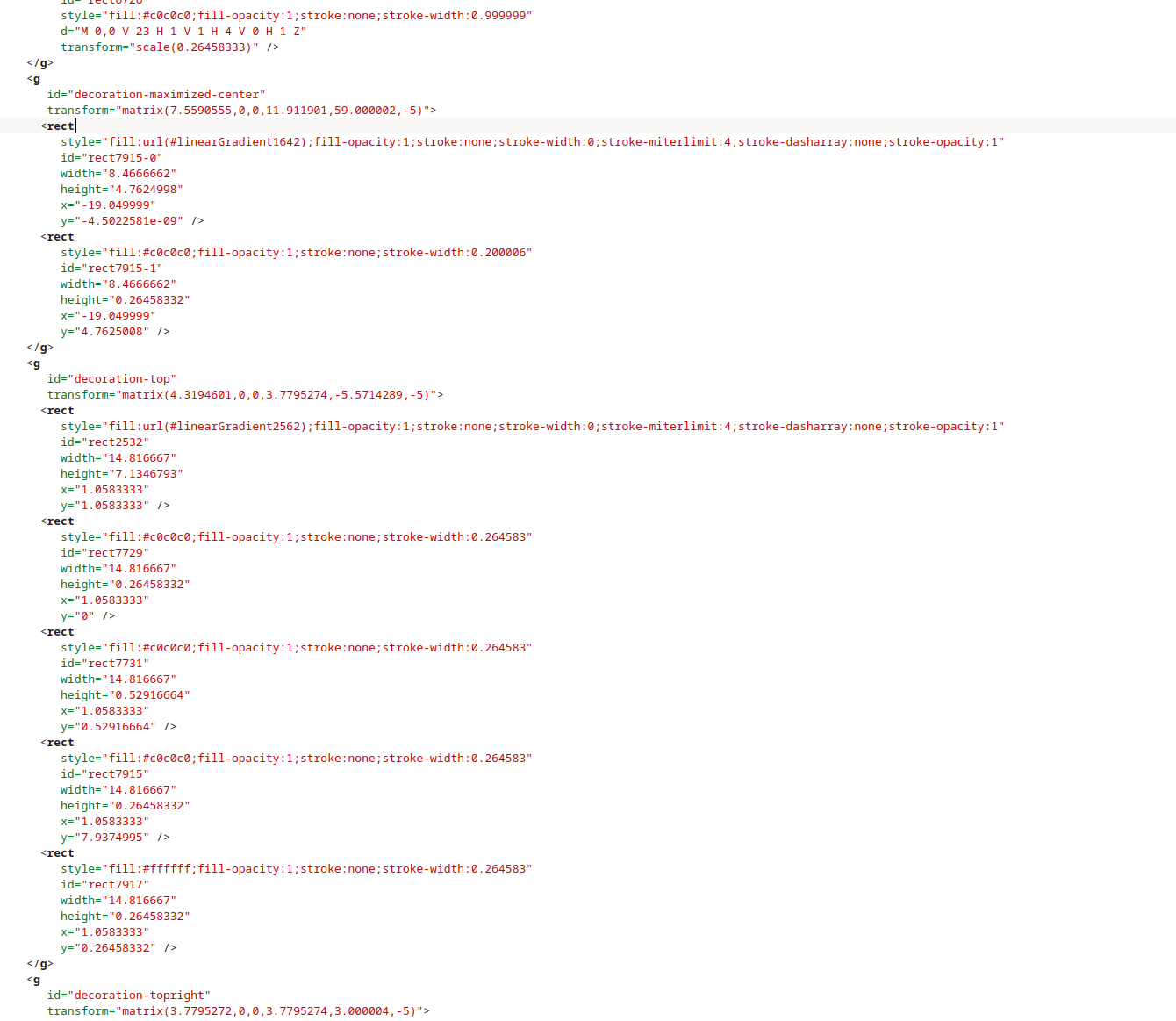
With respect, I would rather study your panel-background.svg (which is the most likely .svg) in Kate over learning Inkscape; I otherwise do not have any use for Inkscape and learning it would be a significant time investment compared to examining existing raw code that’s known to work.
Well, try some other plasma styles I’d say. You can’t post svg’s here. And you can’t “edit” a plasma theme in kate. That’s not how it works. BTW, I’d like to see that rawcode that’s “known to work”.
In fact, just before posting this thread, I had removed hinting code from this XP Plasma Style (Expose) because its original behaviour was to shrink square icons as well! I’m really having a lot of issues with this theme but I believe it can be hackjobbed into a more desirable state.
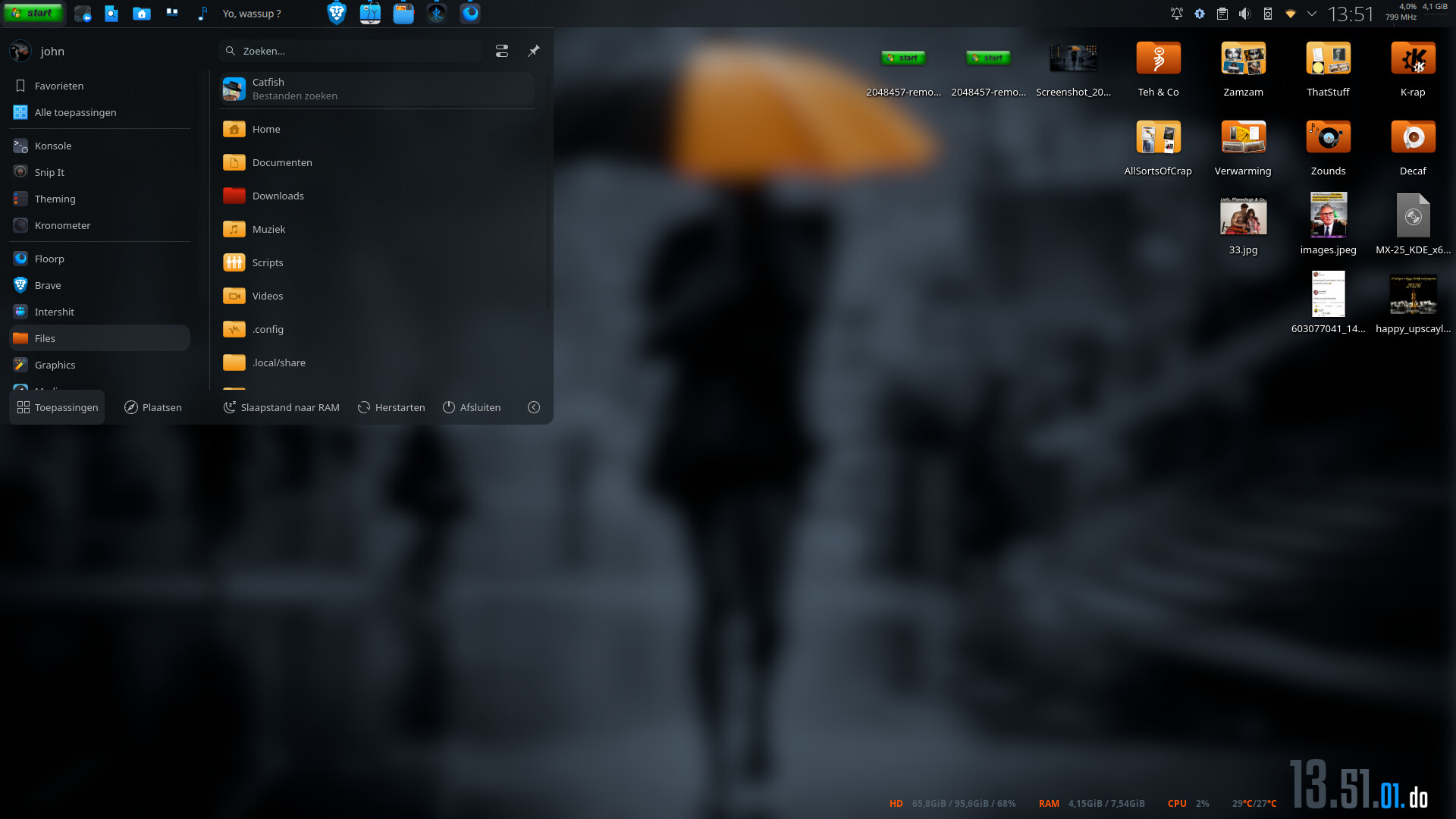
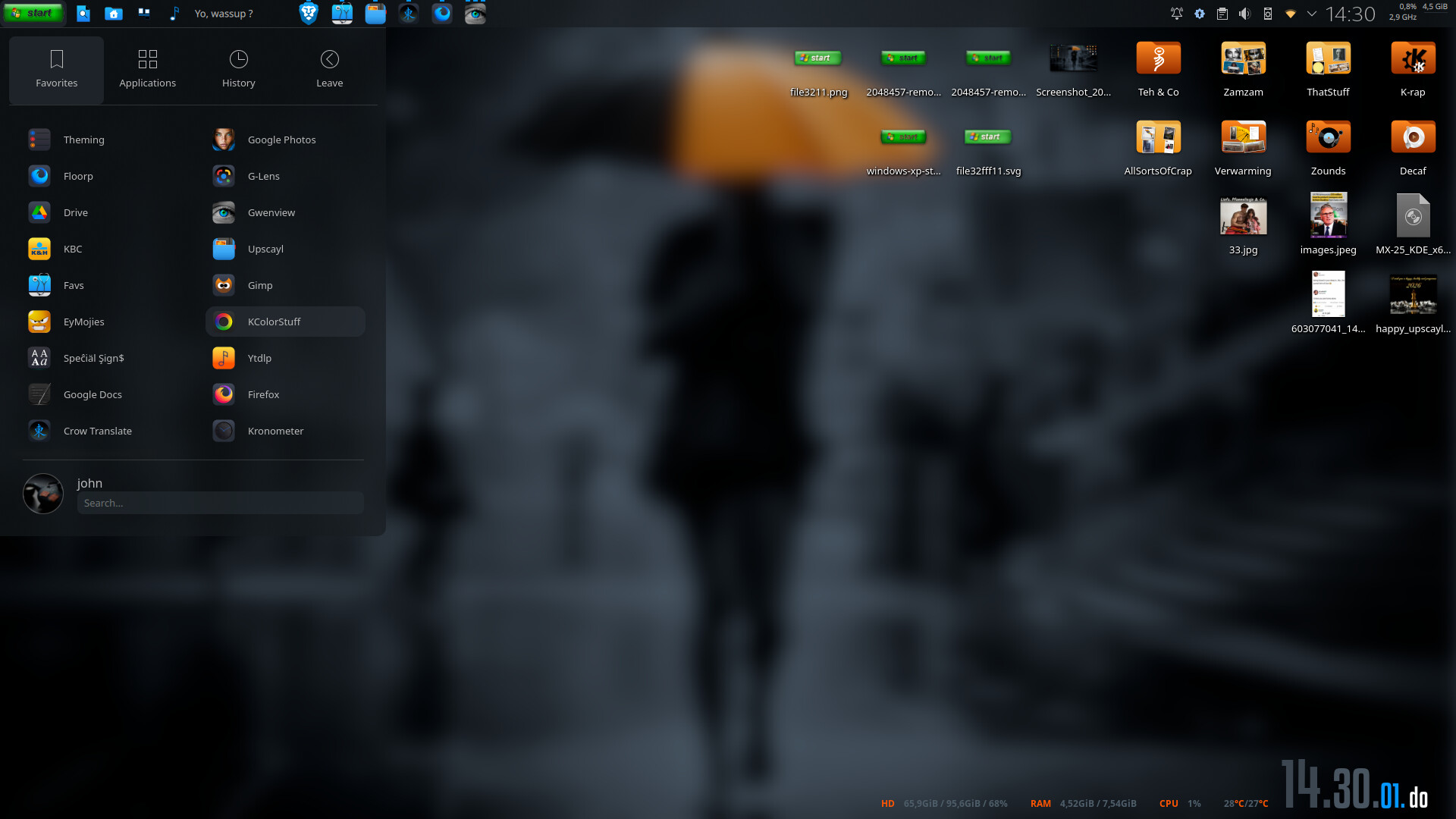
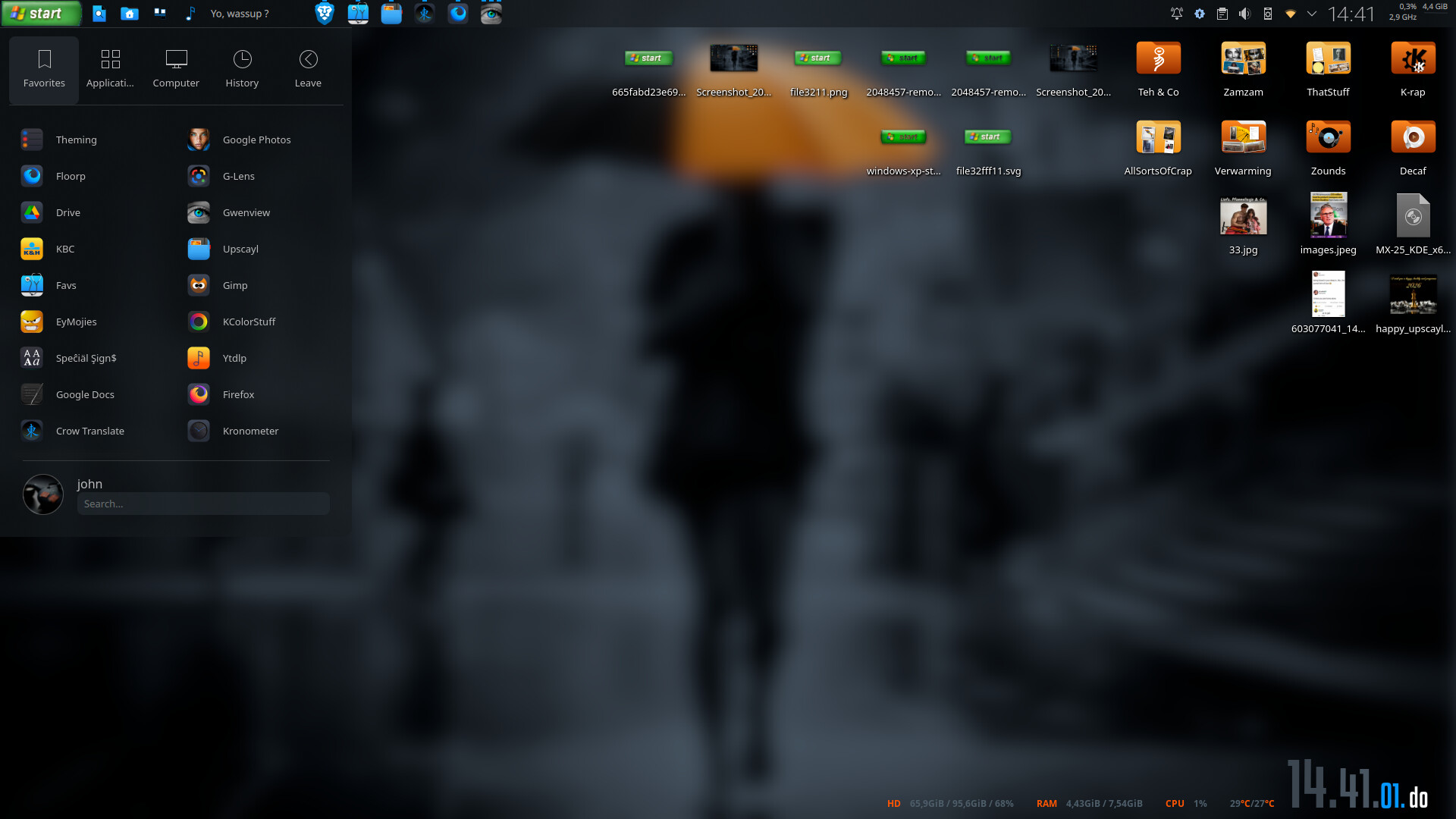
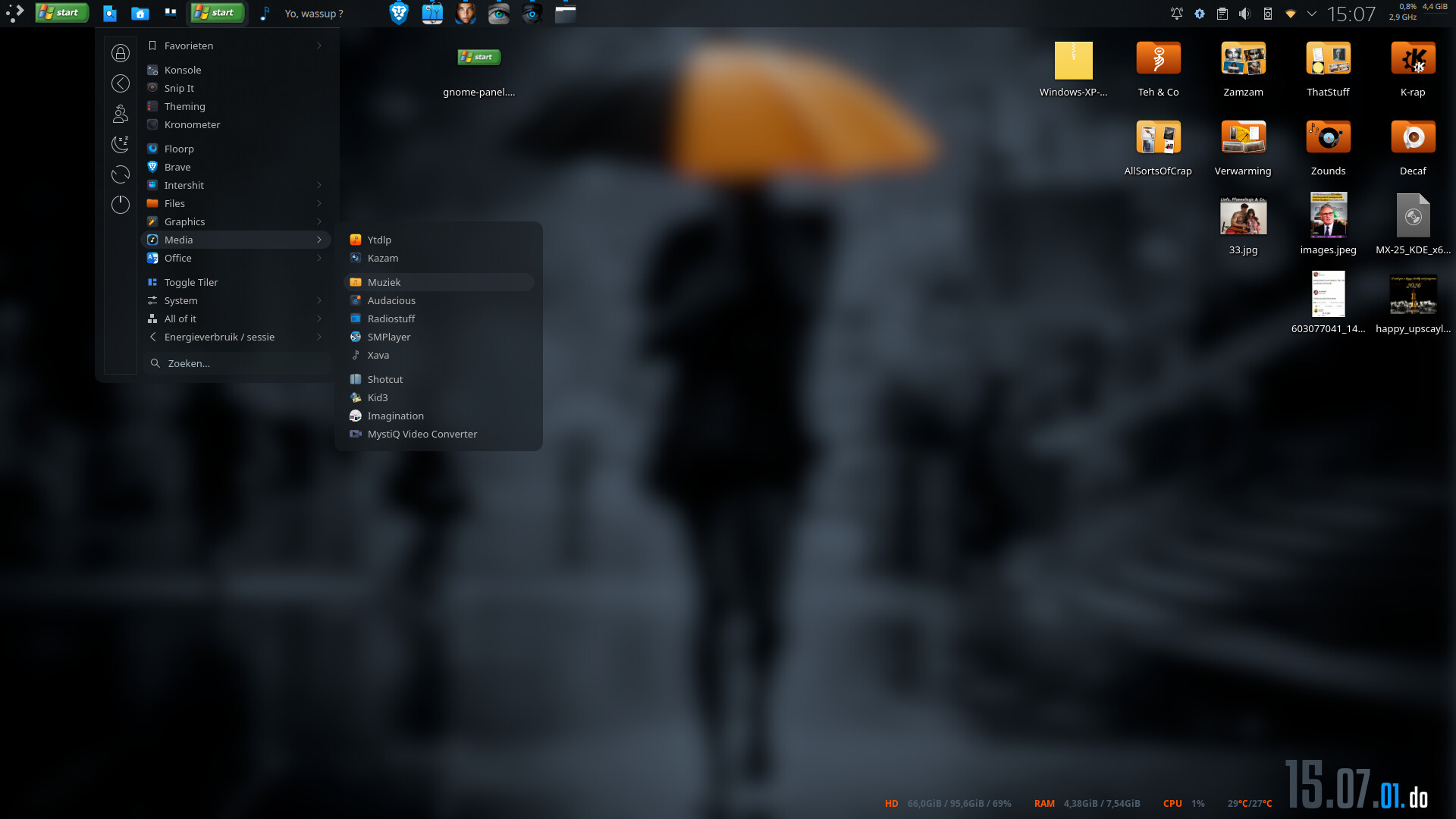
Yours! Your screenshots show that your Plasma style seems to work just fine with wide start-here icons
Good luck finding your way (xml) to achieve what you want. That youtube link shows you exactly how to do it. But, since you don’t want to use, say, inkscape…
What can I say…mine works. Except for that windows style tiled menu ( see screenshot).
Listen, I’m posting between a quiche and a turkey ( at least, that’s what the poulterer told me ) here.
And um…aren’t there any pre-made xp style styles or globals?
Guess that turkey’s only purpose is to scetch by now ( dammit).
Okay at this point I’ve no idea what’s going on. The only thing I can guess is that you may be on an older Plasma version than me, and that later Plasma versions may have broken this functionality. I’m on Plasma 6.5.4, what about you?
Well well well, I just tried in a Debian virtual machine (Plasma 6.3.6) and non-square start-here icons are compatible there. It’s still being shrunken vertically though, so I’ll investigate that now.






 ) here.