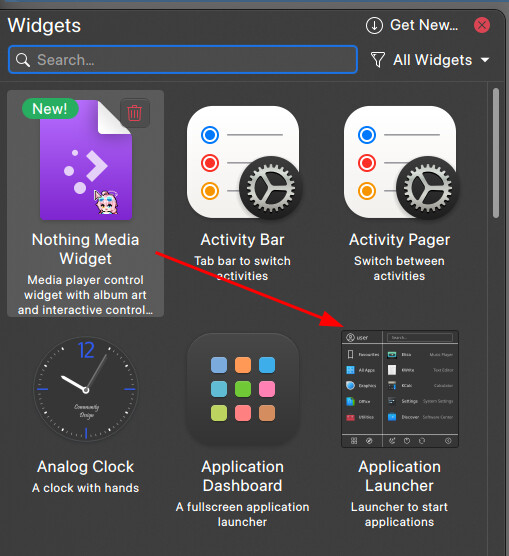
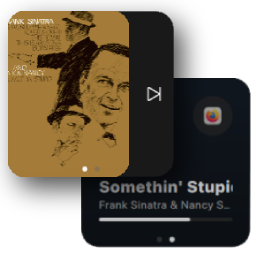
It does work if I manually copy my “Icon" to the desired folder and then reference it in the manifest.json. But, I don’t think that’s the way you’re supposed to do it. I have a couple of widgets I just want to figure our how to set their preview image to the one I designed in Photoshop so I could show all their available states at once. I.e
if you add widget “SCP Menu” from the widget store you can see it displays in the Add widget browser with an icon and if you look up the plasmoid in ~/.local/share/plasma/plasmoids/ you will see it uses a .desktop file instead of .json with the Icon=configure key value pair.
but if you add widget “Simple public IP` you will see that it has the same problem as your are having, using the .json file.
i tried adding the Plasmoid.icon: 'starred-symbolic' to the main.qml per the documentation, but it didn’t work
however, i found that adding the line "Icon": "configure", in between the other items under KPlugin that it would show the icon in the Widget Browser.
it did not, however, affect the icon displayed for the .json file like the .desktop does.
I tried everything mentioned there, looked at several examples but the lack of proper documentation and wording ( or perhaps it’s outdated ) is surprising while kde is known for its customisation
The widgets are up. Thanks for everyone’s support. ( Repo: jaxparrow07/nothing-kde-widgets )
Are there any sub threads where you could post your widgets?