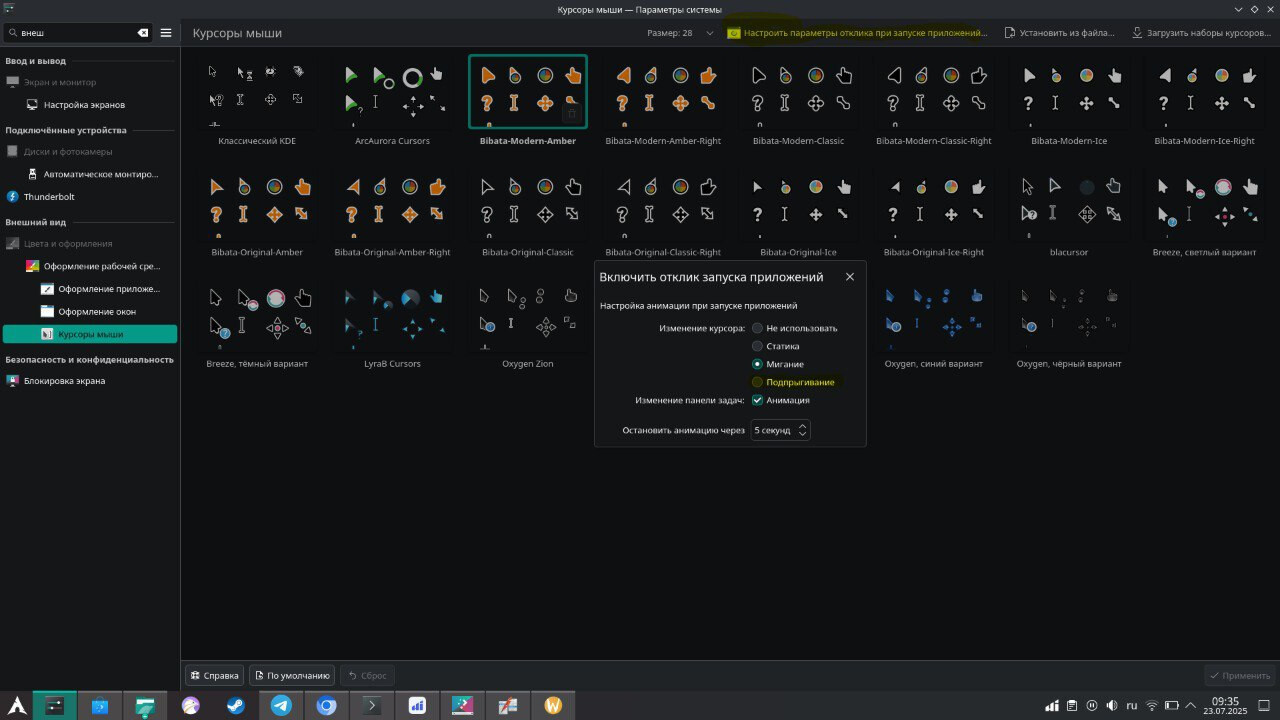
The current launch feedback animation (the bouncing cursor) looks out of place and honestly quite unappealing, especially compared to the animations built into many modern cursor themes. It feels disconnected from the visual style of the desktop and clashes with the aesthetic. Is there a way to change this behavior to use cursor loading animation instead of kde open app feedback animations?
If not, I’d love to see an option in System Settings → Cursors → Configure Launch Feedback to use the cursor theme’s built-in animation (e.g. animated wait cursor) rather than the default bounce effect.
Screenshot is in another language, but I hope it still illustrates what I mean.
image|690x388
I would also like to see this. I have a frutiger aero theme I’m working on, and one of the last things I would like is a simple spinner icon indicating an app is loading or busy in the background.
Cursor sets already have these icons (even the Breeze sets), so it’s just kind of unfortunate that there’s no way to use them.
I was searching a way to make the cursor loading animation appear instead of the icon bouncing, but as I see, there is no way to do this, which is sad. I don’t like the bouncing animation since it does not fit in my desktop theme, so a custom one would be way better.
I’d started working on one vibe-coding, but neither claude or codex have had good luck in getting very high-quality animations out of it. My general direction of “make cairo-dock in kde” ended up below currently, but I’ve been too busy to deal with it much lately.
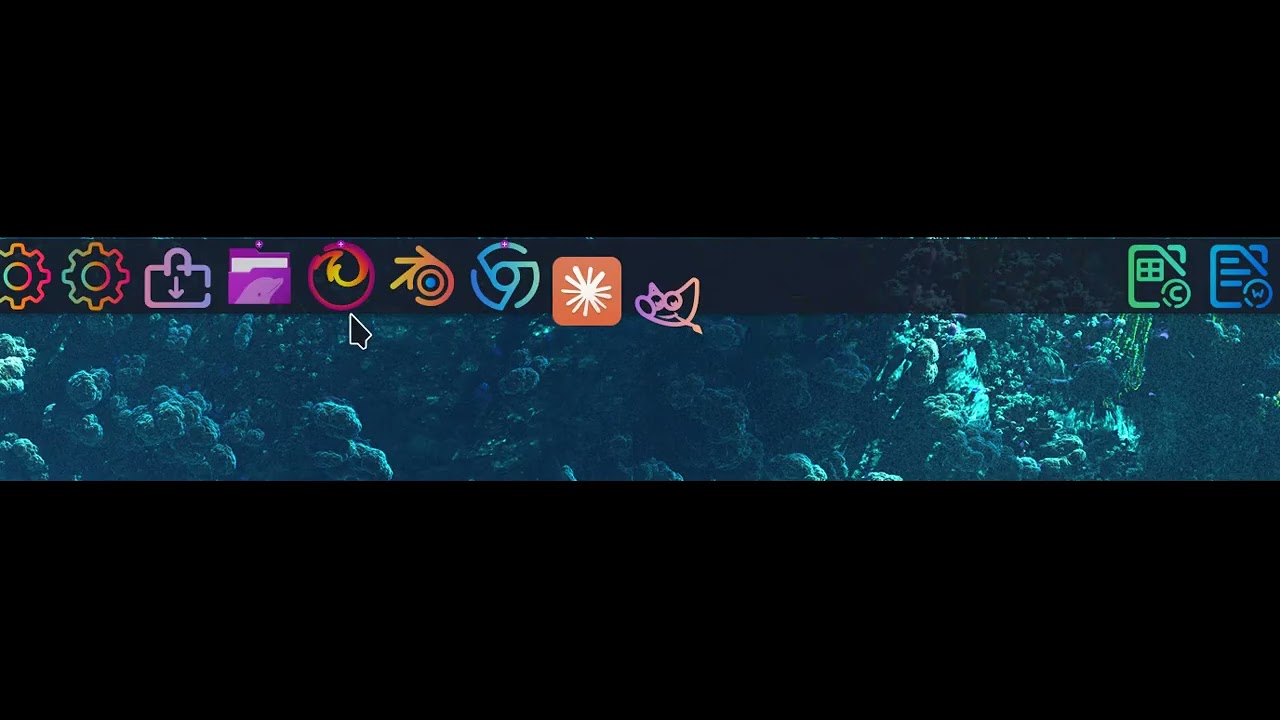
Sooner or later I’ll get back to it, I’ve tried to keep things as close to stock code-base as possible, but I am not a developer and shooting a bit blind with ai in kicking it harder/trying to optimize graphics performance for smooth animations.
I would also quite like this feature. I only rely on Task Manager feedback but a standard loading cursor animation would be nice to have.