I have a Nikon Z50ii shooting in RAW. Copy the files from SD disc directly to the computer running on Windows 11. The pictures look fine on both Thumb Nail and Preview but when I try to upload to the Image Editor, I just get a pattern of colored lines and diagonal bars. Not certain if this is a bug or I need to change a setting and if so which?
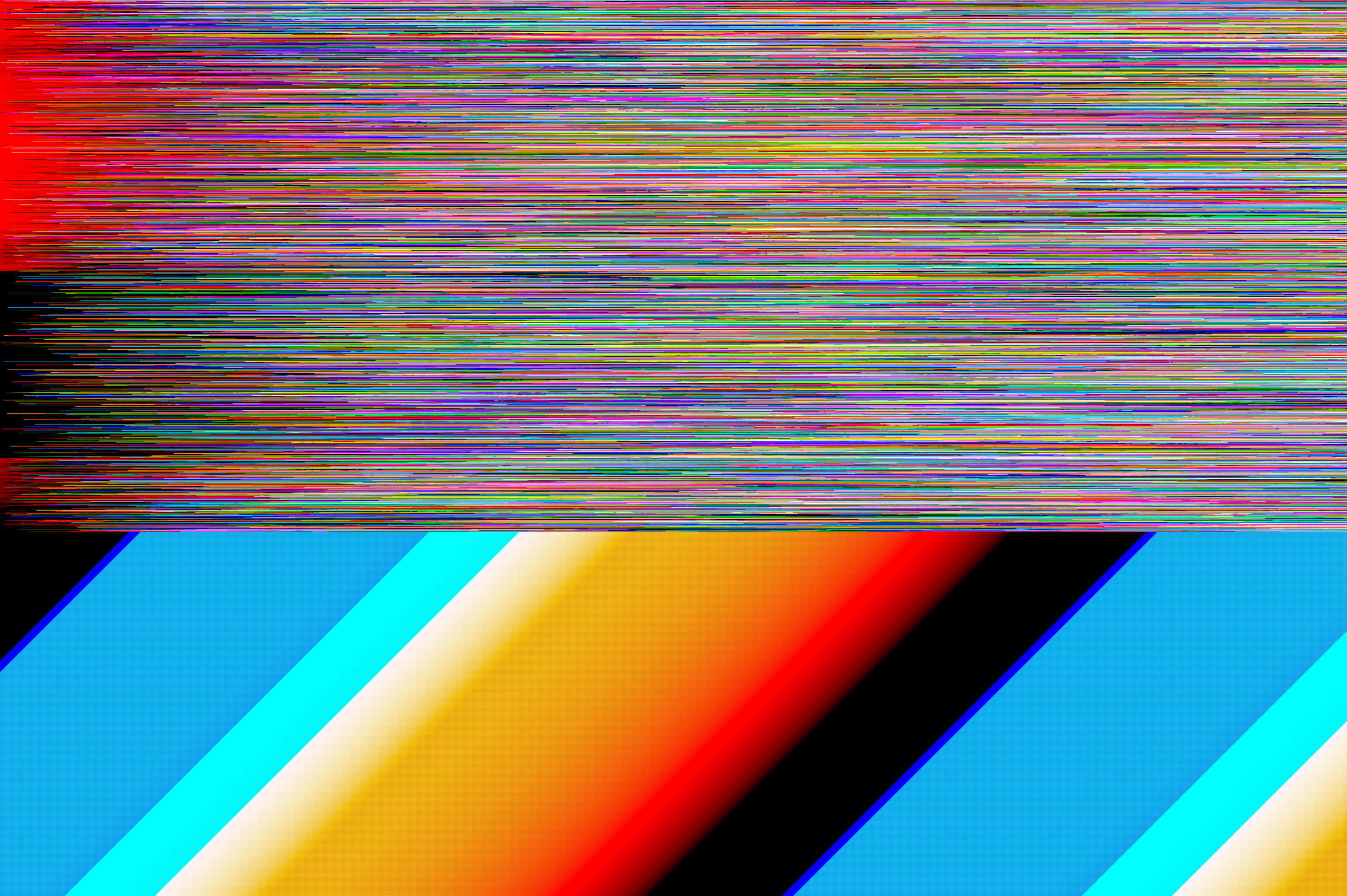
Image Editor sounds generic, where are you seeing this? Is it an app? Generally the more details you give, the more likely someone will be able to help.
When you open a RAW picture in the image editor it opens a page called “ Import RAW Using Libraw”. This is when the Error occures. I have used this for pictures for other Nikon cameras without any problem.
But what “image editor” are you using? Surely it has a name?
The built in Image Editor for digiKam 8.8.0 and the error ocures when the picture is being imported using the imbeded Libraw convertor. I have checked that the Nikon Z50 is supported by Libraw and it is. The one thought I have had is that I am using the latest version a Nikon z50ii.
Ok thanks, I edited the title and added the digikam tag, so people with knowledge of digiKam and raw files can find this thread more easily
I have been told that the problem is caused by the proprietary compression introduced by Nikon with their recent camera model. I understand that Libraw do not yet have the code to support the Z50ii
Created an account just to reply to this.
I am having the same DigiKam problem in Windows as well.
I just changed the RAW RECORDING setting to LOSSLESS COMPRESSION instead of the default HIGH EFFECIENCY. And now DigiKam reads my NEF files correctly.
Apparently it is the HE setting that LIBRAW has issues with.