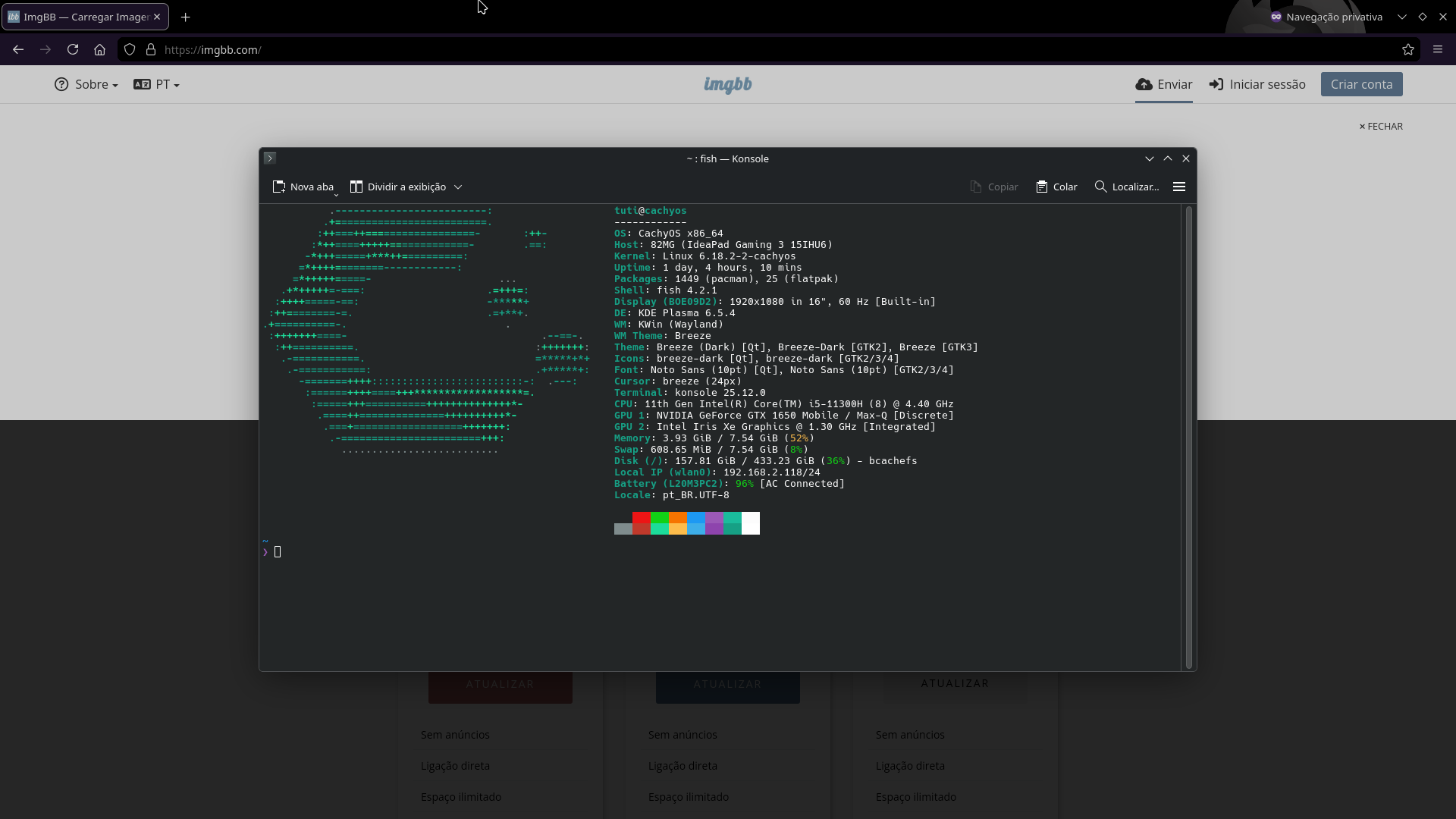
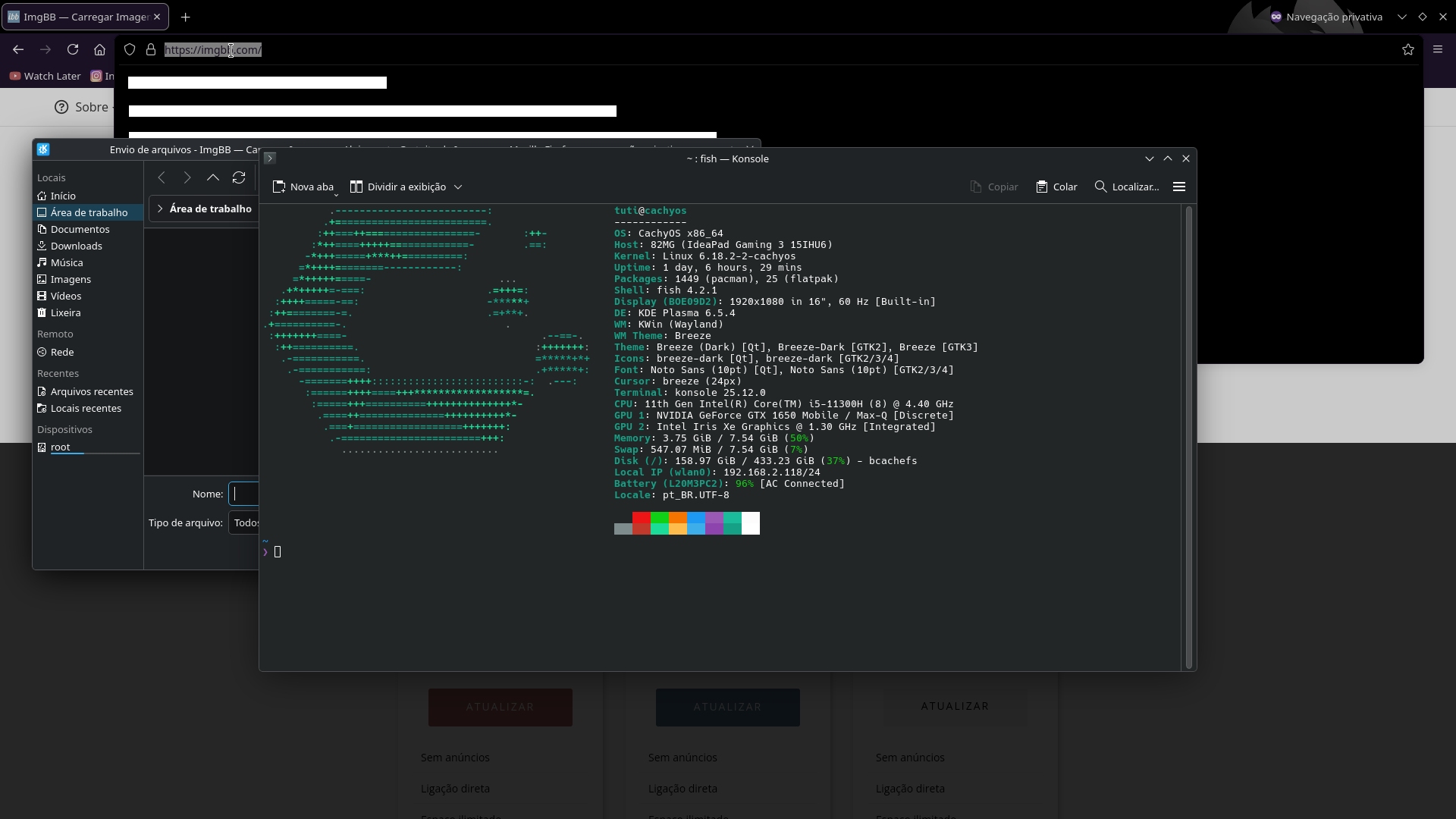
While a File Picker is open by Firefox and there’s a unrelated window over both Firefox and the File Picker; clicking on Firefox doesn’t make it go over the unrelated window.
Clicking on Firefox doesn’t make the Konsole go away because of KDE’s File Picker, or so that’s what it looks like.
Try Floorp or Zen browser; I tried Floorp, and I could click the browser window and bring it up, moving the unrelated window to the background.
If you experience the same also with Floorp, it’s probably Arch or CachyOS bug.
After years of distro-hopping, I now use Debian testing, which I find much more stable (and bug-free) than any other distro, including Ubuntu and derivatives.
I think this is probably a kwin or maybe wayland bug? I can reproduce this effect with a lot of applications, even with konsole itself:
open two konsole windows
in the first one, do “save output as” to get a file dialog
put the second window on top
try to focus the first one by clicking the main window → nothing
try to focus the first one by clicking the file dialog → focus changes
(A curious side effect for konsole in particular: you can’t close window 2 while window 1 shows its file picker)
Most other applications I tried showed the same behavior: firefox, qbittorrent, chromium, ksysguard, systemmonitor, kate, okular, ark, kid3, kfind, …
So far I found only two applications which behave differently: krename and filelight, although with filelight you only get a “select folder” dialog, which is different from the usual file picker
Then there’s a handful of non-QT applications I tried which also don’t have this problem, but they also show a different file select dialog
Nope. I can do whatever I like with these Konsole windows , switch to anyone by clicking on it.
System: Debian 14 (testing), KDE Plasma 6.5.4 (Wayland)
Well, that’s interesting then. I’m also on 6.5.4 Wayland, although with Manjaro. I’ve looked through the kwin window management settings and tried fiddling with some of them but nothing has affected this behavior so far. I have no specific window rules or kwin scripts active, either.
We’ll soon have a solid, pure KDE Plasma with KDE Linux, and will be able to see more clearly if it’s a KDE Plasma bug or a distro-specific packaging bug, when we encounter such problems in some other distro, I guess.
For the time being, KDE neon user edition might serve this purpose.
Well, just for fun I downloaded the current KDE Neon ISO and live booted a VM. Then, trying to reproduce the “bug” I actually had different things happening with each try and got a bit confused, but I think I figured out a few things.
First of, here’s a screencast of the actual “bug” happening:
You’ll notice there is a difference in behavior between clicking into the content window (which is the unexpected behavior) versus clicking the title bar (which is the expected one)
So, there’s our hint. If we go into system settings into “Window Behavior”, you’ll notice there’s a tab “Titlebar Actions” and another one “Window Actions”.
In “Window Actions” the Setting for “Left Click”, by default, is set to “Activate, pass click and raise on release”. At first, this sounds reasonable, but for some reason the “raise on release” part either does not seem to work, or I don’t understand what it’s supposed to mean.
After changing this setting to “Activate, raise and pass click” is when the behavior changes to how I (and OP) would actually expect it to.
So, by changing this setting this issue is “solved”, but I hope someone can explain this in a bit more detail.
And then, as an extra, I have another screencast where things just went completely wrong (still with the original setting):
As you can see, I activated the first Konsole window directly by opening the menu. This somehow lead to the file picker dialog to not block its parent and be able to be lowered behind it. I can’t really explain this one for now.