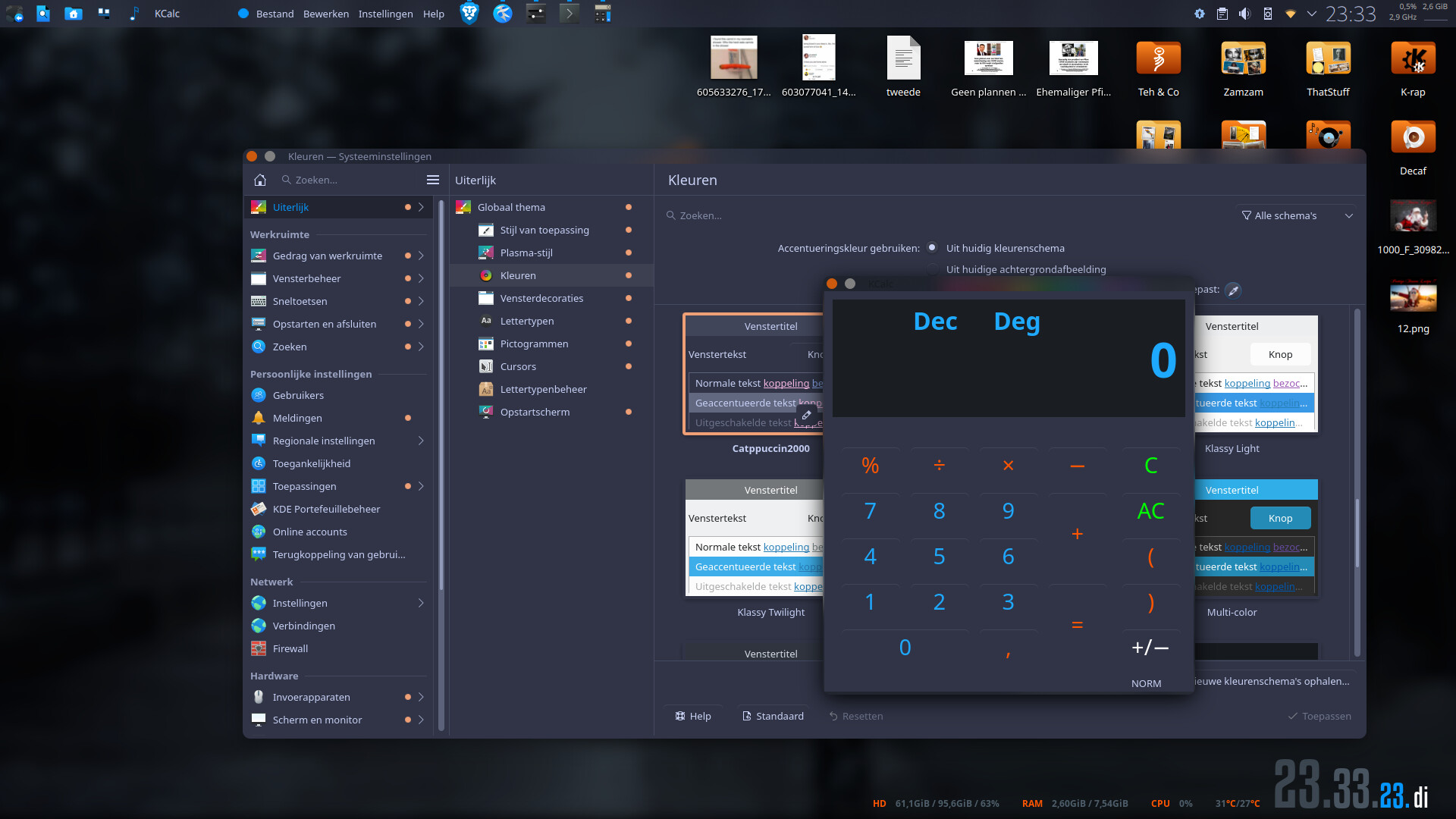
I’m attempting to use a custom color scheme that I’ve made, it’s been set in Colours & Themes > Colours and some apps like system settings appear to follow it, however a significant majority don’t like KCalc & Dolphin. Other color schemes appear to work fine. This can be fixed on some apps by going to Settings > Window Color Scheme and manually setting the theme there.
It works perfectly. (The red is my accent color which I didn’t change). Obviously your problem lies elsewhere. What Application Style, Plasma Style and Windows Decoration are you using?
qt6ct is being used for the application style, React Plus/Reactionary is being used for the plasma style & window decorations. Changing either of these doesn’t seem to solve the issue however.
The only other thing that could be relating to this is kvantum, though I don’t believe that touches the KDE color scheme. I’ll correct on what i said previously though: when the window color theme is set to default, if the color scheme is a dark one then it’ll use the breeze dark color scheme, and vice versa for a light theme. Just the actual colors don’t get applied unless manually selected
Plasma is also installed via the plasma-meta package
I’ve uninstalled kvantum and reinstalled plasma-meta to be safe then rebooted, the behavior seems to be inconsistent however across the KDE apps.
Apps like Partition Manager, Kongress and KTorrent respect my color scheme (& other schemes aswell) yet others like KOrganizer, Akregator and Dolphin don’t.
I would create a new user. Then log out of your account and into the account of the new user. Recreate your color scheme with no extras and see what happens.