Hello folks !
After 2 weeks of daily driving KDE Linux it’s time to say what I think about it.
For those who don’t know what is KDE Linux, it’s a currently indev atomic Linux distro based upon Arche Linux packages. More info here.
Disclaimer
Do not reproduce at home. It’s in pre-alpha and there might have some unwanted updates that can ruin your installation. I’m doing this for the sake of risk (and the curiosity of testing another distro). If you want to test it, the best option is to run it on a virtual machine or a spar machine. This said let’s move to the review.
Installation
First things firsts, I get the image file (for some reasons it’s a .raw file and not a .iso). Flashing it with ISO Image Writer and booting the live environment is as easy as every others distros. It’s worth mentioning that there is only a nightly version of KDE Linux available. This mean that instead of being on a stable Plasma version I will using a the latest builds of Plasma. This also affect some core apps like Dolphin or Konsole.
Despite being on a pre-alpha I have been surprised to face a well customized Calamares. Other than that it’s a normal OS installation like in any other distros. Some changes is that it don’t ask to create any user account or password and it don’t ask to confirm before pressed to the install (this one is wierd).
On the first reboot I have been granted by KISS, a new setup wizard that guided me through the the prossess of choosing my keyboard layout, language and creating a user account. It’s simple and does well the job.
Utilization
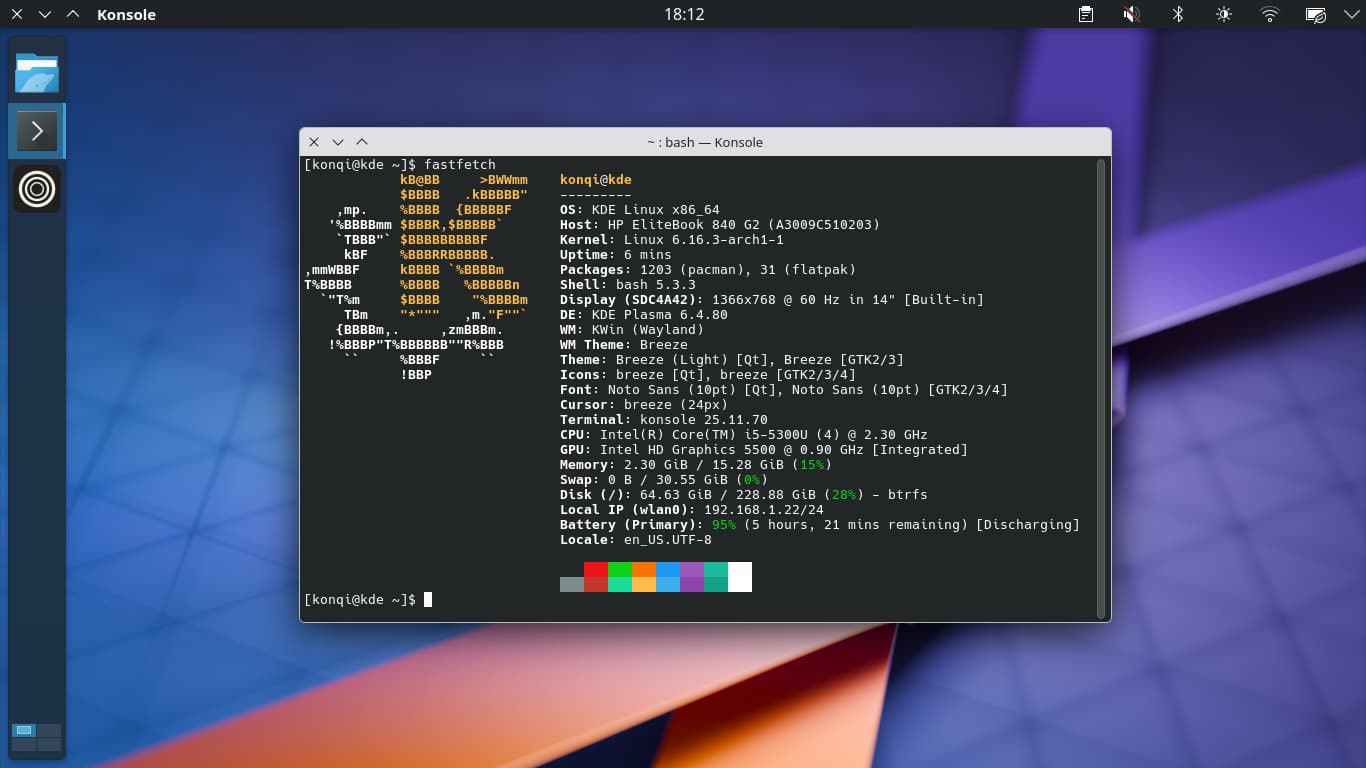
KDE Linux came with a little amount of apps pre installed, just enough for normal uses. Due to it’s atomic nature, I thought it will just ship Plasma and everything else will be flatpaks but I have been surprised that it’s full of CLI tools. Even fastfetch is here !
Flatpaks
If you want to install apps on KDE Linux, the best way is to use flatpak (no traditional packages we are on a atomic). Discover handle very well this job. It also updating the system. One problem with flatpaks is that it’s poorly handle global menu (similar to what is doing macOS) but it is more per app issue.
It is a good surprises however that KDE apps works seamlessly like if there are native. Great job on that !
First problem
Not everything is perfect (it’s not even an alpha at this time) and there might be some issues here and there like virtualisation through libvirt suddenly stop working after a system update. Of course things like this are to be excepted when you using such early software but I like taking useless risks.
Conclusion
While being the most unstable distro I ever used, KDE Linux is reliable enough to fits my expectations.
It’s always such a pleasure to read This week in Plasma and try out the new features a few days later.
Should you use it ?
No, unless you really want to have problems.
For now at least. I don’t know when to expect stable release 