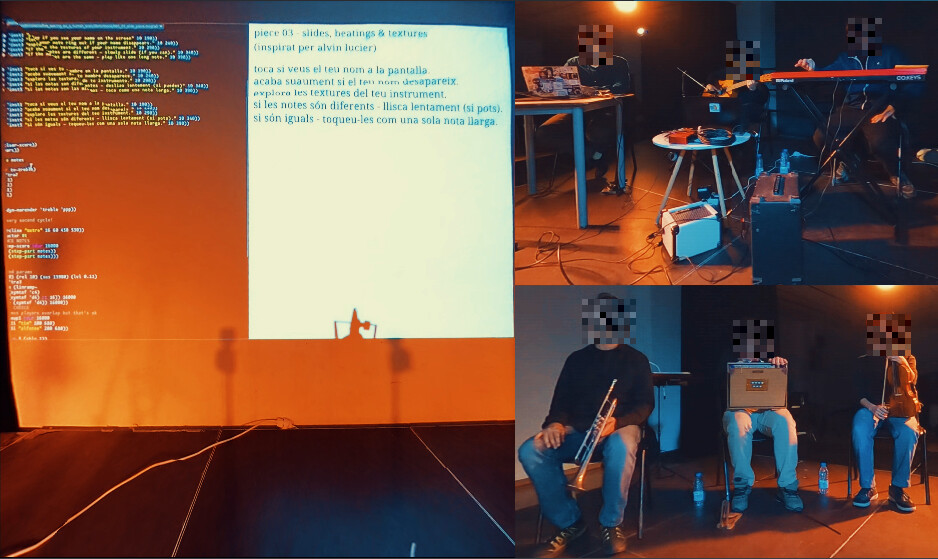
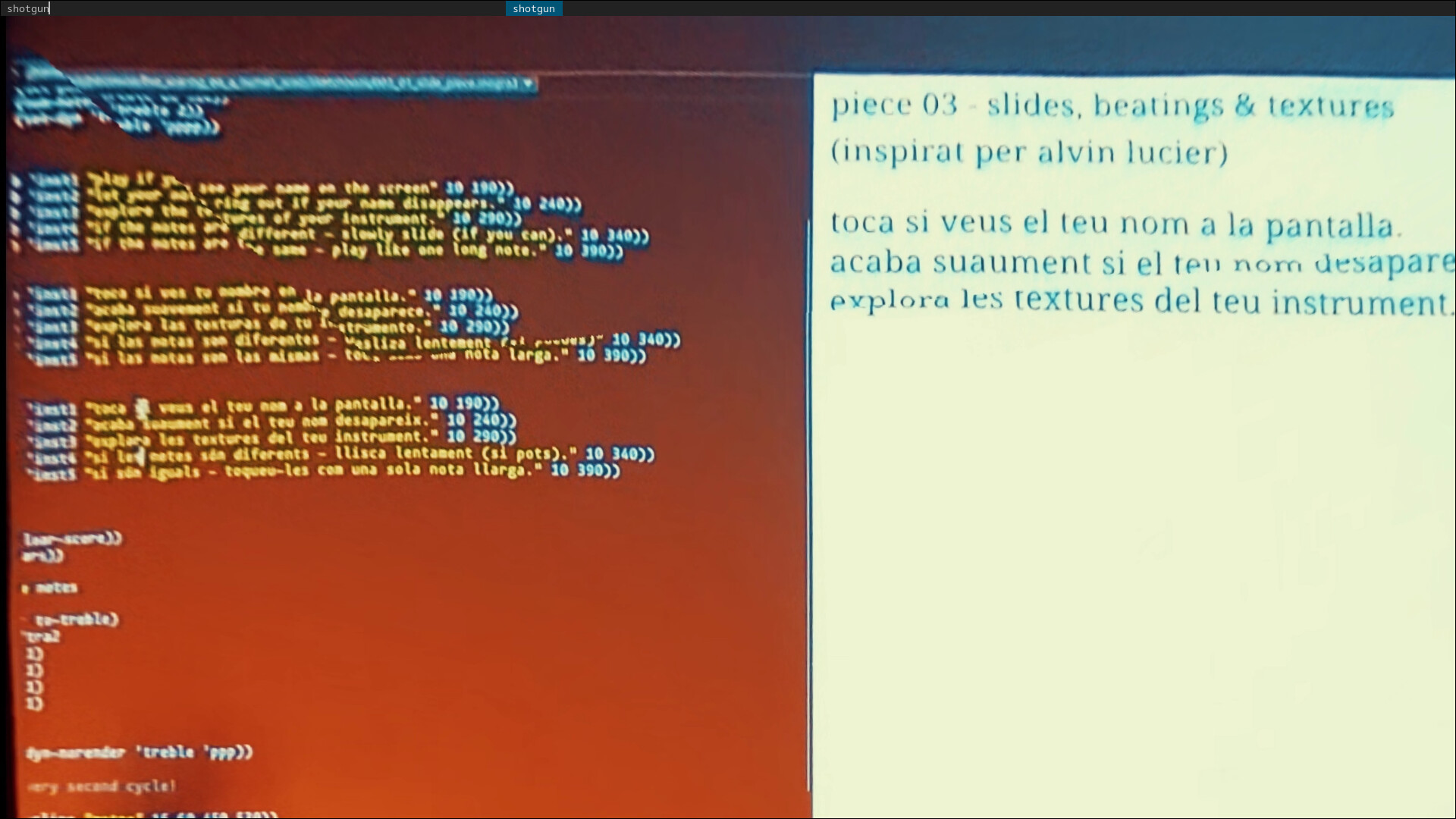
(not talking about the weird cuts in the image, these are an artifact of the equirectangular conversion, an unrelated topic).
So it’s three tracks, each track using the “Crop, Scale & Tilt” and “Position & Zoom” Effects to compose the images (after re-framing from equirectangular 3D-videos with “VR360 Equirectangular to Rectilinear”).
The P&Z effect has some compositing issues that may be the cause of this. I always recommend using the Transform effect for sizing and positioning. You can use the built-in transformation, or - if effect sequences is important - add it to the effect stack like any other effect.
Hmm in the end it was a mismatch between project resolution and render resolution …
Project resolution is 4032x2388 (seems to be the only way to work with the GoPro Max 360 footage and the VR360 effects in an effective way), and I tried to export to 1920x1080 … so that rendered only part of the image …
For best results you usually want to set the project resolution to match what your primary raw footage was shot in, then if you want your export at something different to that, use the rescale option in the render dialog.
TBH I’ve never tried - but I would assume that you can, you’ll just get a corresponding distortion as the content is stretched and squeezed to fit. Though if you’re already shooting through a pair of ‘360’ fisheyes, you’re already in a world full of distortion, so you might be able to compensate for that with the VR360 mappings or a linear transform stacked after them …