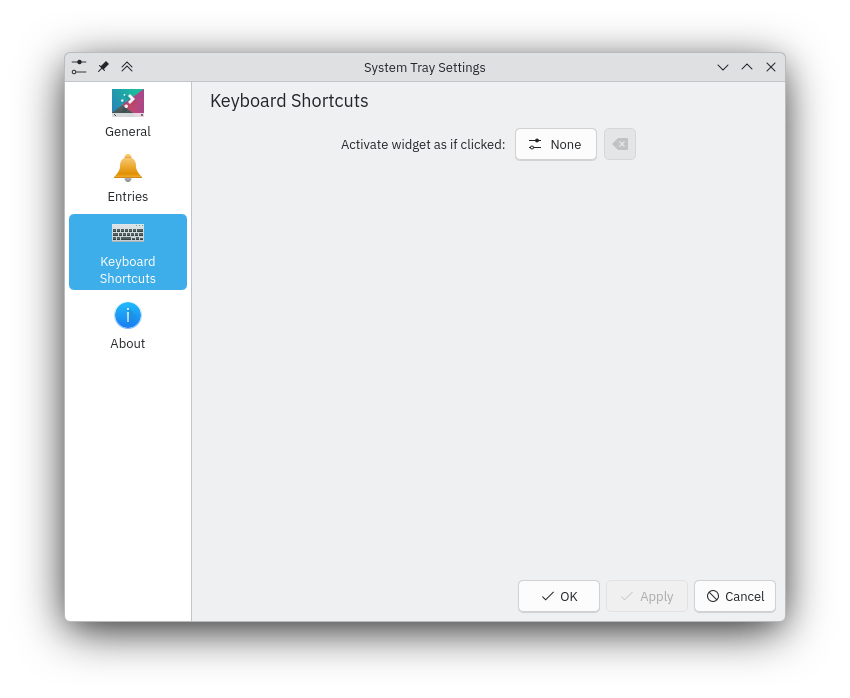
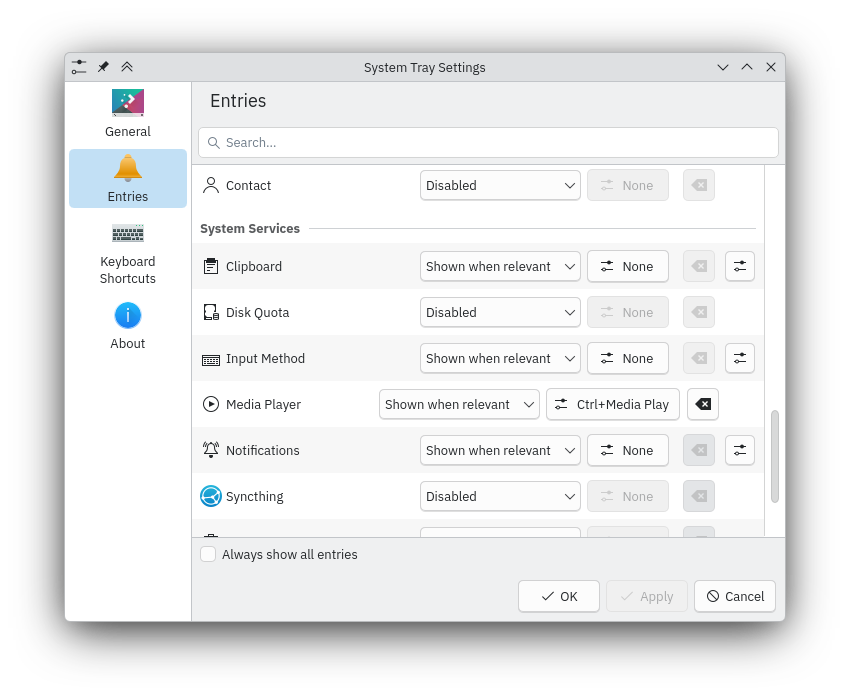
I would like to create a keyboard shortcut to open/close the system tray’s built-in media player. For example, if I am listening to music and wish to find out the name of the song or time remaining in it, I could press some key to show this information and press it again to hide it. The “Media Controller” section of the System Settings “Keyboard Shortcuts” page lets me create binds for next, preview, play, pause, etc. but not one to show the system tray media player. The System Tray Settings has its own “Keyboard Shortcuts” page, with only one option: “Activate widget as if clicked”. This sounds promising, but it doesn’t seem to do anything when I add a bind, nor is there a way to specify which specific system tray widget I want activated. Any ideas how to accomplish this?
Each systray widget should have individual keyboard shortcut settings in the tray’s settings, at least on Plasma 6.
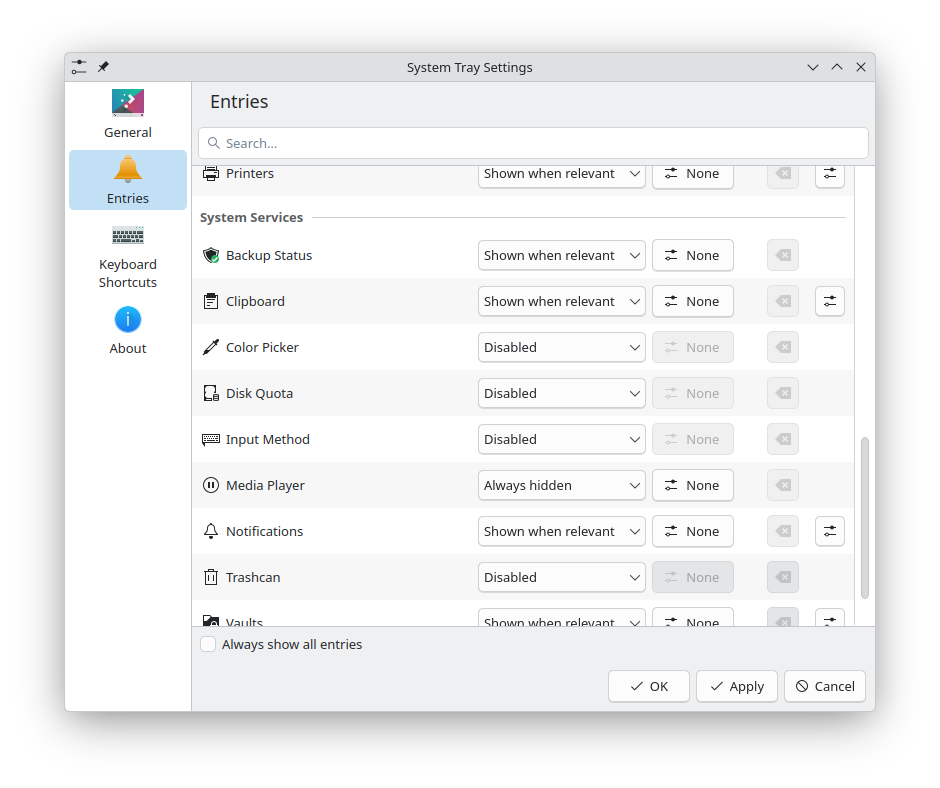
Playing around with this, I could not get a keyboard shortcut to stick here.
What I found that worked was first to make sure that I had the widget set to be always visible, then opened a media player or something. Opening YouTube in Firefox was what I used.
Then, setting a shortcut did stick, and work. I could then change the media control visibility back to hidden.
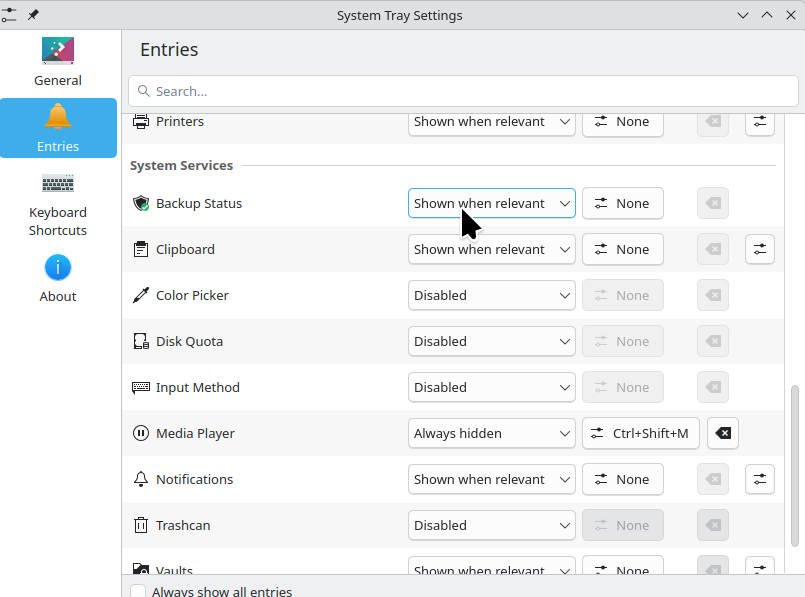

Now, removing this shortcut, and doing this again from scratch, I did not need to go through all that faffing 
can confirm, even on plasma 5 that the key bind seems to lag one save behind.
at first it would not give me the “apply” button at all
then my 2nd attempt at editing the keybind allowed me so save Alt+S as they key bind (which only works if there is a media playing app open)
on my third attempt i saved it as Ctlr+Alt+S, but when i fired up strawberry again the Ctrl+Alt+S key bind was not working, but the Alt+S bind was…
it’s as if it’s only acting upon the save from the time before the last save (or in your case above, no keybind at all which is the default)
edit: also of note, the keybind only appears in the entry configure dialog whilst a media app is open… close strawberry and the keybind show “none”
Hm, I can’t reproduce this - it works on first try, and even with no media player open.