Whenever I try to use krunner and I have something in my clipboard, krunner always auto pastes it. I see where the feature can be useful but I would like if I had the option to disable this feature. I just dont want to keep holding backspace or pressing the big X to get rid of whatever is auto pasted in the search because when I go to search and open an application, I want to do it with nothing in the way and nothing I have to do first. I think krunner is a great application and it is very helpful. This small implementation of having a choice to enable or disable the clipboard auto paste would make the experience using krunner even better for me.
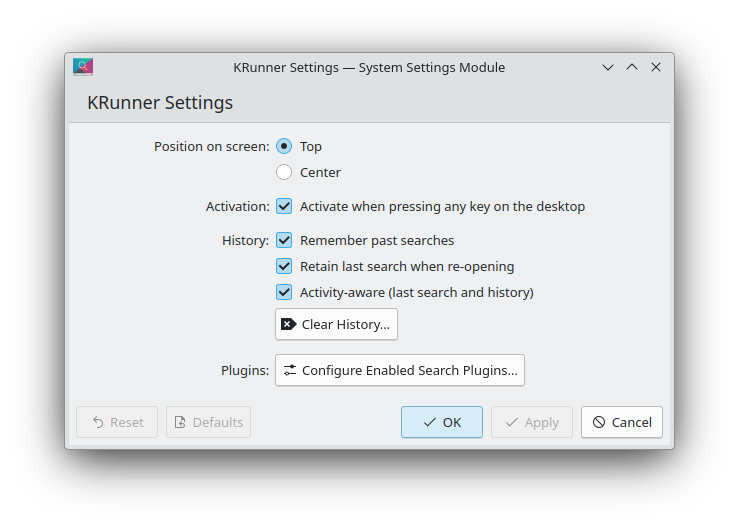
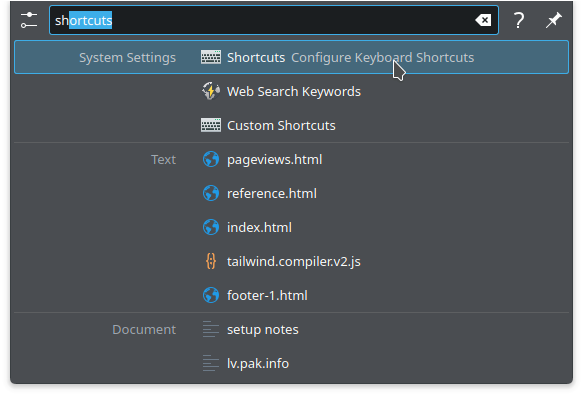
The issue is not that whenever I type it auto fills. I like that feature. It is whenever I copy something and I open krunner it auto pastes something that I copied from clipboard in the search bar. That is the option I would like to toggle off.
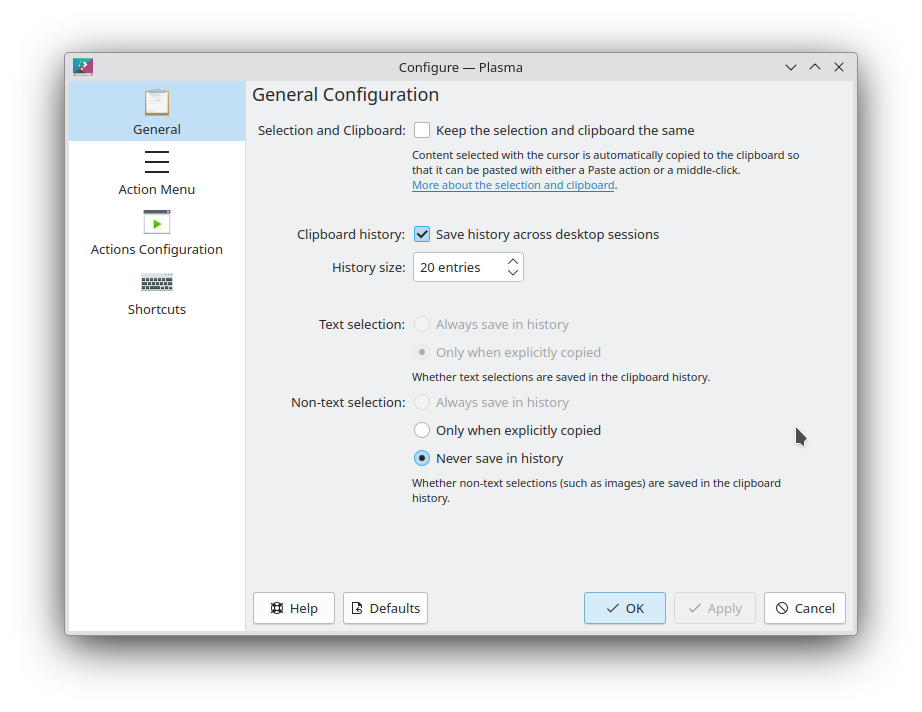
I have the same settings except my krunner is never pinned. I always like to open it with my shortcut (ctrl+shift+space). Is the problem that I open a krunner with something in my clipboard?
how are you opening krunner?
i usually just start typing on the desktop, or i also have it set up for a hot corner… but neither one of those ways will fill the text box with anything other that what i type.
I just press my shortcut and it opens. That is literally it.
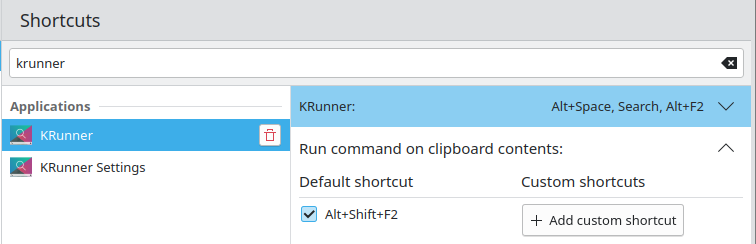
I am using ctrl+space+shift to open krunner.
I assume that is a custom shortcut. Does it paste when you use the default (Alt + Space)?
I figured out the issue and it was on my end. The problem was that I had my shortcut in the “run command on clipboard contents”. It was a me problem. 