For any Breeze haters out there, Lightly lives on: install lightly-qt6-git
1 Like
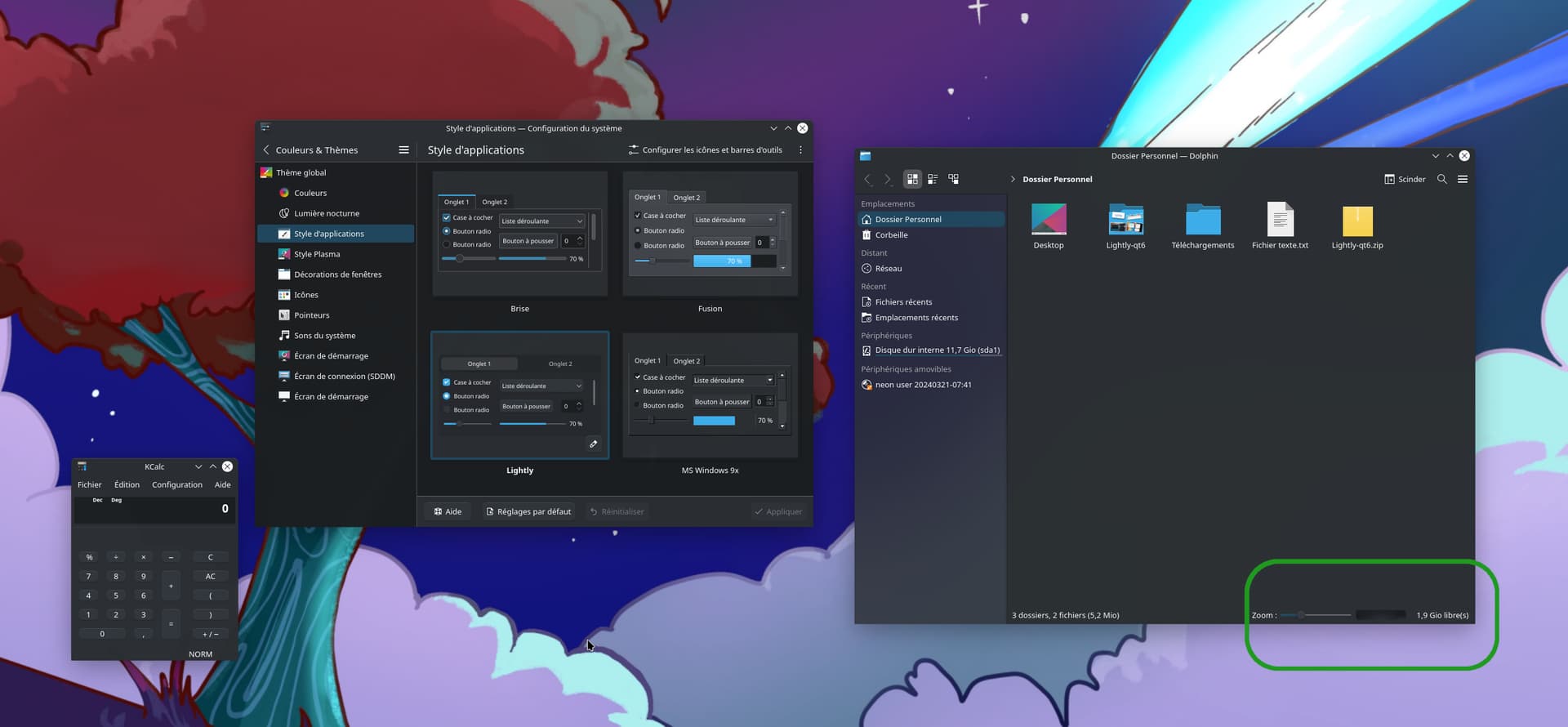
Thanks for the info, I’ve been curious about trying Lightly.
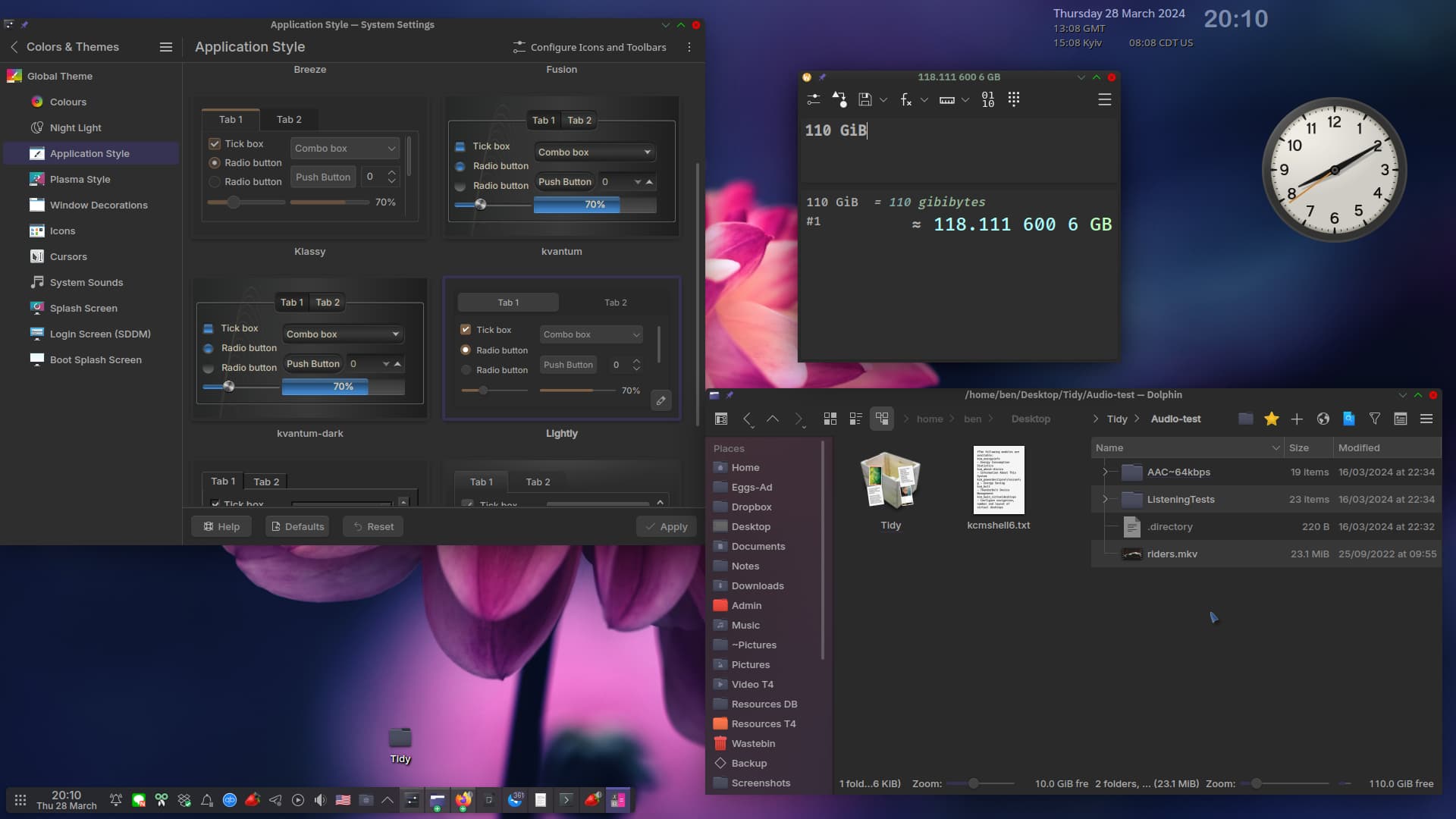
By the way, and sorry for going off-topic a bit, but what is that Kvantum theme you have on that screenshot there? It’s beautiful! The one on the bottom right also looks really nice, what is that?
2 Likes
The kvantum theme selected is ‘kvben’. Basically a copied similar theme (can’t remember) with some edits of my own - probably mostly colours, I forget now.
You can modify colours in SVG images by loading them up with Kate editor with colour previews enabled.
So you find kvantum themes /usr/share/Kvantum/
Make a local copy /home/ben/.config/Kvantum/
Take ownership `sudo chown -R ben ~/.config/Kvantum/*
Then modify names, and edit as you see fit.
Right now I included lots of info, but there was an error ‘drafts offline’ so it’s all lost…
So list and find these:
Icons:
Breeze-round-chameleon
Klassy Dark (basically a newer icon, very similar to breeze).
Newaita-reborn-dracula-dark.
Colours: kde-purpose-pastebin-plugin - Pastebin.com
KV themes were copied and edited… best just download mine and see:
https://www.dropbox.com/scl/fi/kyrnws5ecrpw1idlblome/KvBen.tar.gz?rlkey=iicw9ukxhzo4hluqh8yyx5m3v&dl=0
You can edit .svg files in Kate and get previews of the colours - compare the text with the Kate shot:
Text:
     pagecolor="#00c15a"
     bordercolor="#666666"

Now this is an old post, so you might need the new and working version of Lightly…
You can try it by copying (the entire text) and pasting this:
git clone --single-branch --depth=1 https://github.com/Bali10050/Lightly.git
  cd Lightly && mkdir build && cd build
  cmake -DCMAKE_INSTALL_PREFIX=/usr -DCMAKE_INSTALL_LIBDIR=lib -DBUILD_TESTING=OFF ..
  cd ./kdecoration/config/
  make -j 12
  cd ../../
  make -j 12
  sudo make install
1 Like
Awesome, thanks! Will experiment with it this weekend. 
2 Likes