how does one do this “simply”?
in settings > input devices > keyboard > layouts > configure > Add
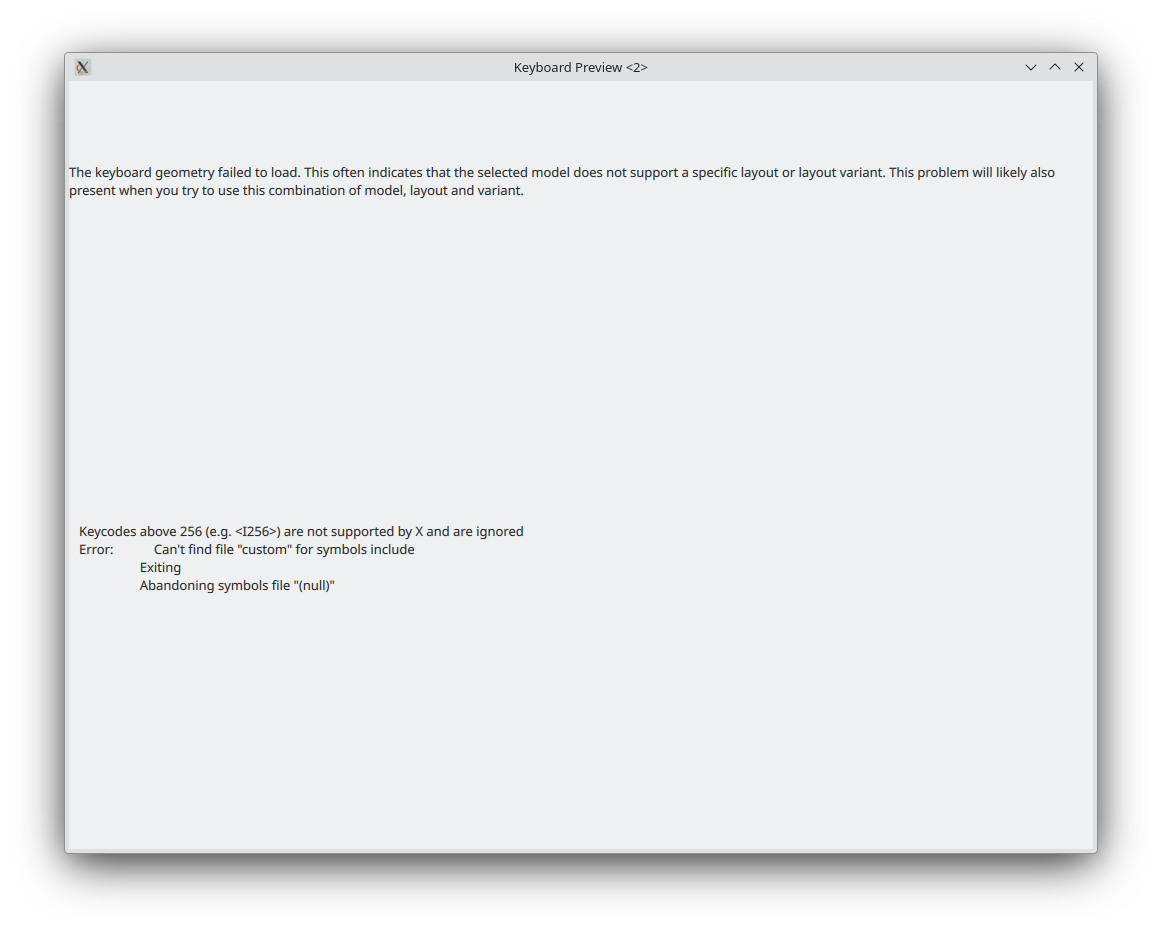
i only seem to be able to choose between a l-o-n-g list of preset keyboard layouts… there is one option that says “A user-defined custom layout” all the way at the bottom of the list, but it gives me this error when i try to preview it
not sure where to go from there….
EDIT:
figured out how to create my own keyboard layout to add the emdash
set up my own keyboard layout which is now up and running… from my notes.
## SPECIAL CHARACTERS ##
# typing special characters into documents, text boxes, or terminals are done several ways.
# choosing them from the emoji selector or kcharselect GUI is fine for occasional needs.
# slightly more convenient is to use the Compose key + 1-4 letter code to generate them.
# to see what compose codes are, you can look them up based on your locale... for me, that's
/usr/share/X11/locale/en_US.UTF-8/C…
here is a preview of the entire mapping