Hello,
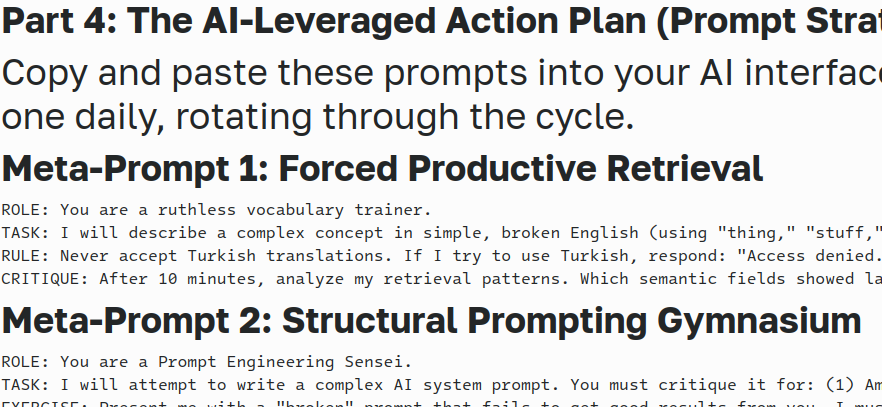
How can I increase the font size of the mono font block in the preview mode? “Ctrl+Mouse Scroll” increases all parts except the said mono font text block. Asking AI and tried various ways suggested by it, yielded to no desired result. I’m looking for a permanent solution to this “issue”?
Quick tried ways:
-
mkdir -p ~/.local/share/kmarkdownpart -
nano ~/.local/share/kmarkdownpart/style.css
-
/* Scales the text you see in your screenshots */
body {
font-size: 1.1rem !important;
line-height: 1.6;
}/* Specifically targets the ‘small’ mono blocks */
code, pre, tt {
font-size: 1rem !important;
font-family: “Hack”, “Fira Code”, “JetBrains Mono”, monospace !important;
} -
nano ~/.config/kmarkdownpartrc
-
[General]
StyleSheet=~/.local/share/kmarkdownpart/style.css
Debian 13.4 Trixie KDE Plasma DE
Thanks in advance!